PNG in JPG
Converti file PNG in JPG gratuitamente
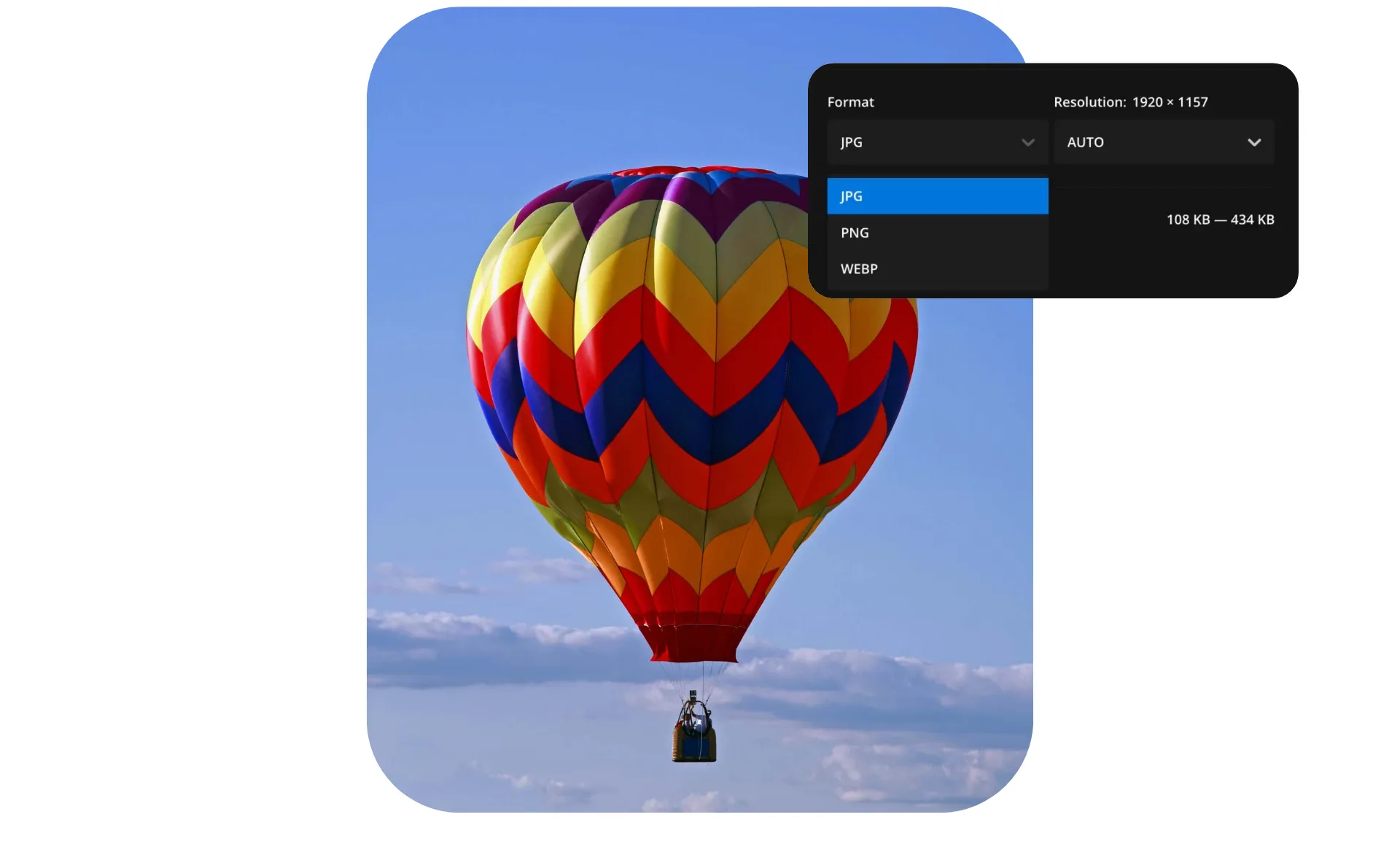
PNG a JPG — file più piccoli, stessa qualità
Riduci le dimensioni del file mantenendo la risoluzione con la conversione JPG
Converti per condividere file più piccoli e facili
Convertire PNG a JPG riduce la dimensione del file mantenendo l'alta risoluzione necessaria per siti web professionali, design ed email marketing.
Come formato di immagine universalmente compatibile, i JPG funzionano praticamente con tutti gli editor, le app e i dispositivi. Dai team esperti di tecnologia ai nonni via email, i JPG sono la scelta migliore per una condivisione e un caricamento senza intoppi.
Con Kapwing, puoi convertire le immagini in pochi secondi da qualsiasi dispositivo — nessun download o registrazione richiesti. Carica, modifica e salva con spazio di archiviazione cloud illimitato, conversione in batch e un'interfaccia intuitiva drag-and-drop che accelera il tuo flusso di lavoro.
Converti per siti web più veloci e prestazioni migliori
La conversione delle immagini PNG in JPG aiuta il tuo sito web a caricarsi più velocemente riducendo le dimensioni dei file immagine, essenziale per foto di prodotti, immagini di blog e risorse di marketing su tutti i formati di schermo.
I contenuti visivi che si caricano più velocemente significano un'esperienza utente migliorata e meno abbandoni. Semplice.
Converti per foto, sfumature e dettagli di colore
JPG è il formato preferito per la fotografia, la stampa e l'archiviazione. Il suo supporto universale garantisce che le immagini abbiano un aspetto coerente su piattaforme e dispositivi diversi, facilitando anche la preparazione dei file per le tipografie, i portfolio o l'archiviazione a lungo termine.
Per le foto, JPG gestisce gradienti, variazioni di colore e dettagli in modo più efficace rispetto a PNG, rendendolo lo standard per le gallerie online e i contenuti visivi. Con Kapwing, puoi migliorare ulteriormente le tue immagini applicando sfondi solidi o sfocati utilizzando strumenti basati su AI e un campionatore di colori.
Già rivoluzionando la creazione di video in diversi settori
Ascolta direttamente dai team che pubblicano più velocemente, collaborano meglio e rimangono sempre avanti.


Converti, ottimizza e condividi
Milioni di creator scelgono Kapwing, da fotografi a web designer

Creator di Social Media
I creator convertono PNG in JPG per pubblicare istantaneamente su Instagram, YouTube e TikTok, con condivisione diretta sui social integrata in Kapwing

Operatori di Email Marketing
I marketer di email convertono la grafica PNG per mantenere le dimensioni dei file email piccole. Le immagini JPG più leggere si caricano più velocemente, migliorando la consegna e riducendo i contenuti bloccati.

Giornalisti e Editori
I JPG si incorporano perfettamente nelle piattaforme CMS senza avvisi o anteprime di immagini distorte, mantenendo i flussi di lavoro di pubblicazione fluidi e gli articoli con molte immagini che si caricano rapidamente

Fotografi
I fotografi esportano le immagini come JPG per semplificare la condivisione con i clienti su piattaforme come Dropbox o Google Drive, assicurando che i file siano universalmente accessibili e pronti per la stampa senza passaggi aggiuntivi
.webp)
Progettisti Web
Oltre alla velocità, i JPG più piccoli aiutano a migliorare il posizionamento SEO, poiché Google premia i siti con prestazioni ottimizzate e tassi di rimbalzo più bassi

Negozi Online
I team di e-commerce convertono le immagini dei prodotti PNG in JPG per garantire immagini nitide su tutti i browser e prevenire rallentamenti o crash sui dispositivi mobile più vecchi

Proprietari di Piccole Imprese
Le piccole aziende convertono i logo e la grafica PNG in JPG per l'uso su piattaforme come Google Business, Yelp e LinkedIn, dove i PNG trasparenti non sono sempre supportati
.webp)
Insegnanti e studenti
I JPG si inseriscono perfettamente nei documenti Word, nelle diapositive PowerPoint, e nelle piattaforme scolastiche, rendendo i materiali accademici più facili da condividere e consultare
.webp)
Team di Marketing
I team di marketing convertono i PNG in JPG per mantenere la coerenza del brand su tutti i canali digitali. La compressione JPG è prevedibile, garantendo che loghi, banner e grafica delle campagne abbiano un aspetto uniforme.
Come convertire PNG in JPG
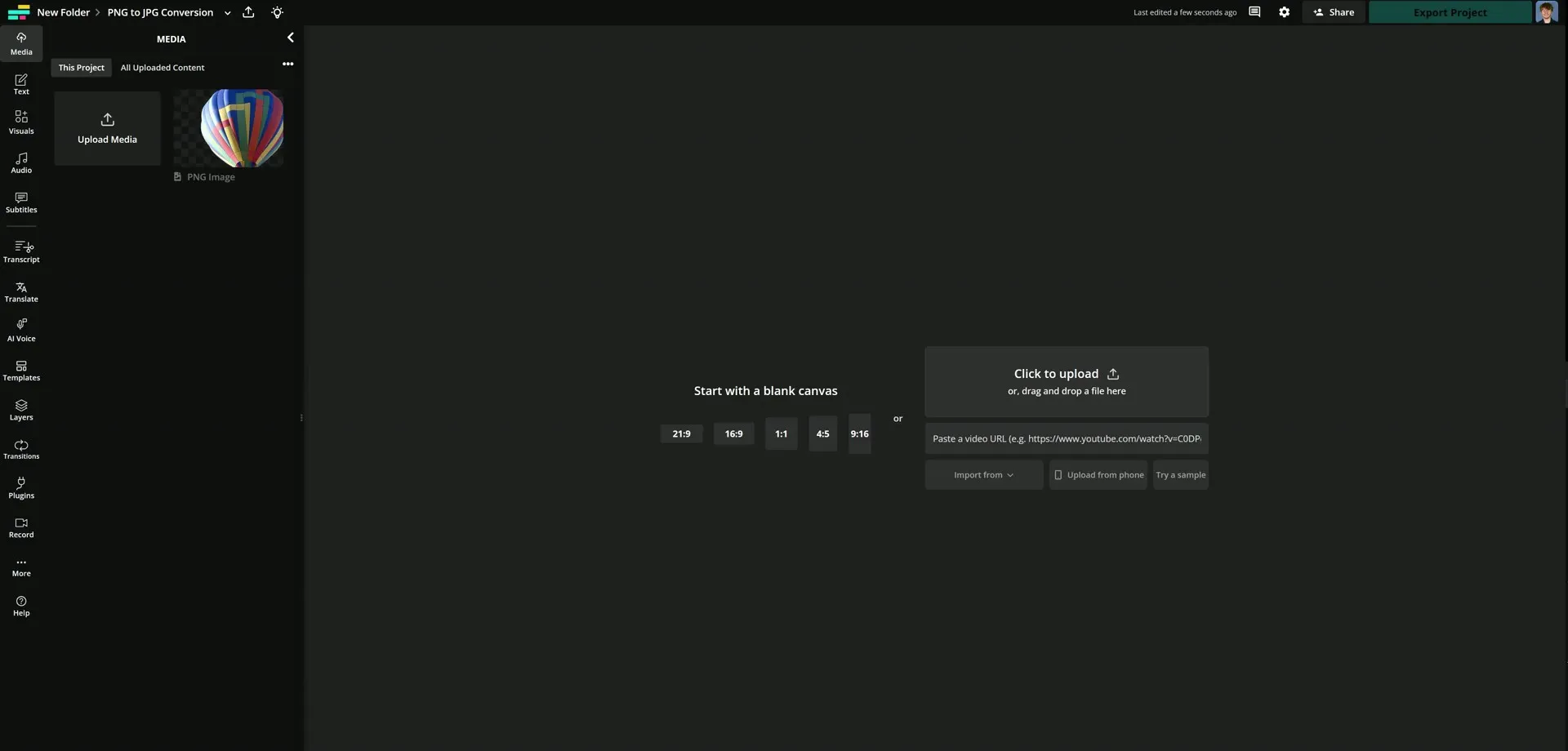
- Step 1Carica PNG
Carica il tuo file PNG su l'editor Kapwing per iniziare la conversione.
- Step 2Modifica foto
Se la tua immagine ha uno sfondo trasparente, aggiungi un colore solido per garantire la compatibilità con JPG. Facoltativamente, puoi fare ulteriori modifiche.
- Step 3Esporta come JPG
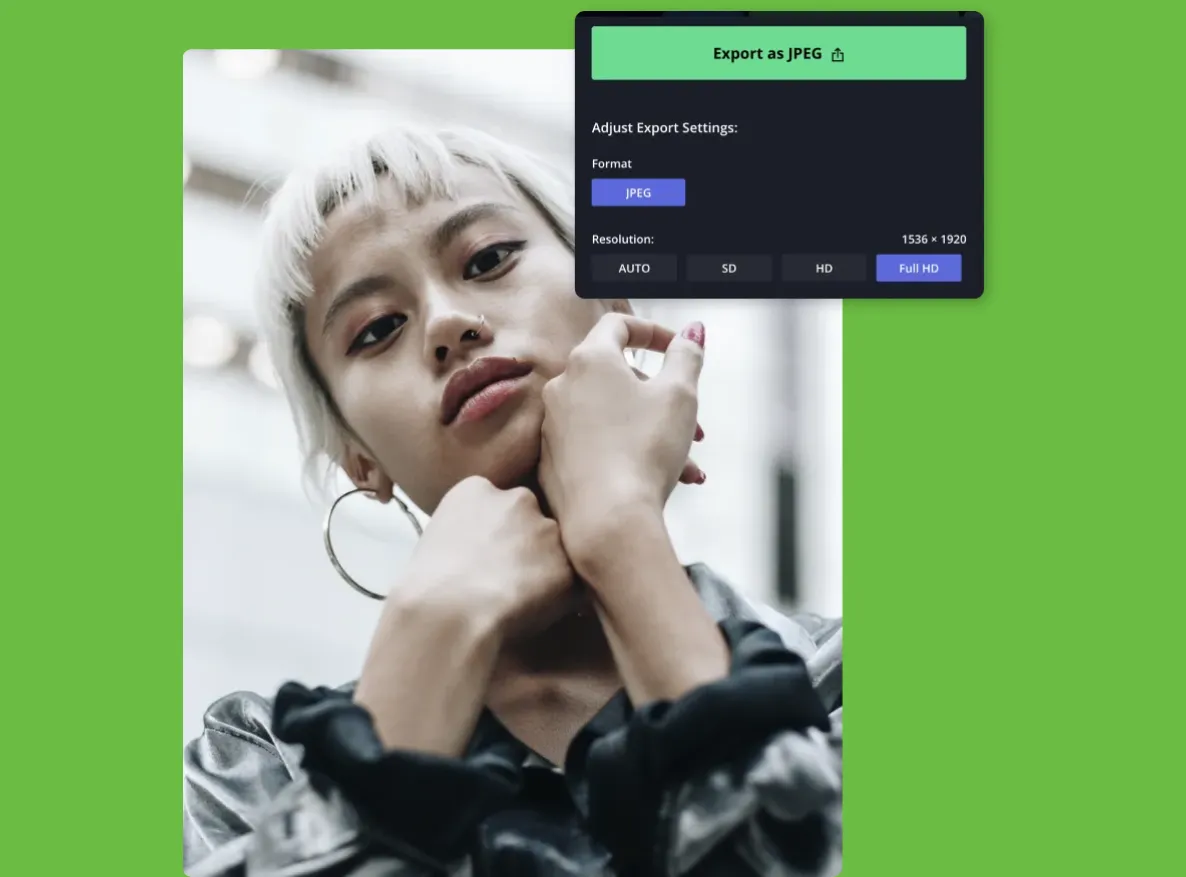
Nel menu di esportazione nell'angolo in alto a destra, scegli il tipo di file JPG per convertire la tua immagine.
Che cosa rende Kapwing diverso?



Domande Frequenti
Abbiamo le risposte alle domande più comuni che i nostri utenti ci fanno.
Il convertitore PNG in JPG è gratuito?
Sì, il convertitore da PNG a JPG è gratuito per tutti gli utenti.
C'è una filigrana sulle esportazioni?
Con il piano gratuito, i progetti esportati includono una filigrana fissa. L'aggiornamento a un account Pro rimuove la filigrana da tutti gli export. Gli account Pro hanno anche accesso a una risoluzione video più alta, archiviazione cloud illimitata e molto altro.
Qual è la differenza tra JPG e PNG?
JPG e PNG sono entrambi formati di immagine popolari ma vengono utilizzati per scopi diversi. I file JPG utilizzano la compressione con perdita, che riduce le dimensioni del file ma può abbassare leggermente la qualità dell'immagine. Questo rende JPG ideale per foto, contenuti online e situazioni in cui i tempi di caricamento rapidi e le dimensioni dei file più piccole sono importanti.
I file PNG utilizzano la compressione senza perdita, preservando ogni pixel di dettaglio anche dopo più modifiche e salvataggi. PNG supporta anche sfondi trasparenti, il che lo rende la scelta preferita per loghi, icone e grafica che devono mantenere la qualità o essere sovrapposti a sfondi diversi.
JPG supporta gli sfondi trasparenti?
No, i file JPG non supportano sfondi trasparenti. La conversione a PNG è necessaria per mantenere uno sfondo immagine trasparente.
Quali file di immagine supporta Kapwing?
Kapwing supporta il caricamento di formati immagine popolari, tra cui JPG/JPEG, PNG, GIF, WebP e HEIC. Dopo la modifica, puoi esportare il tuo progetto come file JPG, PNG o WebP direttamente online.
La conversione da PNG a JPG riduce la qualità dell'immagine?
Il convertitore di file di Kapwing è progettato per preservare la qualità dell'immagine quando converti da JPG a PNG. Poiché JPG utilizza la compressione con perdita di dati, l'immagine convertita potrebbe introdurre alcuni artefatti durante il processo. Per aumentare la qualità delle immagini prima o dopo la conversione, usa il potenziatore di immagini AI.
JPG o PNG è meglio per la stampa?
Per la maggior parte dei progetti di stampa, JPG è la scelta migliore perché supporta immagini ad alta risoluzione mantenendo dimensioni di file ridotte, il che rende più facile condividere e elaborare con le stampanti. JPG funziona bene per foto, volantini, poster e materiali di marketing dove la trasparenza non è richiesta.
Perché scegliere un file JPG?
- Supporto nativo su tutti i sistemi operativi (Windows, macOS, Linux, Android, iOS)
- Supportato universalmente da tutti i browser web, piattaforme email, social media e sistemi di gestione dei contenuti
- Facilmente aperto da praticamente ogni visualizzatore di immagini, editor e software multimediale
- Ottimizzato per le fotografie, rendendolo il formato preferito per fotocamere, smartphone e condivisione online
JPG è la stessa cosa di JPEG?
Sì, JPG e JPEG sono gli stessi formati di file immagine. L'unica differenza tra i due è il numero di caratteri utilizzati.
Scopri le Risorse
Consigli, modelli e approfondimenti per aiutarti a creare più velocemente e condividere con sicurezza.
Visualizza tutto

Inizia con il tuo primo video in pochi click. Unisciti a oltre 35 milioni di creator che si fidano di Kapwing per creare più contenuti in meno tempo.