WebP a JPG
Carica WebP.
Converti in JPG gratuitamente.
Converti WebP in JPG per compatibilità universale
Fai funzionare la tua immagine su tutte le piattaforme, app e dispositivi
Veloce. Online. Gratuito.
Convertendo WebP in JPEG, garantisci compatibilità universale, quindi le tue immagini si caricano correttamente su qualsiasi sito web, app o annuncio digitale.
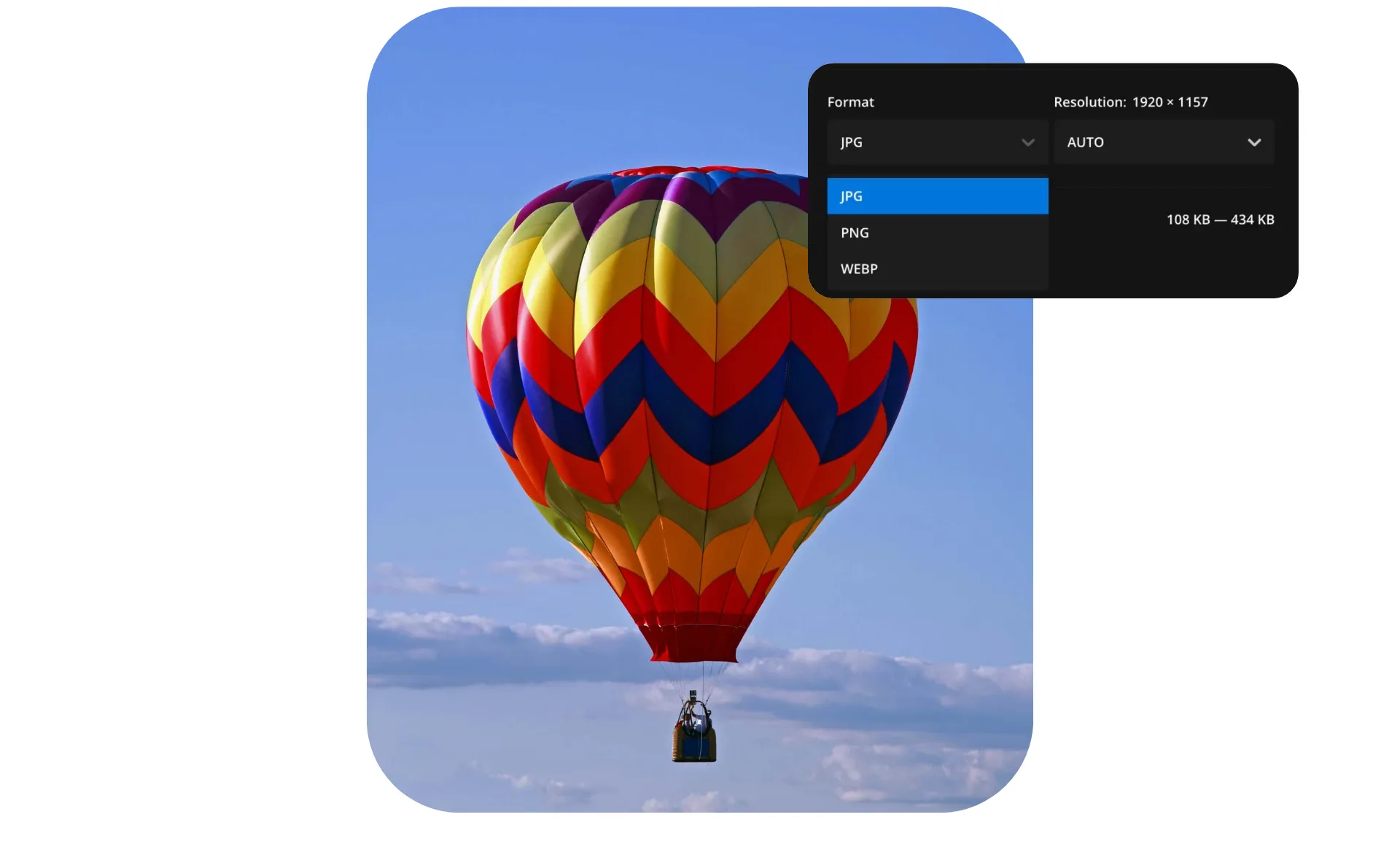
Il convertitore online di Kapwing offre una soluzione perfetta con un solo clic, gratuita e accessibile a tutti. Mantieni un'alta qualità dell'immagine con il cursore del livello di compressione e fai modifiche aggiuntive direttamente nello Studio di Editing integrato.
Per gli utenti che gestiscono grandi collezioni fotografiche, Kapwing supporta la conversione in batch, permettendoti di convertire più file WebP in JPG contemporaneamente. Tutto questo accade direttamente nel tuo browser, senza necessità di download o installazioni.

Perché JPG?
WebP è un formato immagine moderno creato per una compressione efficiente, ma non tutte le piattaforme lo supportano completamente. I browser più vecchi e i sistemi legacy potrebbero non riuscire a visualizzare correttamente le immagini WebP, causando elementi visivi danneggiati e esperienze utente incoerenti.
JPG è lo standard immagine su siti web e canali di social media
Hanno anche un peso in termini di dimensione file più leggero, il che migliora i tempi di caricamento delle pagine e può ridurre i tassi di abbandono — particolarmente importante per i negozi online e le campagne pubblicitarie dove le prestazioni incidono direttamente sulle conversioni.
Già rivoluzionando la creazione di video in diversi settori
Ascolta direttamente dai team che pubblicano più velocemente, collaborano meglio e rimangono sempre avanti.


Immagini di alta qualità per qualsiasi progetto
I creatori si fidano di Kapwing per convertire le loro immagini senza compromettere la qualità

Proprietari di Siti Web
Le piccole aziende convertono da WebP a JPG per assicurarsi che le loro immagini vengano visualizzate correttamente su tutti i browser e le piattaforme web, incluse le versioni precedenti
Creatori di Contenuti
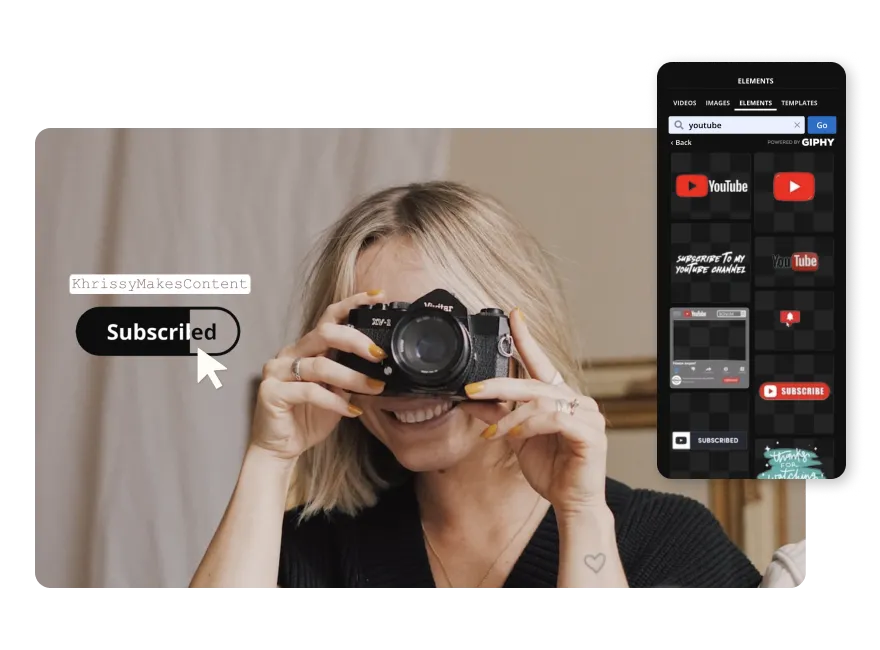
I creator usano i JPEG per YouTube thumbnails, post su Instagram e immagini del profilo perché sono facili da modificare e caricare velocemente

Aziende
Cambiare le immagini in JPG aiuta i proprietari di aziende a creare grafiche coerenti e web-friendly per siti di e-commerce e campagne pubblicitarie
Settore Pubblico
I sistemi legacy spesso non supportano WebP, ma JPEG funziona ovunque. Kapwing garantisce che moduli, materiali didattici e immagini di riferimento siano accessibili su tutti i siti pubblici.

Stampa Immagini
Le immagini JPG sono preferite per i progetti di stampa perché offrono colori di alta qualità e dimensioni di file più piccole, perfette per volantini, poster, e stampe fotografiche senza problemi di formato
Archiviazione foto
JPG è il formato standard per archiviare e condividere grandi raccolte di immagini poiché bilancia la qualità con dimensioni di file più piccole, permettendo l'archiviazione in blocco delle foto
.webp)
Insegnanti e Studenti
Insegnanti e studenti convertono WebP in JPG per garantire che le immagini funzionino nelle presentazioni, nei compiti e negli strumenti di e-learning
Come convertire WebP in JPG
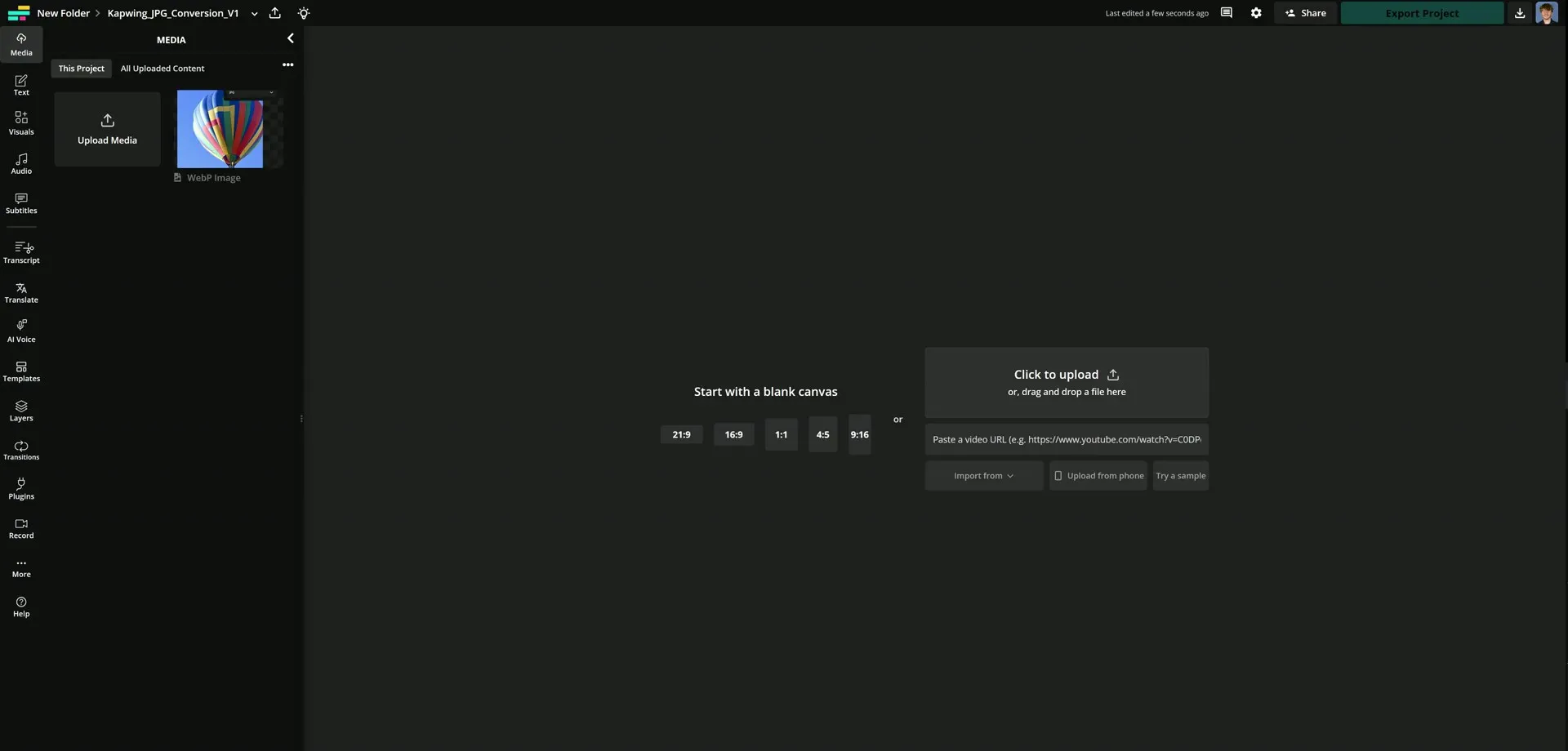
- Step 1Carica file WebP
Carica il tuo file WebP su l'editor di Kapwing per iniziare la conversione.
- Step 2Modifica immagine
Se vuoi, puoi modificare la tua immagine ridimensionandola, aggiungendo testo o migliorando la qualità usando un potenziatore di immagini AI.
- Step 3Esporta come JPG
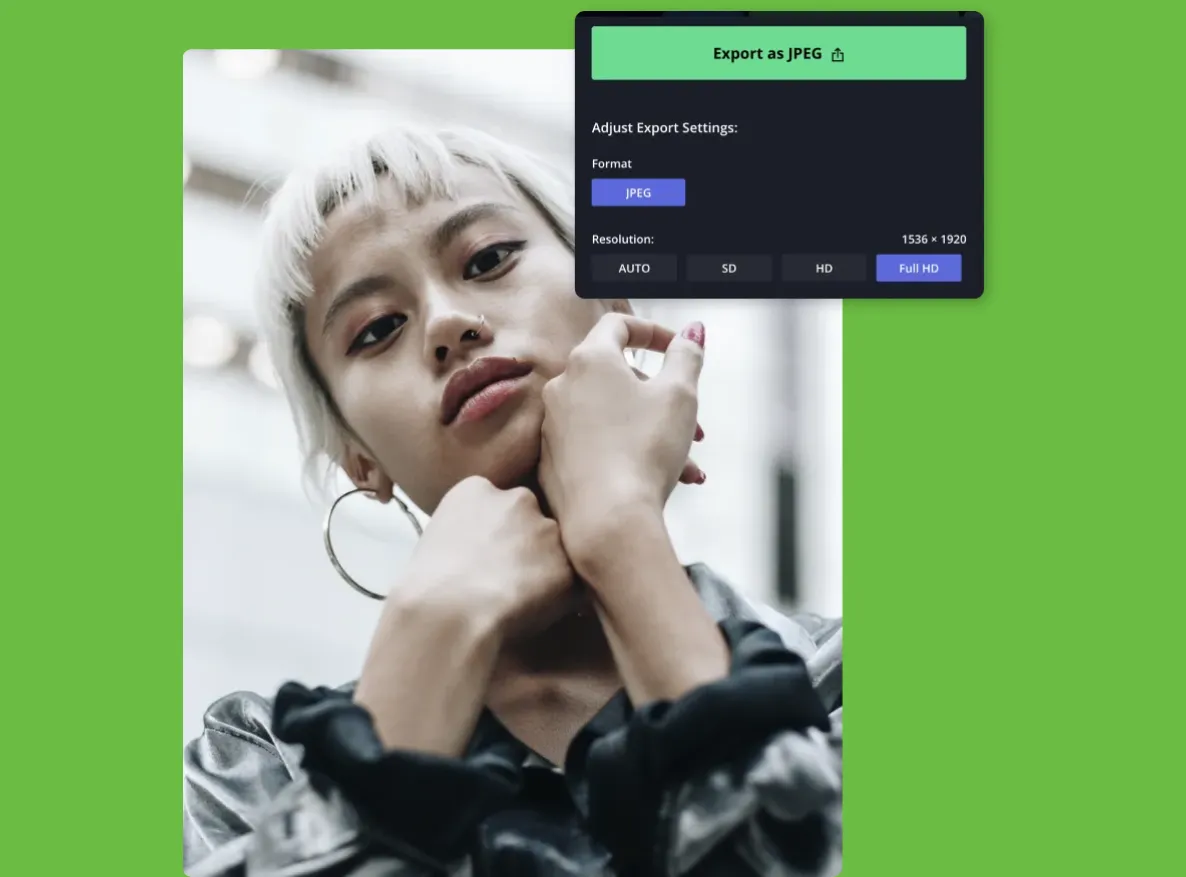
Nel menu di esportazione, seleziona il tipo di file JPG per esportare l'immagine convertita. Quindi scaricala o condividila direttamente sui social media usando il pulsante di condivisione.
Che cosa rende Kapwing diverso?



Domande Frequenti
Abbiamo le risposte alle domande più comuni che i nostri utenti ci fanno.
Il convertitore da WebP a JPG è gratuito?
Sì, il convertitore WebP in JPG è gratuito per tutti gli utenti.
C'è una filigrana nelle esportazioni?
Nel piano gratuito, i progetti esportati includono una filigrana statica. L'aggiornamento a un account Pro rimuove la filigrana da tutte le esportazioni. Gli account Pro ottengono anche accesso a una risoluzione video più alta, spazio di archiviazione cloud illimitato e molto altro.
Cos'è WebP?
WebP è un formato di immagine sviluppato da Google che supporta sia la compressione con perdita che senza perdita. È comunemente usato per immagini web piccole e a caricamento rapido, ma non è supportato ovunque. Molte persone convertono WebP in JPG online per assicurarsi che le loro immagini si visualizzino correttamente su tutte le piattaforme e i dispositivi.
Cosa sono la compressione lossless e lossy?
La compressione senza perdita riduce le dimensioni dell'immagine senza rimuovere alcun dettaglio originale o introdurre artefatti indesiderati. WebP supporta la compressione senza perdita, ma JPEG no.
La compressione con perdita, d'altro canto, scarta alcuni dati dell'immagine per ottenere dimensioni di file molto più piccole. Sia WebP che JPEG supportano la compressione con perdita, rendendoli ideali per foto a caricamento rapido e immagini web-friendly.
JPEG supporta gli sfondi trasparenti?
No, i file JPEG non supportano sfondi trasparenti. La conversione a PNG è necessaria per mantenere uno sfondo immagine trasparente.
Quali sono i vantaggi del JPEG?
- Compatibilità universale: Molti sistemi ancora non supportano completamente i file WebP, mentre i JPEG sono supportati universalmente, assicurando che i tuoi contenuti si visualizzino correttamente su tutti i siti web e dispositivi.
- Dimensioni file più piccole: I file JPEG producono dimensioni file più piccole rispetto alle immagini PNG, rendendoli ideali per siti web a caricamento veloce e contenuti online.
Quali file di immagine supporta Kapwing?
Kapwing supporta il caricamento di formati di immagine popolari, tra cui JPG/JPEG, PNG, GIF, WebP e HEIC. Dopo la modifica, puoi esportare il tuo progetto come file JPG, PNG o WebP direttamente online. Kapwing offre anche uno strumento Video Converter per progetti che coinvolgono file MP4, MOV o WebM.
Perché non riesco a esportare come JPG?
Assicurati che lo sfondo dell'immagine sia impostato su un colore solido per accedere all'opzione JPG. Se lo sfondo è trasparente, saranno disponibili solo le opzioni PNG e WebP.
La conversione da WebP a JPG riduce la qualità dell'immagine?
Il convertitore di Kapwing è progettato per preservare la qualità dell'immagine il più possibile durante la conversione da WebP a JPG. Anche se JPG è un formato con perdita di dati e potrebbe introdurre alcuni artefatti di compressione, Kapwing ti permette di controllare il livello di compressione, così puoi trovare il giusto equilibrio tra la dimensione del file e la chiarezza visiva
Posso convertire WebP animato in frame JPG?
Sì, puoi convertire un file WebP animato in singoli fotogrammi JPG. L'animazione verrà scomposta in una sequenza di immagini fisse, con ogni fotogramma salvato come JPG separato.
Scopri le Risorse
Consigli, modelli e approfondimenti per aiutarti a creare più velocemente e condividere con sicurezza.
Visualizza tutto


Inizia con il tuo primo video in pochi click. Unisciti a oltre 35 milioni di creator che si fidano di Kapwing per creare più contenuti in meno tempo.