Sfoca lo Sfondo del Video
Sfuoca lo sfondo del video gratuitamente online.
Nessuna filigrana in Pro.
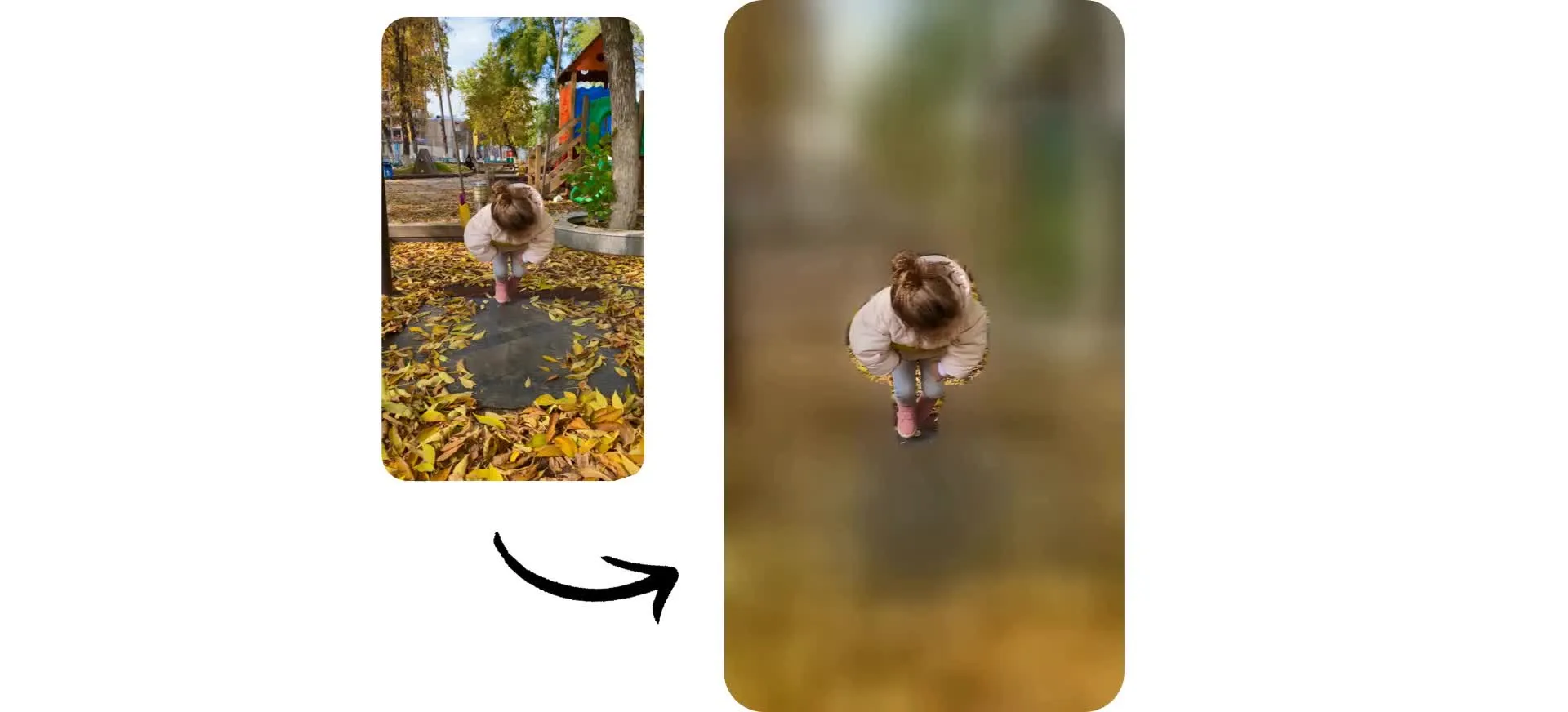
Aggiungi un bellissimo sfocatura dello sfondo video in pochi secondi
Sfoca gli sfondi dei video con un solo clic
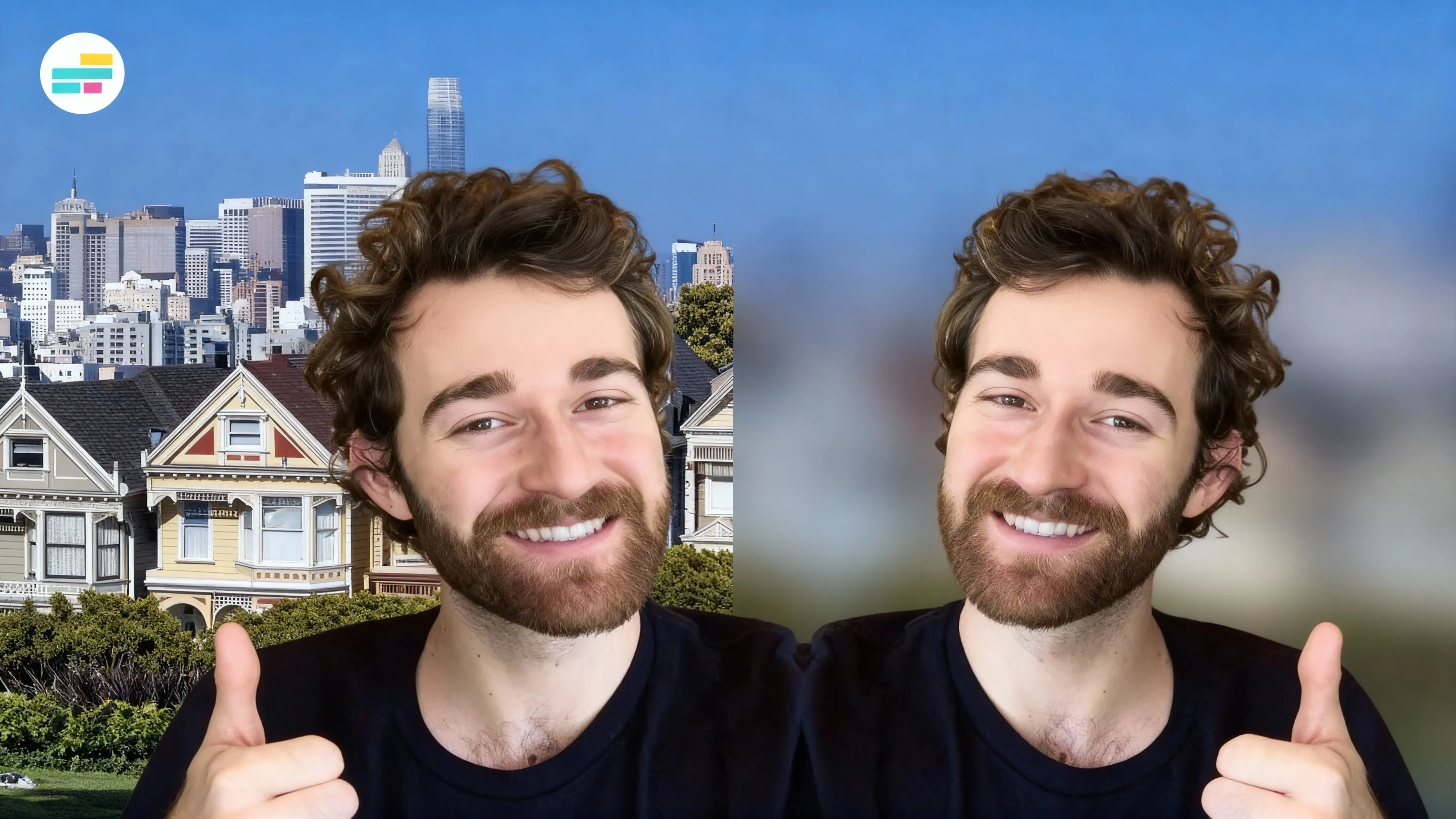
Trasforma qualsiasi registrazione in un video elegante e professionale con la sfocatura automatica dello sfondo. Kapwing rileva istantaneamente il tuo soggetto principale e sfoca tutto ciò che lo circonda, riducendo le distrazioni e mantenendo il focus dove dovrebbe essere.
Nessuna mascheratura manuale o editing complicato necessario. Basta caricare il tuo video, applicare l'effetto sfocatura e regolare l'intensità della sfocatura con un semplice slider. Esporta un video pulito e senza distrazioni in alta risoluzione senza mai lasciare il tuo browser.

Applica una sfocatura dello sfondo precisa con l'AI
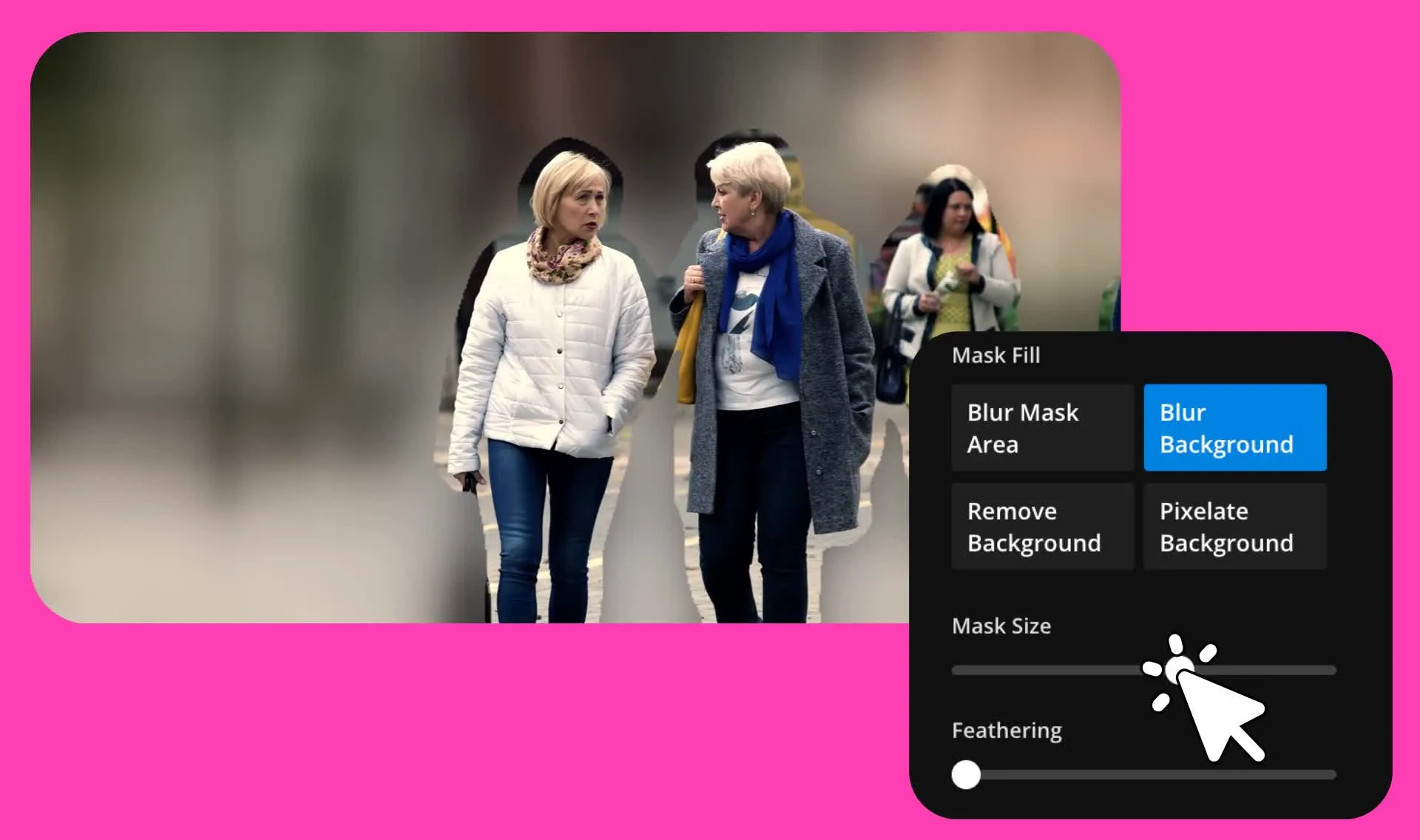
Hai bisogno di più controllo su quello che viene sfocato? Chiedi all'IA di offuscare lo sfondo dietro persone specifiche, gruppi, oggetti o aree del tuo video. Kapwing crea maschere IA precise che seguono accuratamente i soggetti selezionati, rendendo facile applicare una sfocatura dello sfondo realistica in scene affollate con più persone o oggetti in movimento.
Specifica esattamente cosa vuoi offuscare, poi perfeziona il risultato con piume e dimensioni della maschera regolabili. Crea video puliti e dall'aspetto professionale mantenendo il controllo preciso su dove viene applicata la sfocatura.
Come offuscare gli sfondi dei video in 30 secondi
Aggiungi una sfocatura dello sfondo precisa a qualsiasi video. Rimuovi la filigrana con Pro.
Carica
video a Kapwing Studio


Sfocatura
facendo clic sul pulsante sfocatura sfondo o chiedendo all'AI
Esporta
come MP4 o MOV ad alta risoluzione
Migliora i tuoi video con uno sfondo sfocato e raffinato
Rimuovi le distrazioni e proteggi la tua privacy con uno strumento online gratuito
Mantieni il focus sul tuo soggetto, gratuitamente
Risparmi tempo e denaro con uno strumento di sfocatura dello sfondo gratuito che segue perfettamente i soggetti in movimento. Mantieni il tuo soggetto nitido senza linee di ritaglio o effetti alone. Proteggi la privacy sfocando volti, insegne e oggetti personali visibili nello sfondo.
Creato per content creator, marketer e piccoli imprenditori, lo strumento Blur Video Background di Kapwing è progettato per creare rapidamente video professionali di persone che parlano, demo di prodotti e clip esplicative, indipendentemente dall'ambiente di registrazione.
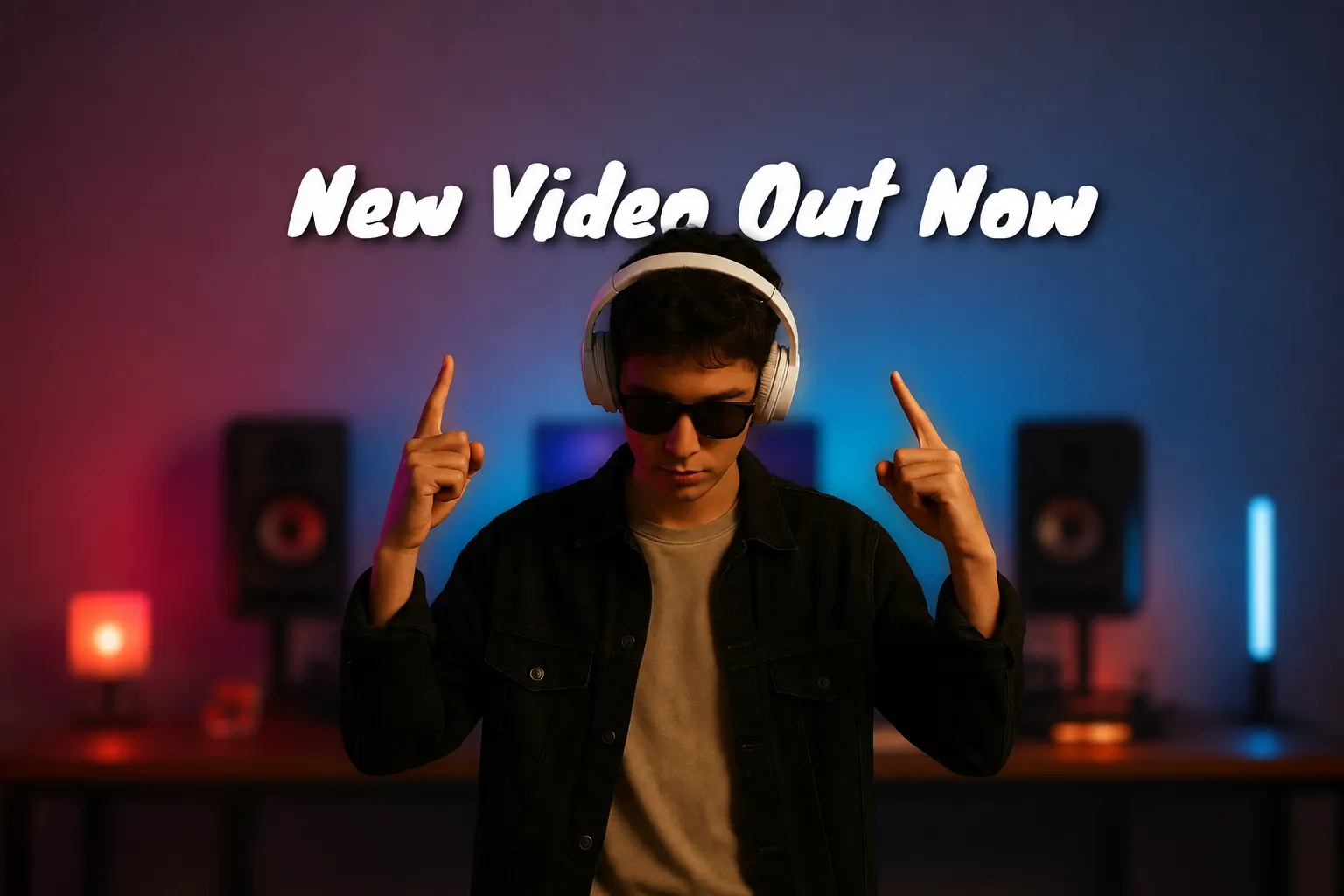
Trasforma la sfocatura in contenuti che fermano lo scroll
Sfoca lo sfondo, poi trasforma lo spazio extra in parte del tuo design. Aggiungi testo in grassetto, sticker, GIF e annotazioni disegnate a mano intorno al tuo soggetto per far risaltare il tuo messaggio senza distrarre da chi parla.
Continua a modificare nello stesso studio online con strumenti alimentati dall'IA. Genera B-roll pertinente per riempire lo sfondo sfocato con elementi visivi di supporto, aggiungi sottotitoli animati, regola il colore e l'illuminazione ed esporta il tuo video fino a 4K quando sei pronto.
Riprenditi il controllo del tuo sfondo video
Unisciti a 35M+ creator che modificano con Kapwing
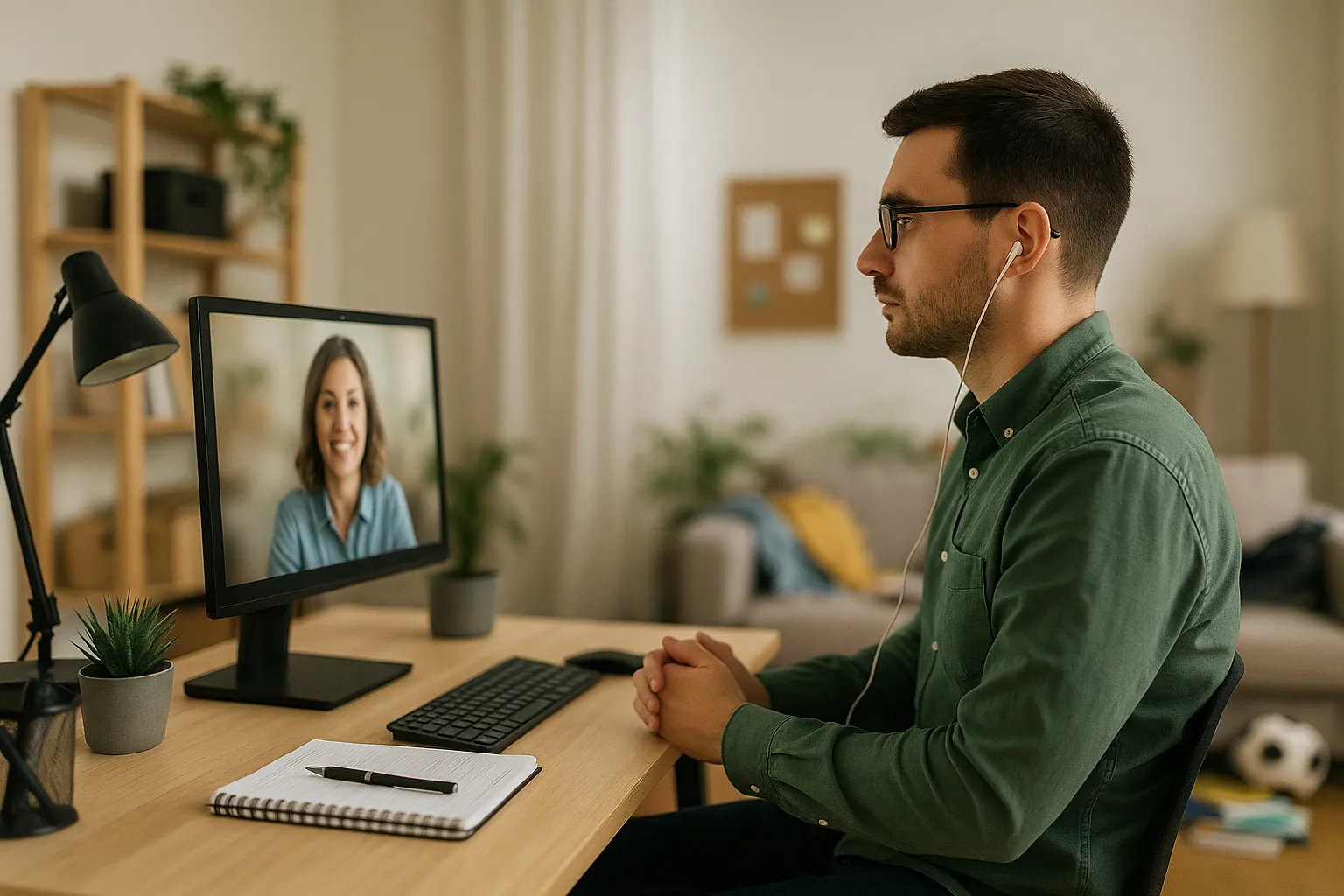
Lavoratori Remoti
Sfoca lo sfondo del tuo video nelle riunioni e presentazioni registrate, mantenendo i video professionali mentre lavori da casa o viaggi
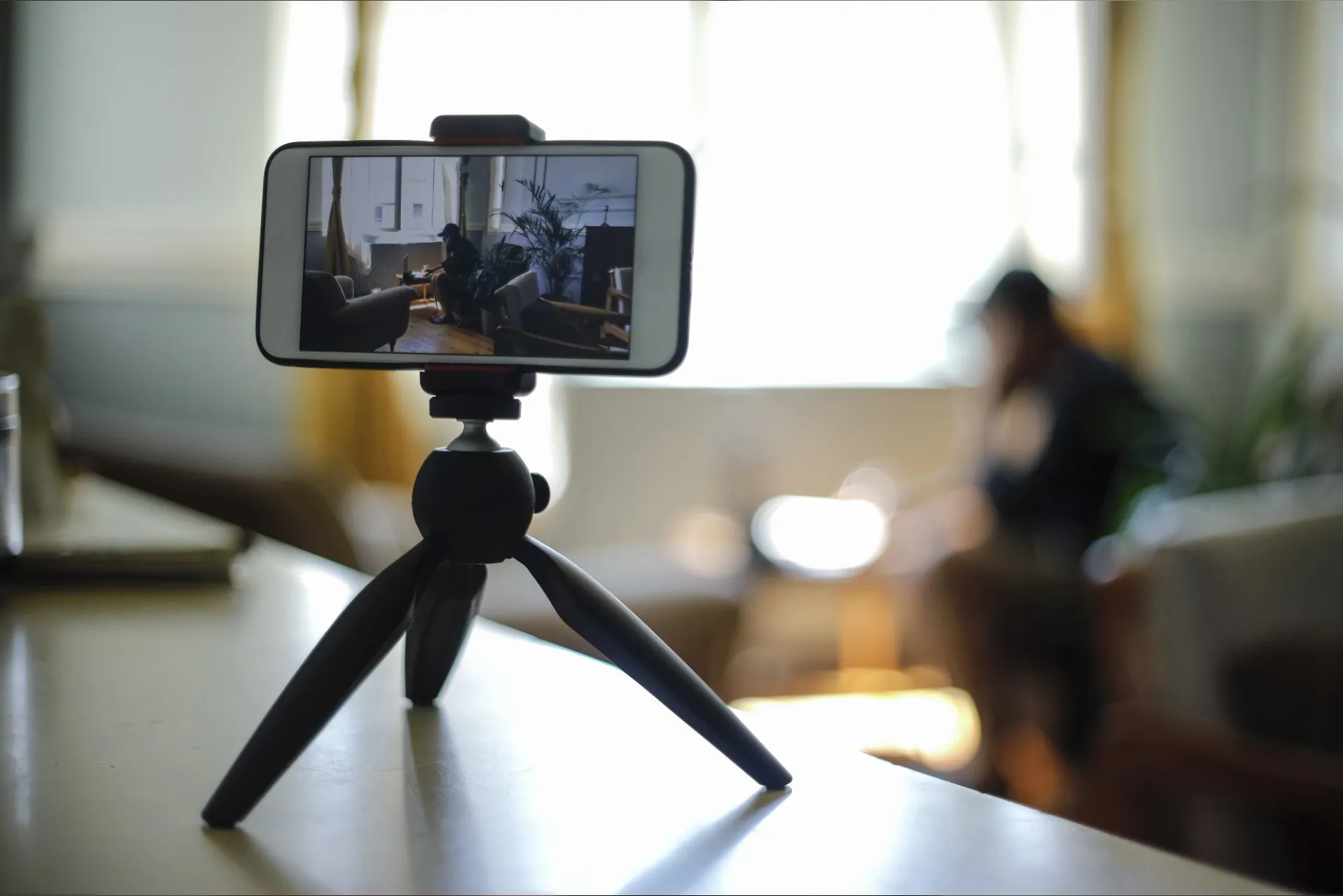
Creatori di Contenuti
Riduci le distrazioni con la sfocatura dello sfondo video quando registri per TikTok, YouTube e Reels in movimento per ridurre le distrazioni

Professionisti del Business
Assicurati che i materiali sensibili, come documenti interni o display confidenziali, siano nascosti applicando una sfocatura di sfondo nei contenuti video aziendali o pubblici

Giornalisti
I giornalisti e le agenzie di stampa sfocano gli sfondi dei video nelle interviste all'aperto per proteggere le identità, ridurre le distrazioni o rendere anonime le località sensibili durante la post-produzione

Marketer
Durante le presentazioni dei prodotti o le rivelazioni di funzionalità, uno sfondo sfocato mantiene l'attenzione sul prodotto stesso

Insegnanti
Rimuovi le distrazioni di sfondo mentre registri lezioni virtuali in ambienti non scolastici. La sfocatura aiuta gli studenti a mantenere la concentrazione e protegge la privacy della casa dell'insegnante.
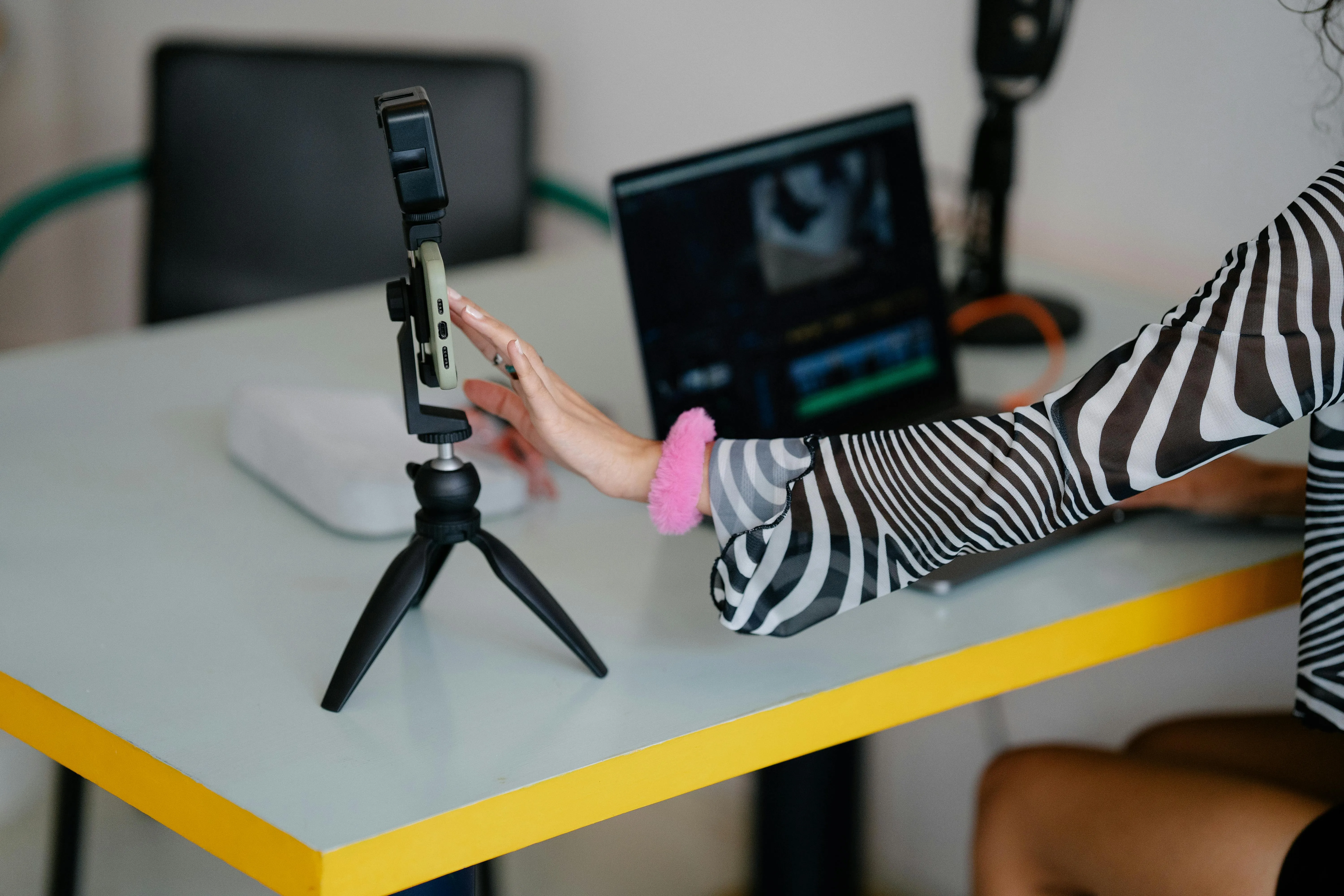
Editor Mobili
Per i creator che modificano i contenuti in movimento su iPhone e Android, lo sfocatore automatico dello sfondo semplifica il flusso di lavoro dalla registrazione alla pubblicazione
Già rivoluzionando la creazione di video in diversi settori
Ascolta direttamente dai team che pubblicano più velocemente, collaborano meglio e rimangono sempre avanti.


Come sfumare lo sfondo del video
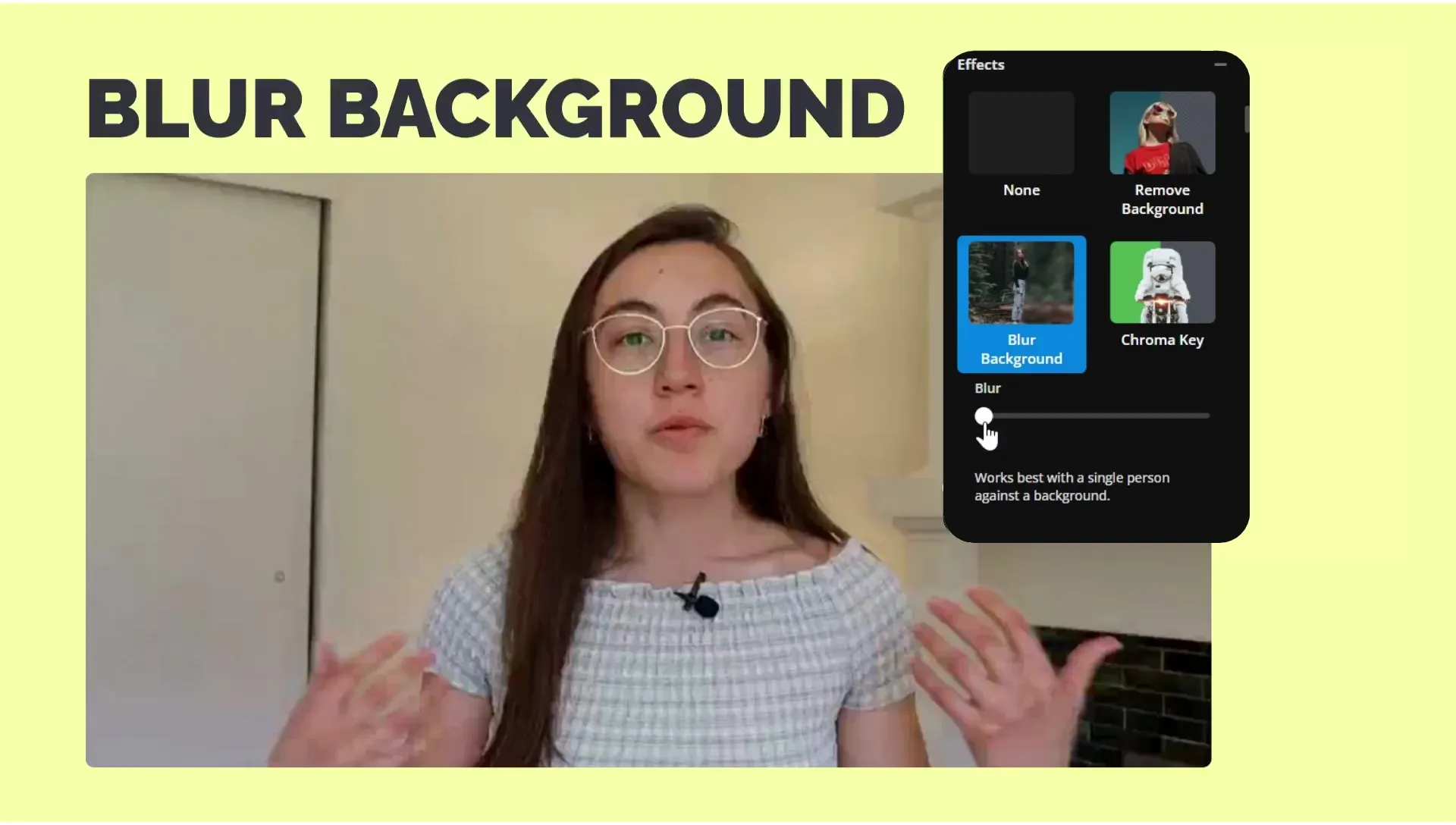
- Step 1Carica video
Fai clic per caricare il tuo video oppure incolla un link di YouTube, Vimeo o Instagram.
- Step 2Sfoca lo sfondo
Seleziona il tuo video, quindi fai clic su "Sfoca sfondo" in Effetti nel menu degli strumenti video. Puoi anche chattare con Kapwing AI.
- Step 3Scarica
Usa il cursore per controllare l'intensità della sfocatura. Poi clicca su "Esporta progetto" per scaricare il tuo video con sfondo sfocato.
Che cosa rende Kapwing diverso?



Domande Frequenti
Abbiamo le risposte alle domande più comuni che i nostri utenti ci fanno.
È lo strumento Blur Video Background di Kapwing gratuito?
Sì, lo strumento Blur Video Background fa parte dell'editor video online gratuito di Kapwing. Puoi iniziare senza scaricare alcun software. Per le funzioni avanzate, controlla la pagina dei prezzi.
Come sfumare lo sfondo in un video con Kapwing
Per sfumare lo sfondo con Kapwing, apri lo studio di editing video e carica il tuo video. Quindi, seleziona il video nell'editor della timeline. Nella barra degli strumenti di editing a destra, scorri verso il basso fino a Effetti. Fai clic su "Blur Video Background" per applicare istantaneamente la sfocatura automatica dello sfondo. Puoi regolare il livello di sfocatura utilizzando il cursore.
Puoi anche sfumare gli sfondi dei video chiedendo aiuto a Kapwing AI. Carica il tuo video in una nuova chat e inserisci un prompt come "Sfuma lo sfondo dietro le persone." Sposta il tuo video sfocato in Studio per regolare l'ammorbidimento e la dimensione della maschera attorno ai tuoi soggetti.
Quali tipi di file video supporta Kapwing per le modifiche di sfocatura?
Kapwing supporta i formati video comuni come MP4, MOV e WebM. Una volta modificato il video, puoi esportarlo e scaricarlo come MP4, MOV, WebM o GIF.
Posso aggiungere altri effetti al mio video dopo la sfocatura?
Sì, puoi continuare a modificare dopo aver applicato uno sfondo video sfocato. Aggiungi musica, sottotitoli, transizioni, o regola la correzione del colore, il tutto all'interno dello studio di editing video di Kapwing.
Posso solo modificare il livello di sfocatura?
Sì, dopo aver fatto clic su "Sfoca sfondo", apparirà un cursore di sfocatura. Questo semplice strumento ti permette di controllare l'intensità dell'effetto in modo da poter decidere quanto il background del tuo video risulti visibile o nascosto.
Posso offuscare lo sfondo in un video verticale o quadrato?
Sì. Kapwing supporta tutti i rapporti di aspetto, inclusi 9:16 (verticale), 1:1 (quadrato) e 16:9 (paesaggio). Puoi applicare la sfocatura dello sfondo a qualsiasi formato e ridimensionare il tuo video per piattaforme come TikTok, Instagram o YouTube Shorts.
Come si differenzia la sfocatura dello sfondo dalla rimozione dello sfondo?
La sfocatura dello sfondo ammorbidisce e nasconde l'area dietro il soggetto, mentre la rimozione dello sfondo lo elimina completamente. Se rimuovi lo sfondo da un video, puoi sostituirlo con un nuovo sfondo o lasciarlo trasparente.
Come migliora la sfocatura dello sfondo il mio video?
Gli sfondi possono essere fonte di distrazione, soprattutto se non stai registrando in uno studio professionale. Sfocando lo sfondo puoi mantenere l'attenzione sul soggetto principale, migliorando la comprensione del pubblico e dando ai tuoi video un aspetto più professionale. Lo strumento Blur Video Background di Kapwing ti aiuta a trasformare sfondi disordinati o poco professionali in sfocature raffinate, senza la necessità di uno studio costoso o di un editing video complicato.
Scopri le Risorse
Consigli, modelli e approfondimenti per aiutarti a creare più velocemente e condividere con sicurezza.
Visualizza tutto


Inizia con il tuo primo video in pochi click. Unisciti a oltre 35 milioni di creator che si fidano di Kapwing per creare più contenuti in meno tempo.