Rimozione Oggetti con IA
Rimuovi oggetti e persone dalle foto — istantaneamente, online
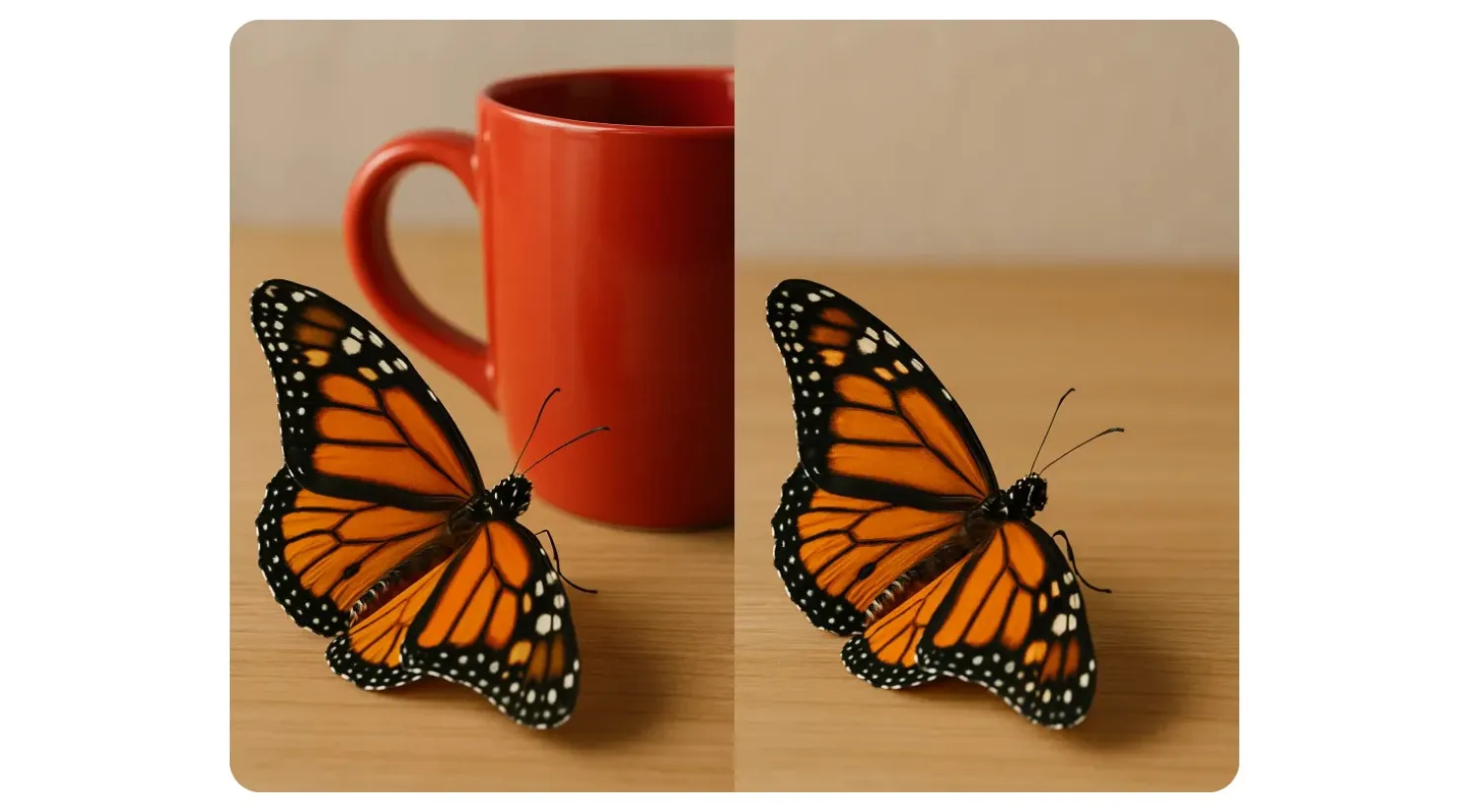
Rimozione istantanea degli oggetti da qualsiasi dispositivo
Modifica di immagini semplice, veloce e facile per principianti nel tuo browser
Rimuovi gli oggetti in modo preciso in meno di 10 secondi
Rimuovi oggetti indesiderati dalle foto su qualsiasi dispositivo con Kapwing's AI Object Remover, creato sia per dispositivi mobili che desktop. Basta inserire un prompt e il chatbot cancellerà istantaneamente tutto ciò che scegli — dalle filigrane e dal disordine alle persone e alle distrazioni dello sfondo.
Tutti i tuoi progetti vengono salvati nel cloud, quindi puoi tornare alle tue modifiche quando vuoi o collaborare facilmente con il tuo team. Mantieni il tuo flusso di lavoro snello con il nostro AI Photo Editor completamente online — nessun download, nessuna installazione, chiunque può iniziare gratis.
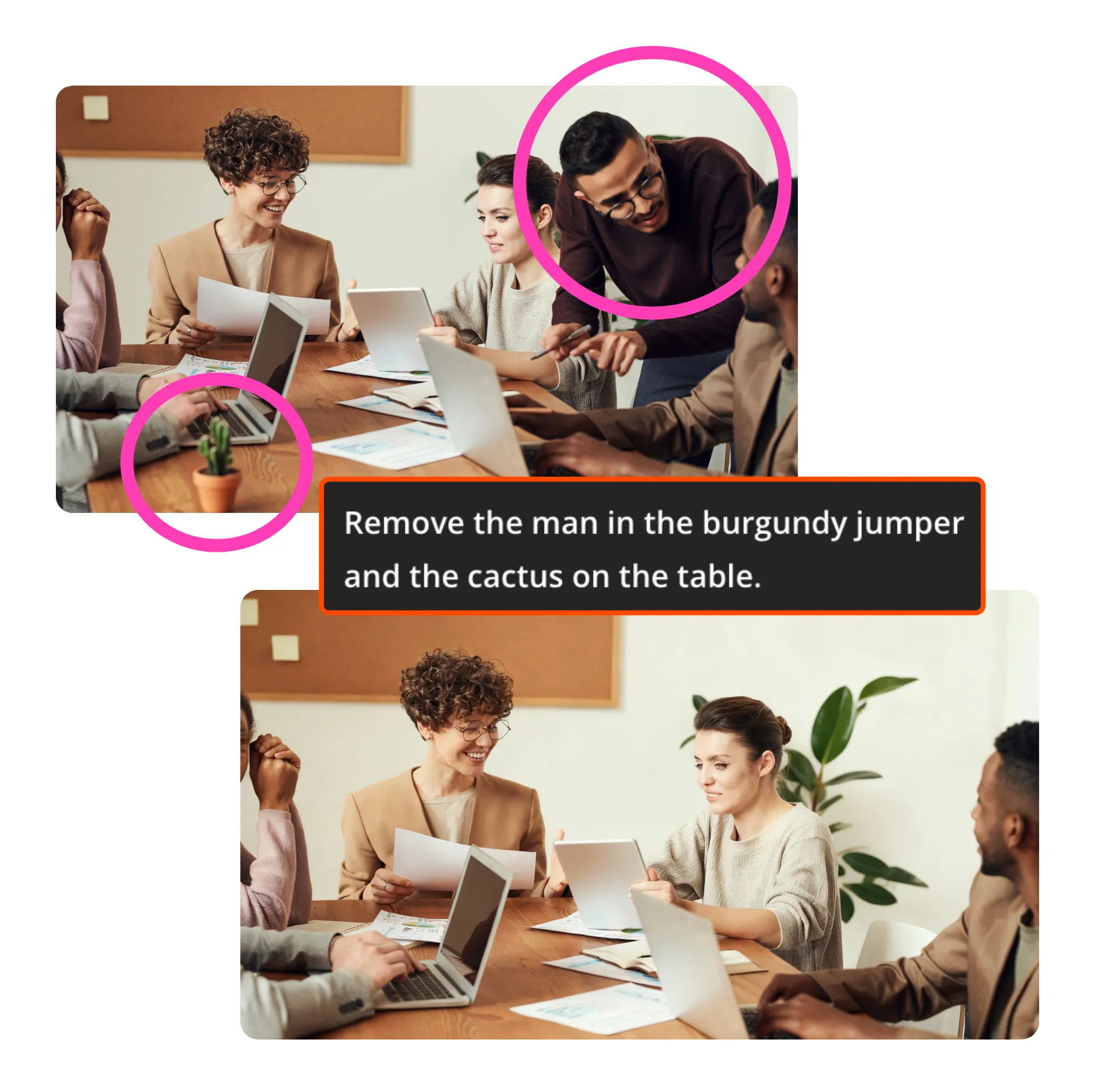
Ottieni risultati realistici, senza sforzo
Fix up your photos with photorealistic quality and get them ready to share in just a few seconds, without losing any resolution.
Kapwing's AI Assistant makes edits that always look natural and match your original photo. If you can type a prompt, you can remove objects — no advanced skills or experience needed.
It's the ultimate solution for iPhone creators who don't have an iPhone 15 but still want accurate object removal.

Rimuovi, aggiungi e modifica tutto in uno
Remove objects and transform your images into social-ready content, marketing materials, or ads — all from a browser-based editor.
Want to swap in something you removed? Just ask AI.
Adjust colors, resize, and add text without switching platforms. Since everything works online, you can access your projects from anywhere and collaborate with your team in real time
Già rivoluzionando la creazione di video in diversi settori
Ascolta direttamente dai team che pubblicano più velocemente, collaborano meglio e rimangono sempre avanti.


Da correzioni rapide a trasformazioni complete — tutto in un unico editor
Risultati di qualità professionale, alimentati da AI

Travel Photos
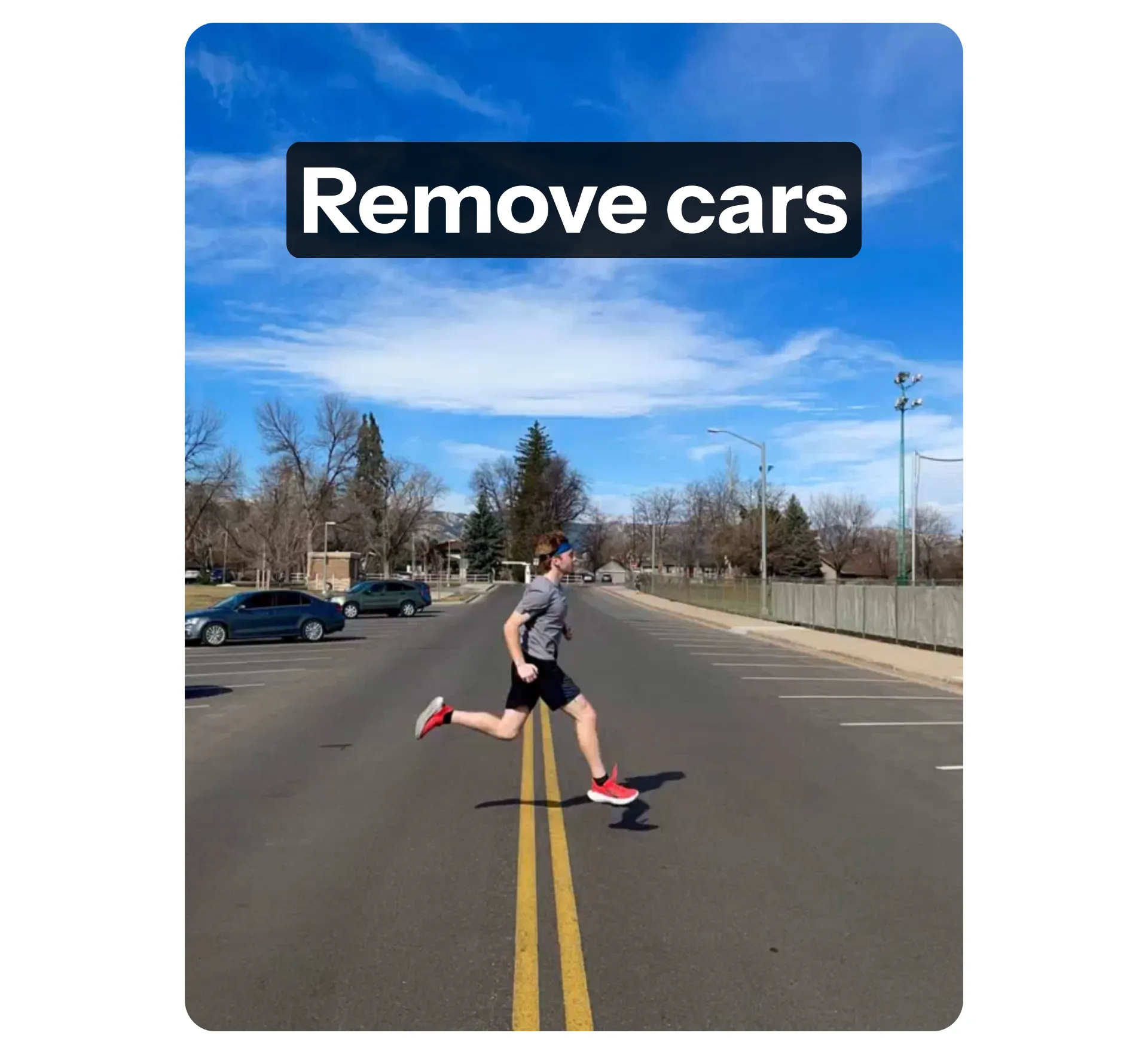
Remove distractions like strangers, cars, or clutter that sneak into your shots. Keep the focus on what really matters.

Watermark
Remove unwanted watermarks, logos, or overlays in just a few seconds. Clean up stock images, old photos, or digital files that need a professional finish.
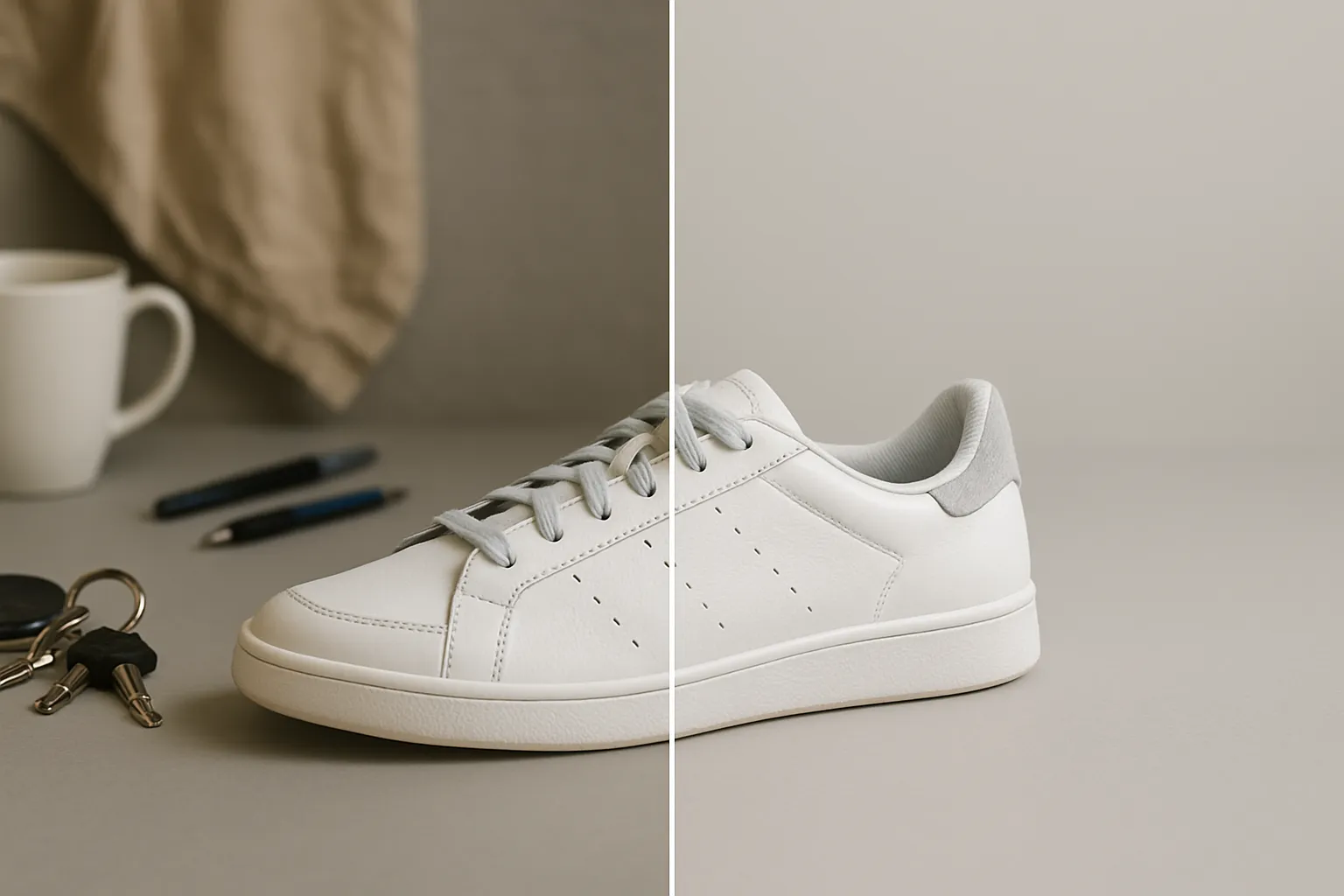
Foto del Prodotto
Make your posts stand out by removing messy backgrounds and distracting objects. Create natural-looking promotions, even without studio equipment.
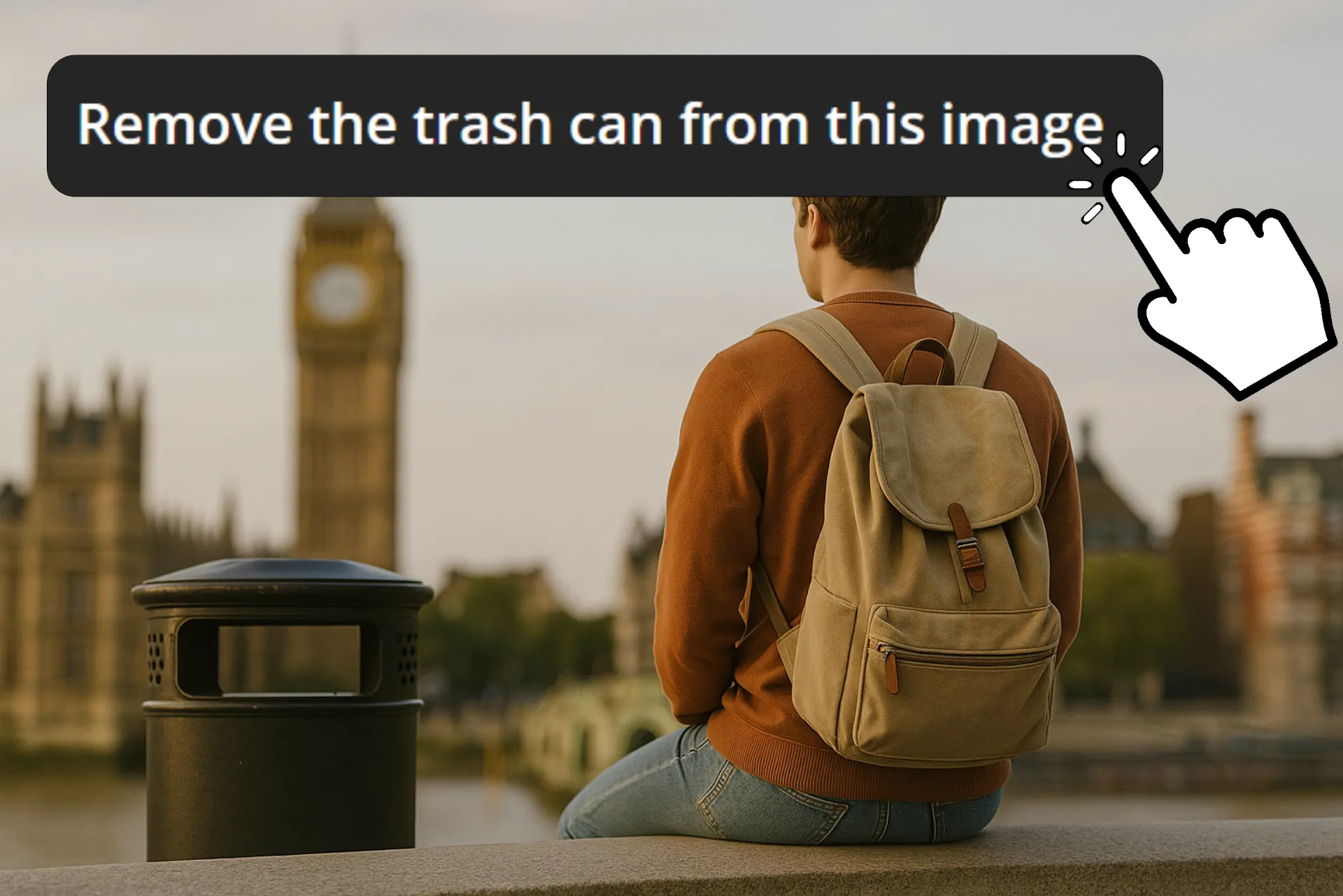
Condividi sui Social Media
Remove background noise, highlight your subject, and share social media content that stands out from the crowd
Progetta le tue Immagini
Semplify your workflow by cleaning up images before adding text, graphics, or overlays. Start with a distraction-free canvas for every design project.

I Tuoi Ritratti
Remove photobombs, signs, or clutter that ruin a shot. Create professional photos, family portraits, or albums that keep the focus where it should be.

Event Photo
Instantly improve photos taken at weddings, parties, concerts, and events where the little details make a big impact
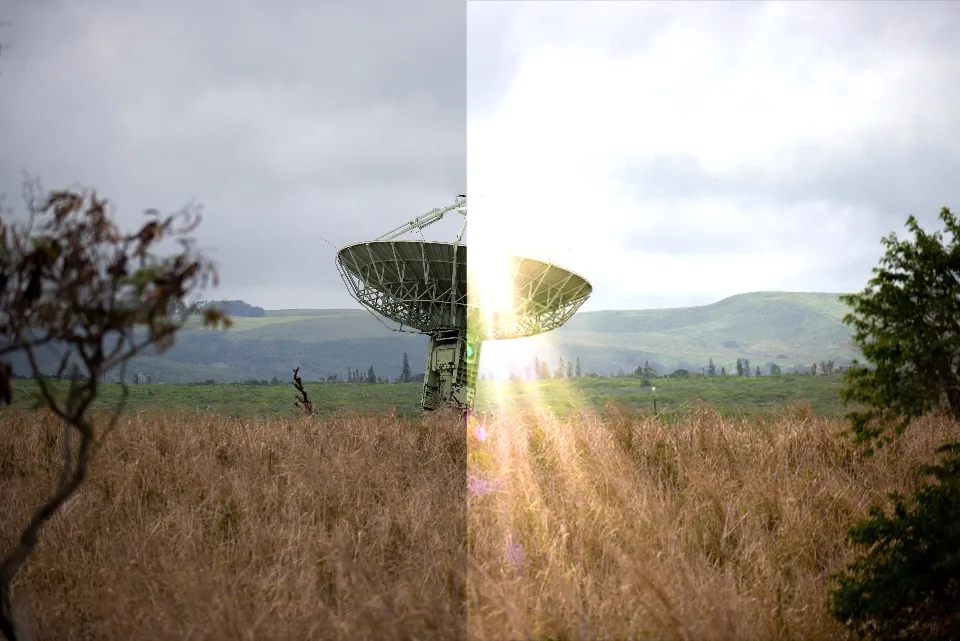
Photo Recovery
Dai una nuova vita alle foto vecchie o danneggiate. Rimuovi graffi, macchie e segni indesiderati per preservare digitalmente i tuoi ricordi nel loro miglior aspetto.
Come Rimuovere Oggetti dalle Immagini
- Step 1Carica immagine
Apri l'Assistente AI di Kapwing. Da lì, carica la foto che vuoi modificare.
- Step 2Aggiungi prompt
Dì all'AI cosa vorresti cambiare digitando un breve prompt. Ad esempio: "Rimuovi l'ombrello rosso dallo sfondo."
- Step 3Modifica ed esporta
Aggiungi altri ritocchi che potresti voler aggiungere, sia chiedendo aiuto all'AI che utilizzando gli strumenti di modifica immagine manuale. Quando sei pronto, fai clic su "Export" per salvare l'immagine sul tuo dispositivo.
Che cosa rende Kapwing diverso?



Domande Frequenti
Abbiamo le risposte alle domande più comuni che i nostri utenti ci fanno.
Is the AI Object Remover free?
Chiunque può provare gratuitamente il Rimozione Oggetti AI di Kapwing, senza filigrane. Tutti i nostri strumenti AI funzionano con un sistema di crediti, con ogni funzione che costa un numero fisso di crediti. Per la migliore esperienza, passa a un account Pro per sbloccare tutta la potenza dello studio AI.
Is Kapwing's AI safe?
Kapwing takes privacy and data security really seriously. We have strict moderation guidelines, ethical policies, and security measures in place to protect user data. For more detailed information, you can check out Kapwing's Terms of Service and Privacy Policy on our website.
Can I remove objects from photos without Photoshop?
Yep, you can totally use Kapwing's built-in AI Object Removal to get rid of unwanted stuff from your pics. Just upload your photo, add an edit prompt, and boom—you get instant results online without needing any extra software.
Do I need editing experience to use an object remover?
No experience needed. With Kapwing, you can remove objects just by highlighting them or writing a quick text prompt. The whole process is designed to be easy even for beginners.
Will the background look natural after object removal?
Yep, images get edited with some serious precision, and Kapwing's AI editor hooks you up with tons of cutting-edge image editing models so you can pick whatever works best for your edit depending on what you're trying to do.
What types of objects can be deleted with AI?
AI can remove a wide range of objects, from people and signs to watermarks and clutter. Whether you're cleaning up personal photos, product images, or designs, the tool adapts to the task.
What types of images are supported for object removal?
Kapwing supporta i formati di file comuni tra cui JPG, PNG, HEIC (formato Apple) e WebP. Puoi caricare questi formati direttamente nell'editor AI, rimuovere gli oggetti indesiderati e poi esportare la foto finita nel formato che funziona meglio per il tuo progetto.
Which devices and browsers are supported?
Kapwing works on any device and browser, though we recommend Chromium-based browsers like Google Chrome and Microsoft Edge. Kapwing also works on iOS and Android mobile devices. Since Kapwing is web-based online software, it works on Windows, Mac, and other desktop devices too.
How do I remove objects from my iPhone?
Lo strumento 'Clean Up' di Apple è limitato a dispositivi selezionati e richiede il software più recente. Per usarlo, avrai bisogno di un iPhone 15 Pro (non l'iPhone 15 base) o più recente, con almeno iOS 18 per accedere a Clean Up e altre funzioni Apple Intelligence.
Con Kapwing, non hai bisogno dell'iPhone più nuovo o dell'ultimo aggiornamento software. Basta aprire il nostro strumento Object Removal online, inserire un semplice prompt nel chatbot AI e rimuovere qualsiasi oggetto istantaneamente.
Scopri le Risorse
Consigli, modelli e approfondimenti per aiutarti a creare più velocemente e condividere con sicurezza.
Visualizza tutto


Inizia con il tuo primo video in pochi click. Unisciti a oltre 35 milioni di creator che si fidano di Kapwing per creare più contenuti in meno tempo.