Generatore Video AI da Immagine
Carica foto, immagini di prodotti o illustrazioni per trasformarle in video clip animati con l'IA in pochi secondi. Gratis per iniziare.
.webp)
Dai vita a qualsiasi immagine come video — in pochi secondi
Nessun download. Funziona in qualsiasi browser. Di cui si fidano 35 milioni di creator in tutto il mondo.
Converti le immagini in video con l'IA
Carica un'immagine JPG, PNG, WEBP o generata da AI e Kapwing la anima trasformandola in una clip video in movimento — pronta da scaricare e condividere in meno di 60 secondi.
Gli storyboard ti aiutano a visualizzare in anteprima la struttura della tua scena prima di generare. Scegli tra i principali modelli AI inclusi Veo, MiniMax e Seedance per controllare i fotogrammi iniziali, finali, la coerenza dei personaggi, e scene multiple.
Nessun software da installare. Gratuito per iniziare.
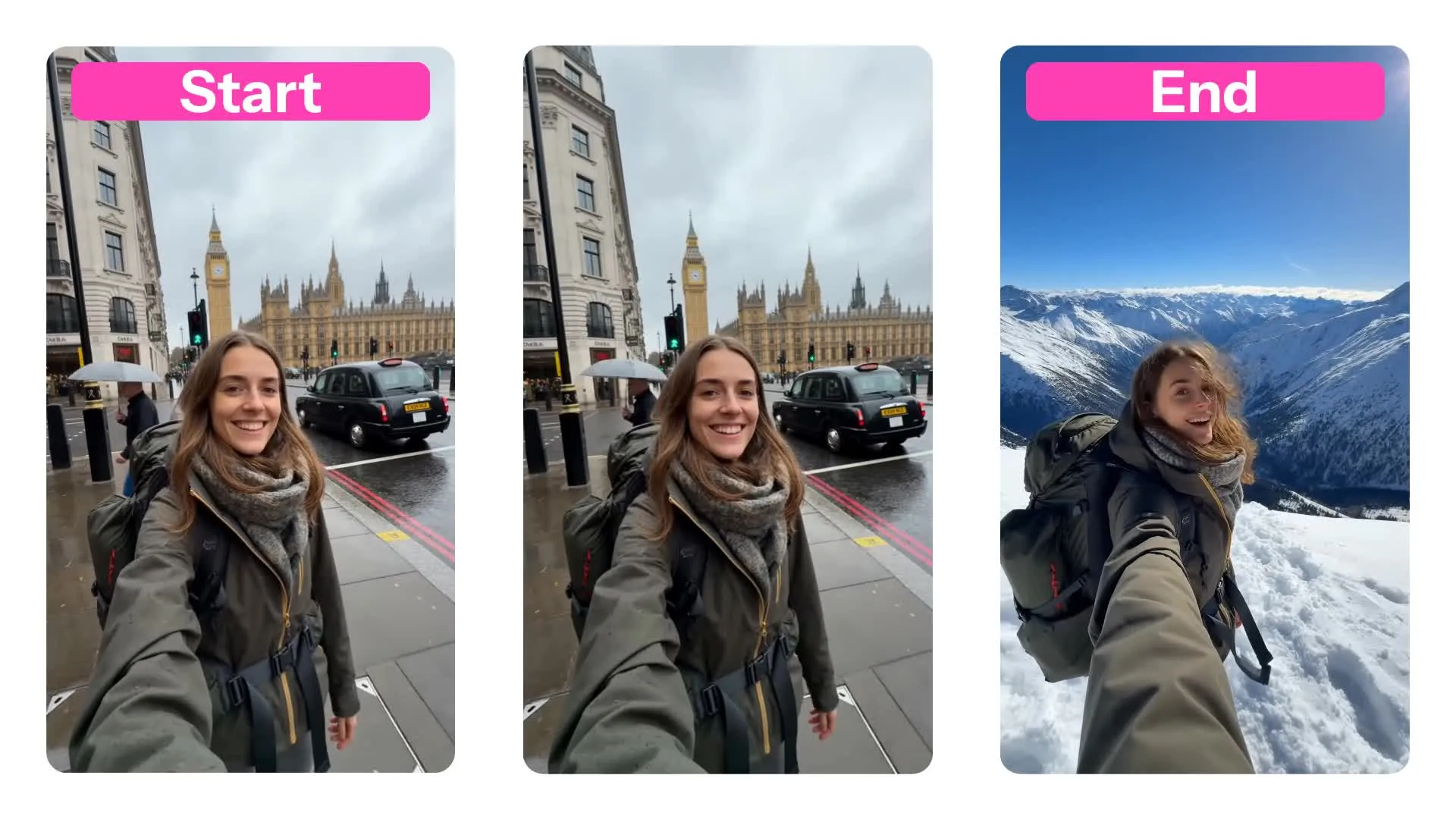
Aggiungi movimento realistico, movimento della fotocamera ed effetti cinematografici
Kapwing può anche animare immagini con movimenti da video di riferimento usando il controllo movimento Kling — il miglior modello di video AI per panoramiche della fotocamera, zoom, movimenti dolly e movimenti di soggetti cinematografici.
Per foto di ritratti e fotografia, le immagini convertite si muovono naturalmente con precisione realistica umana e audio opzionale come effetti sonori ambientali.
Crea contenuti per social media in formato breve, annunci di prodotti, elementi visivi animati e canali di influencer virtuali in un unico flusso di lavoro con sottotitoli, traduzione, ridimensionamento e modifica con trascinamento per unire più clip insieme.

Come trasformare qualsiasi immagine in un video con l'IA — in 3 passaggi
Alimentato da Seedance, Veo e MiniMax AI
Carica
la tua immagine o creane una con l'AI


Genera
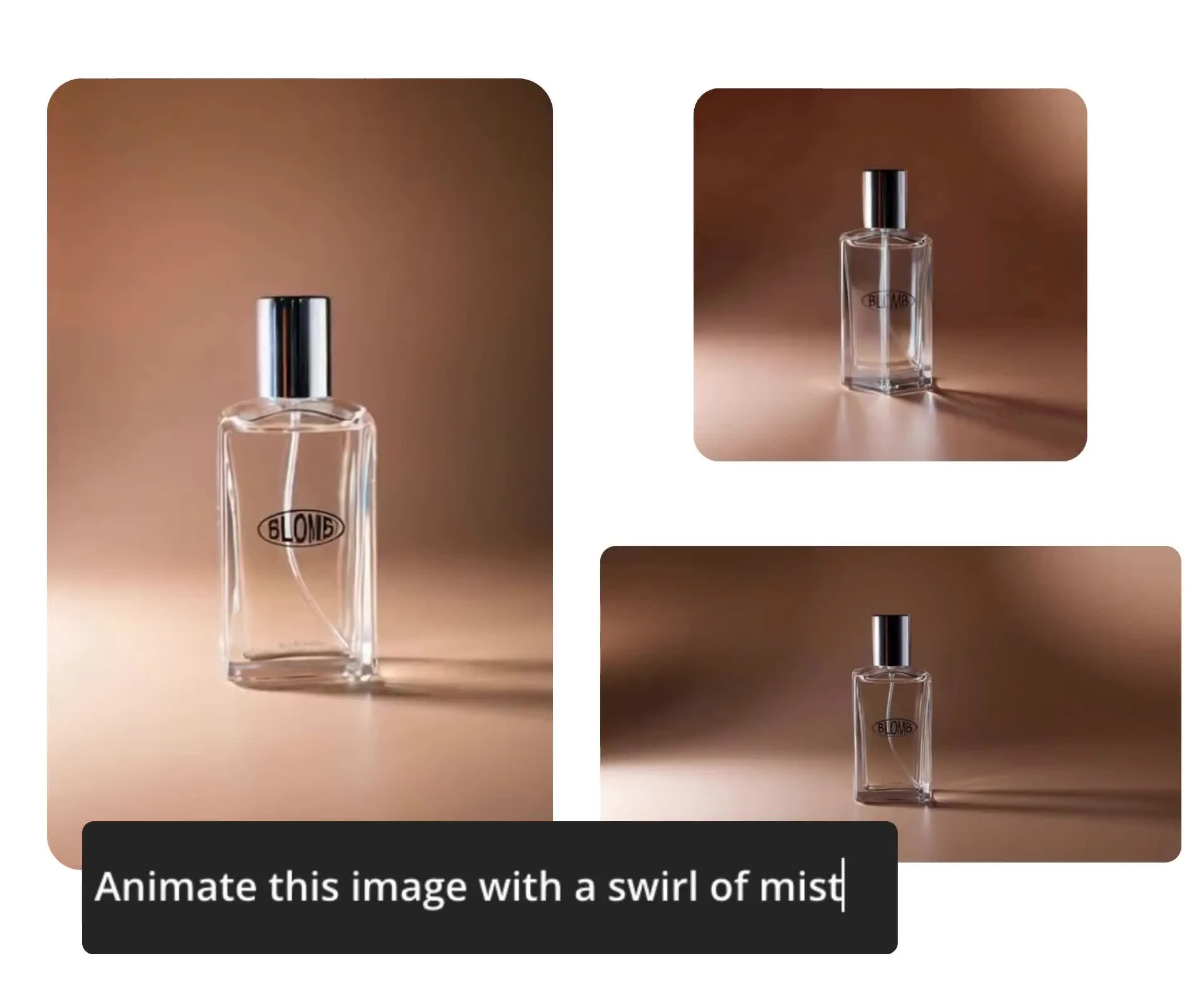
un video inserendo un prompt di testo
Modifica
il tuo video direttamente sulla tela di Kapwing
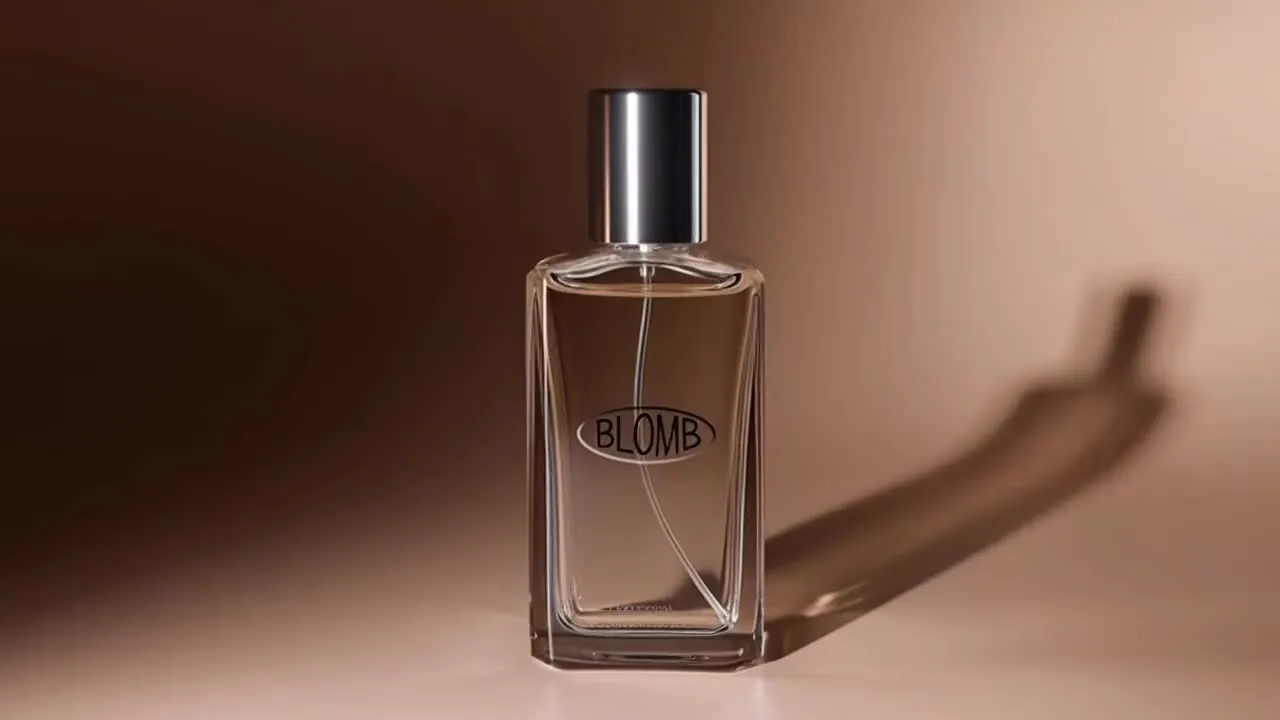
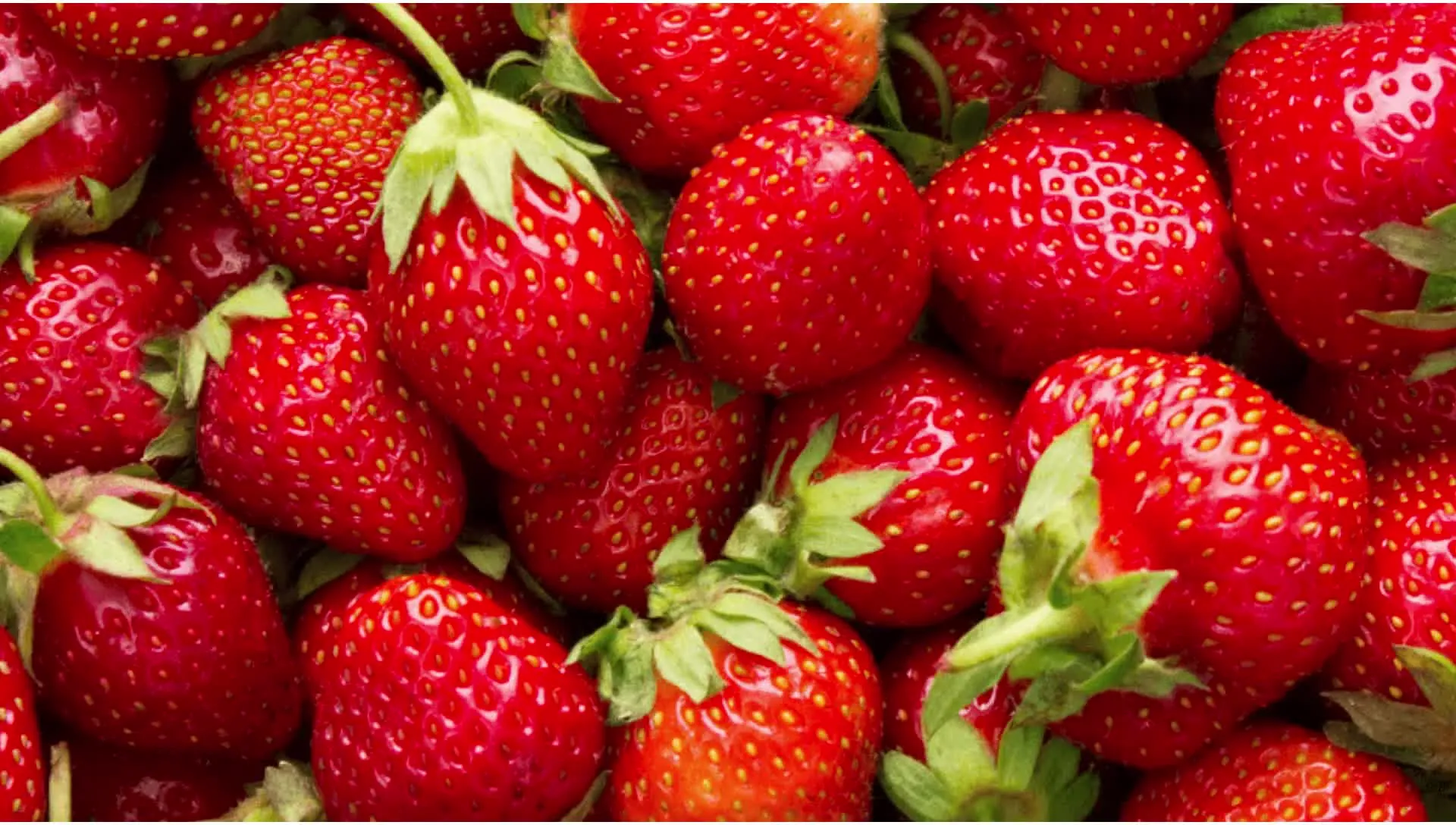
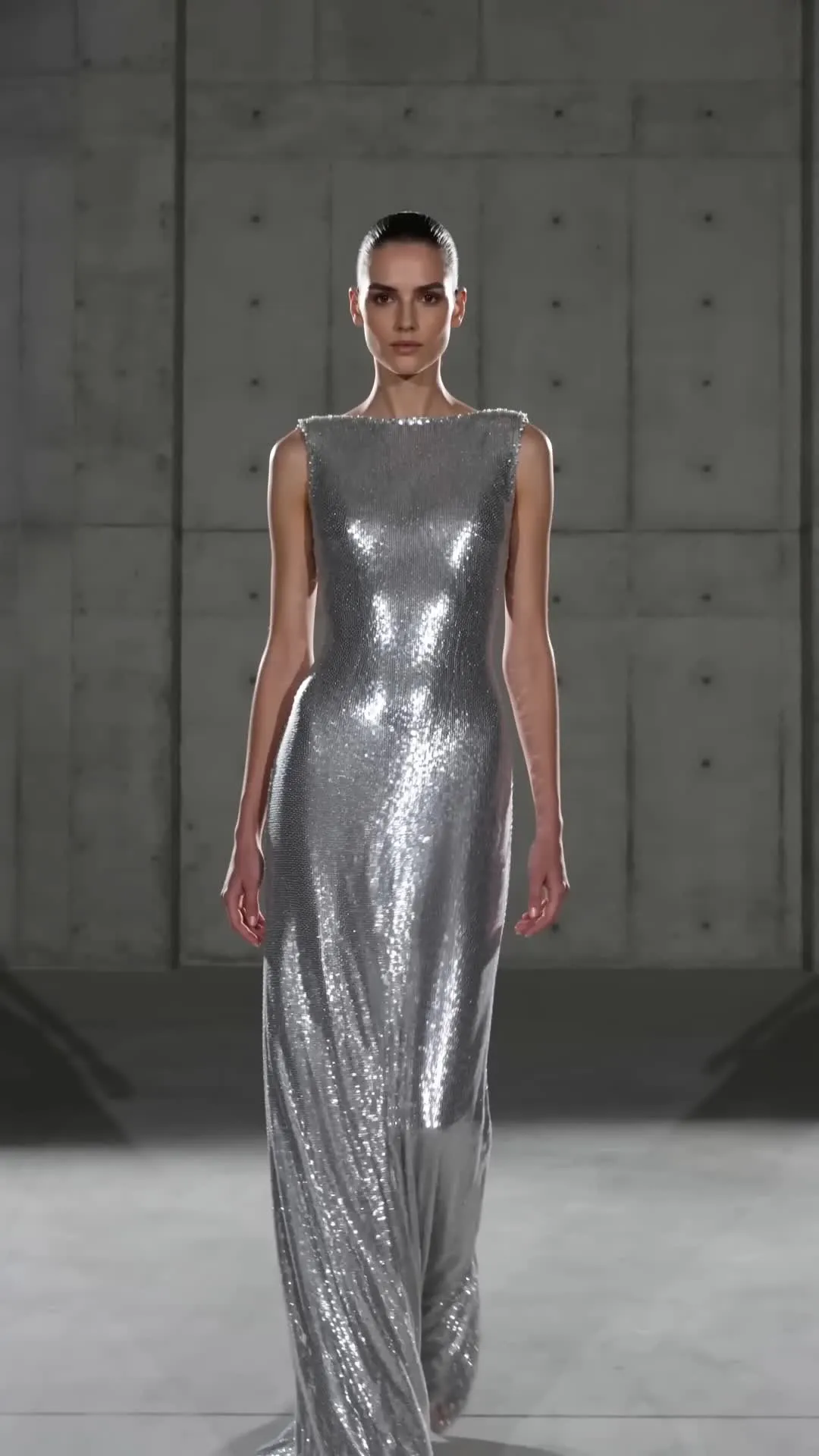
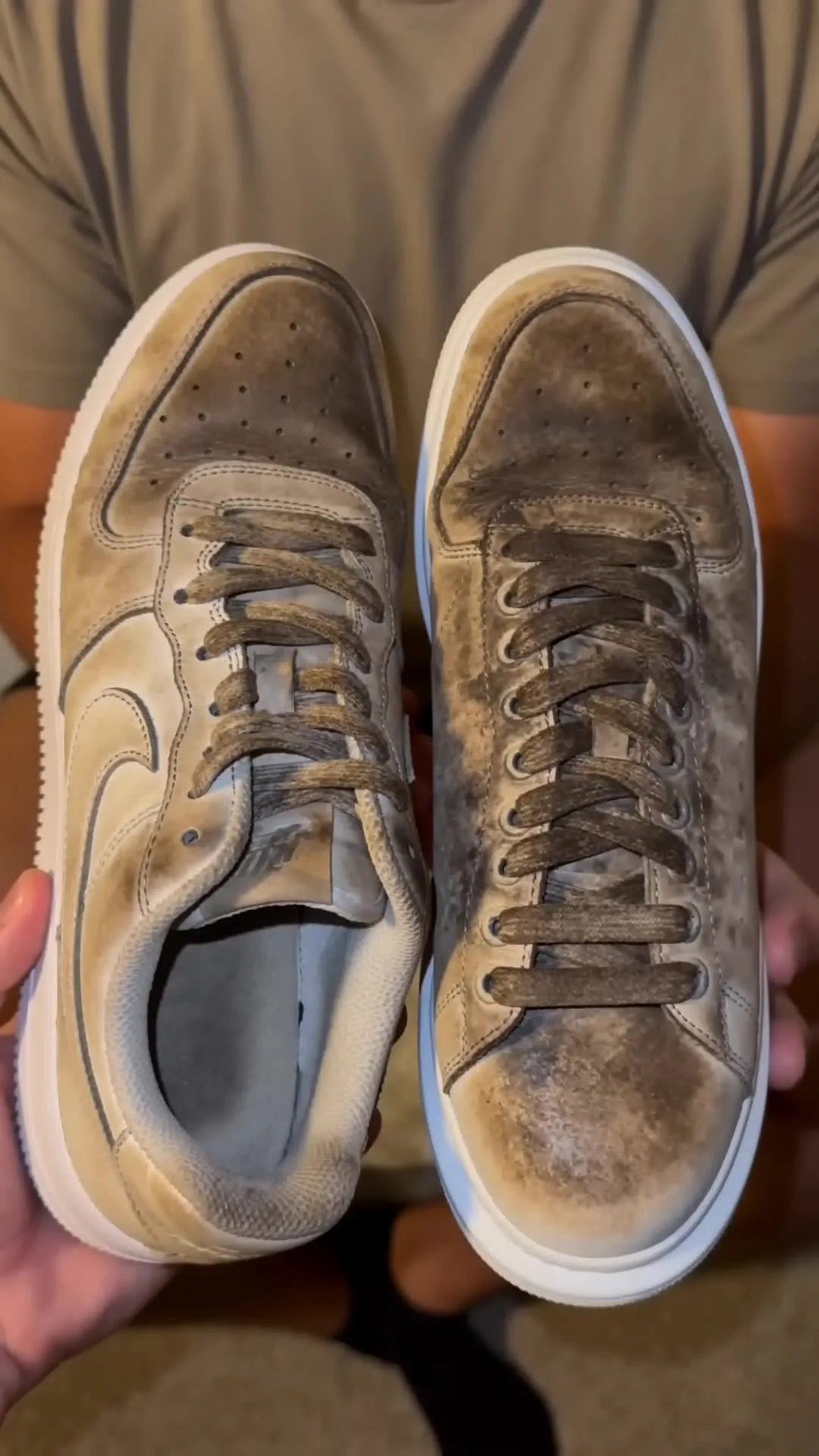
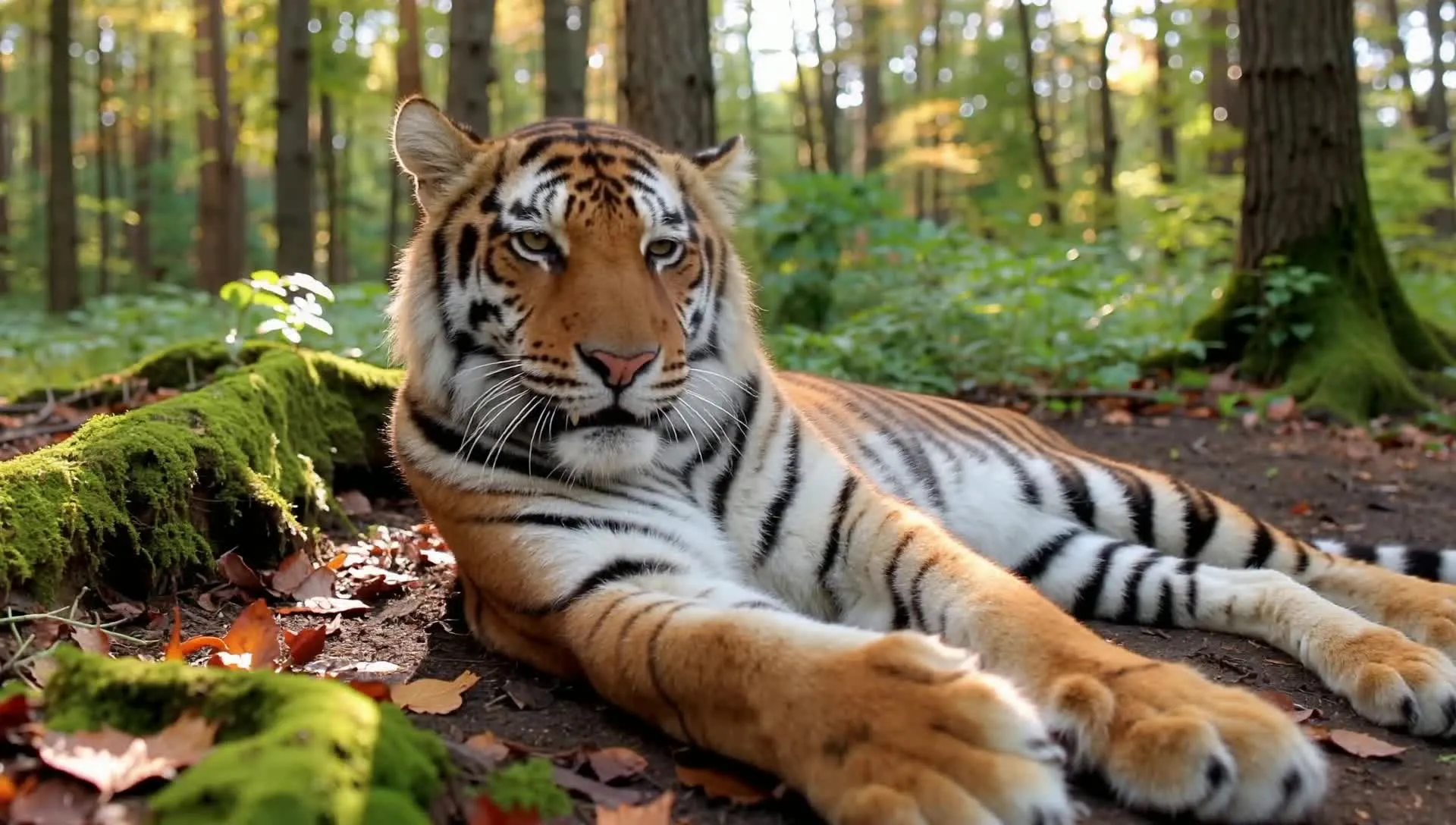
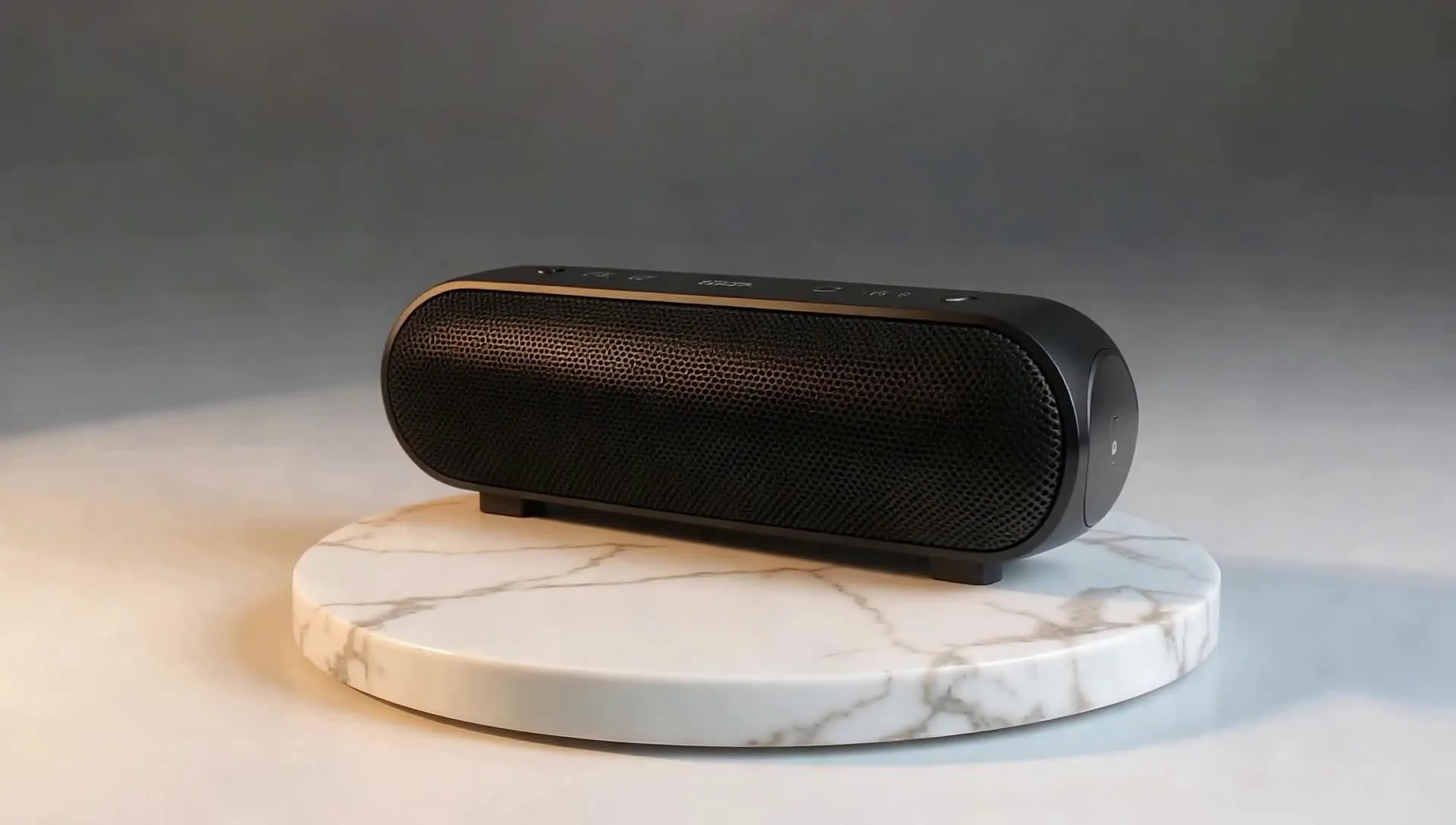
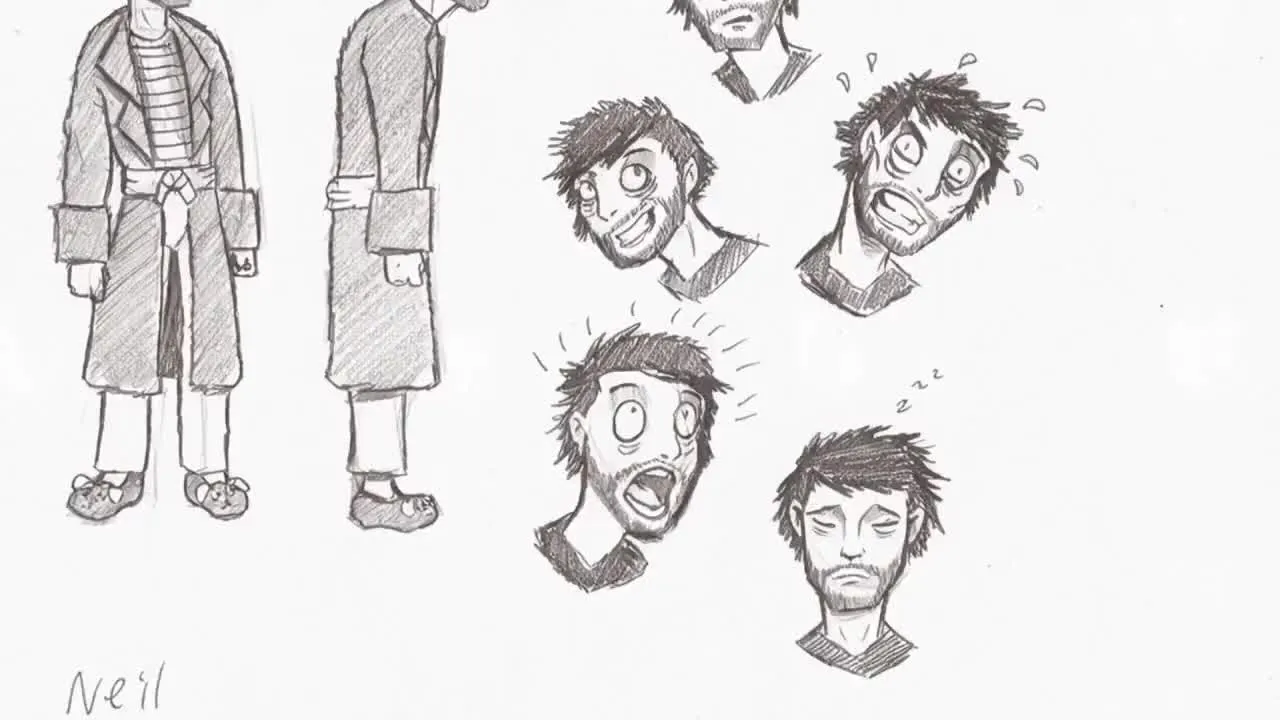
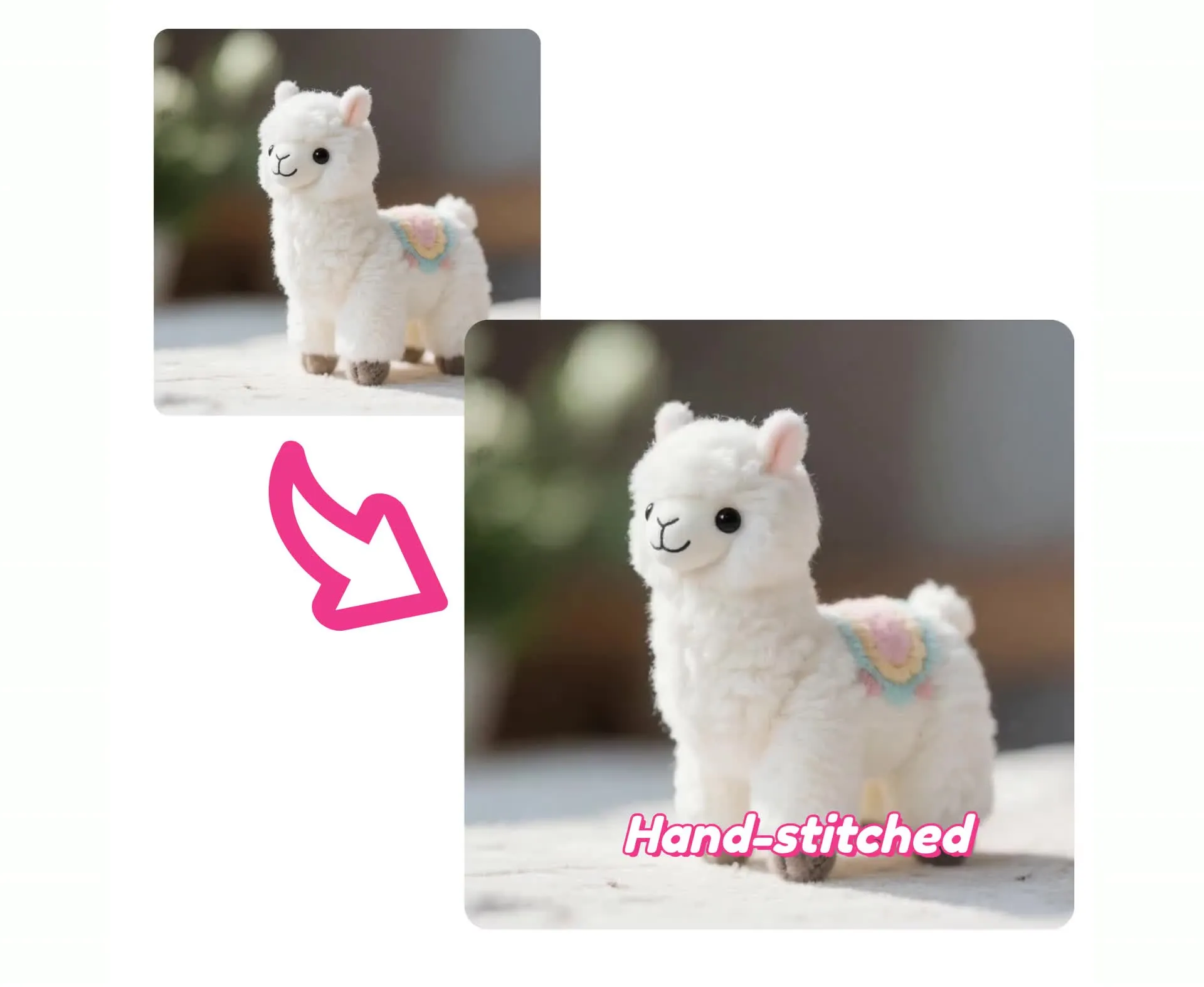
Trasforma le foto dei prodotti in video
Da una singola immagine a un video pronto per la campagna — in un'unica scheda del browser
Rimani sempre fedele al tuo brand con modifiche personalizzate
Anima le tue foto di prodotti con effetti di panoramica, zoom e rotazione.
Poi aggiungi il tuo logo, testo con i prezzi, voice over, sottotitoli e overlay personalizzati — tutto nello stesso editor Kapwing senza cambiare strumenti.
Nessuna re-esportazione su app diverse. Supporta immagini di prodotto JPG, PNG, WEBP in 4K.
Esporta su ogni piattaforma senza rieditare
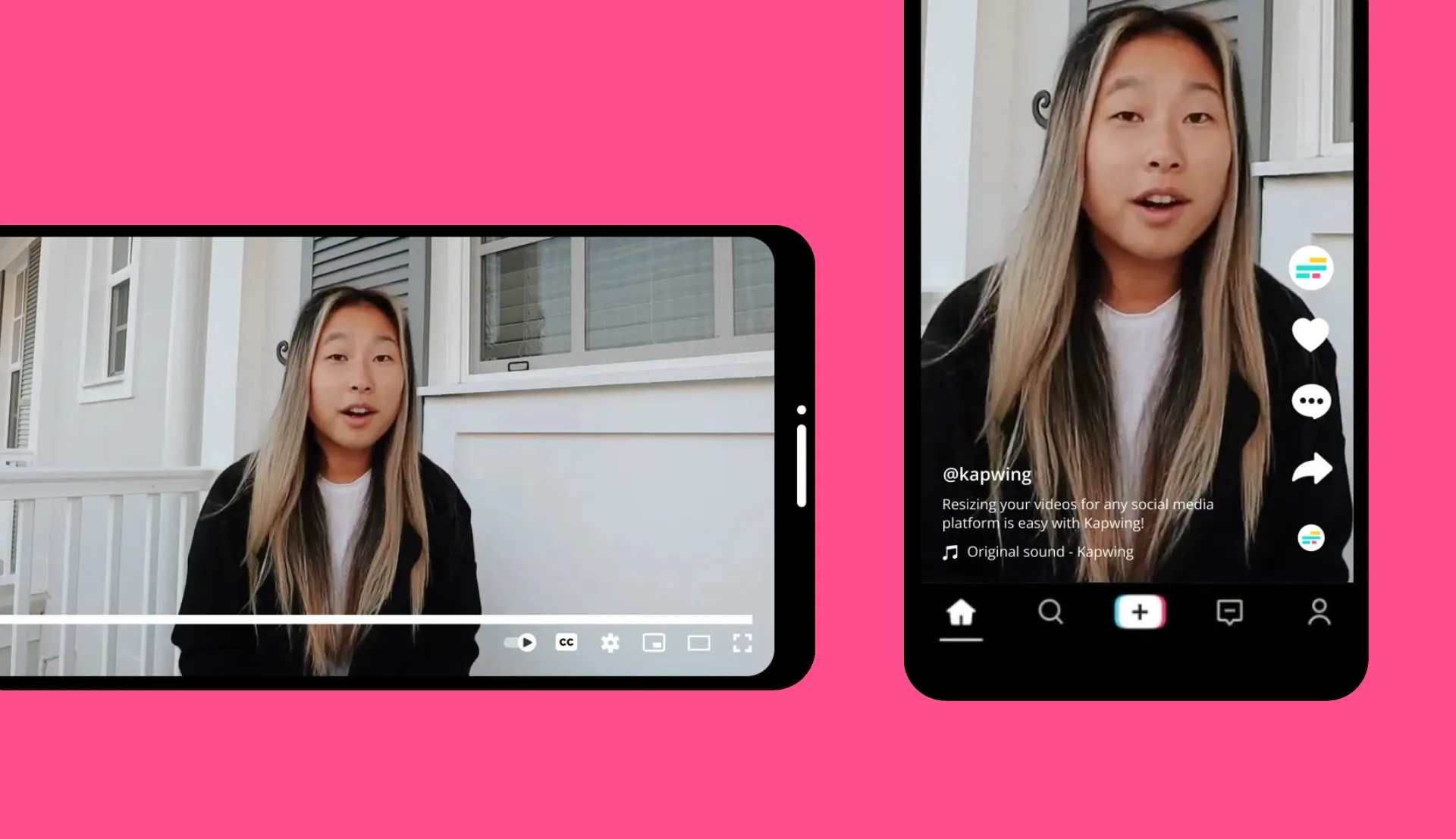
Scegli le proporzioni prima di generare — esporta in 9:16 per TikTok e Reels, 1:1 per Instagram, o 16:9 per YouTube.
Kapwing AI è costruito per team di contenuti e agenzie: esportazioni in batch, link ai progetti condivisibili e commenti live così i clienti possono lasciare feedback direttamente sulla timeline.
Niente catene di email, niente registrazioni Loom. Una sola piattaforma dal primo upload all'esportazione finale.
IA da immagine a video per ogni flusso di lavoro
35 milioni di creator usano Kapwing — ecco come
Creator dei Social Media
Trasforma una singola foto in un TikTok, Reel o YouTube Short. Usa prompt di movimento potenziati dall'IA che abbinano stili visivi di tendenza senza esperienza di editing
Progettisti
Dai vita alle tue bozze e al tuo portfolio. Aggiungi panoramiche, zoom e rotazioni cinematiche ai tuoi design statici — perfetto per presentazioni ai clienti e portfolio reels.
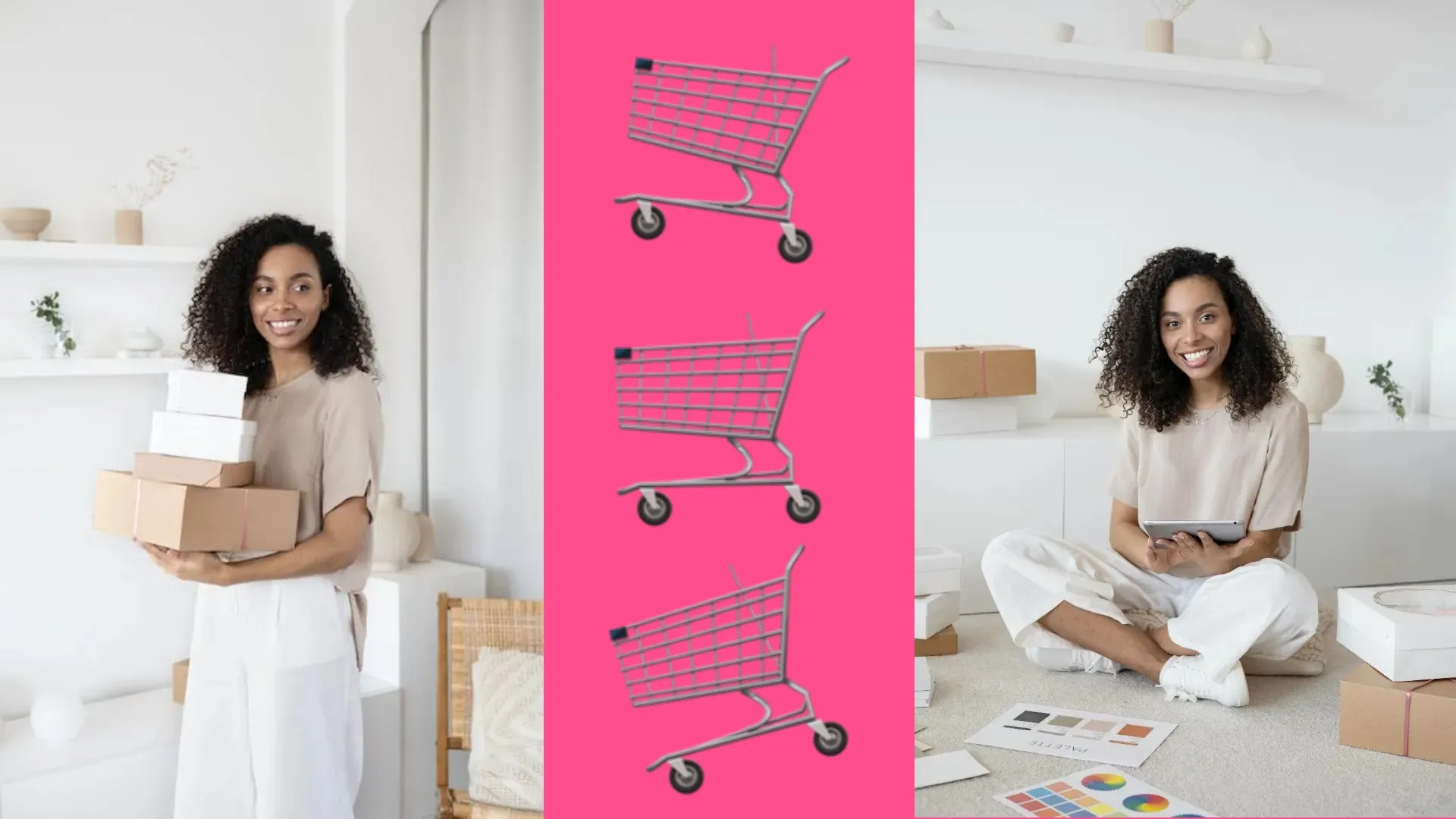
E-commerce
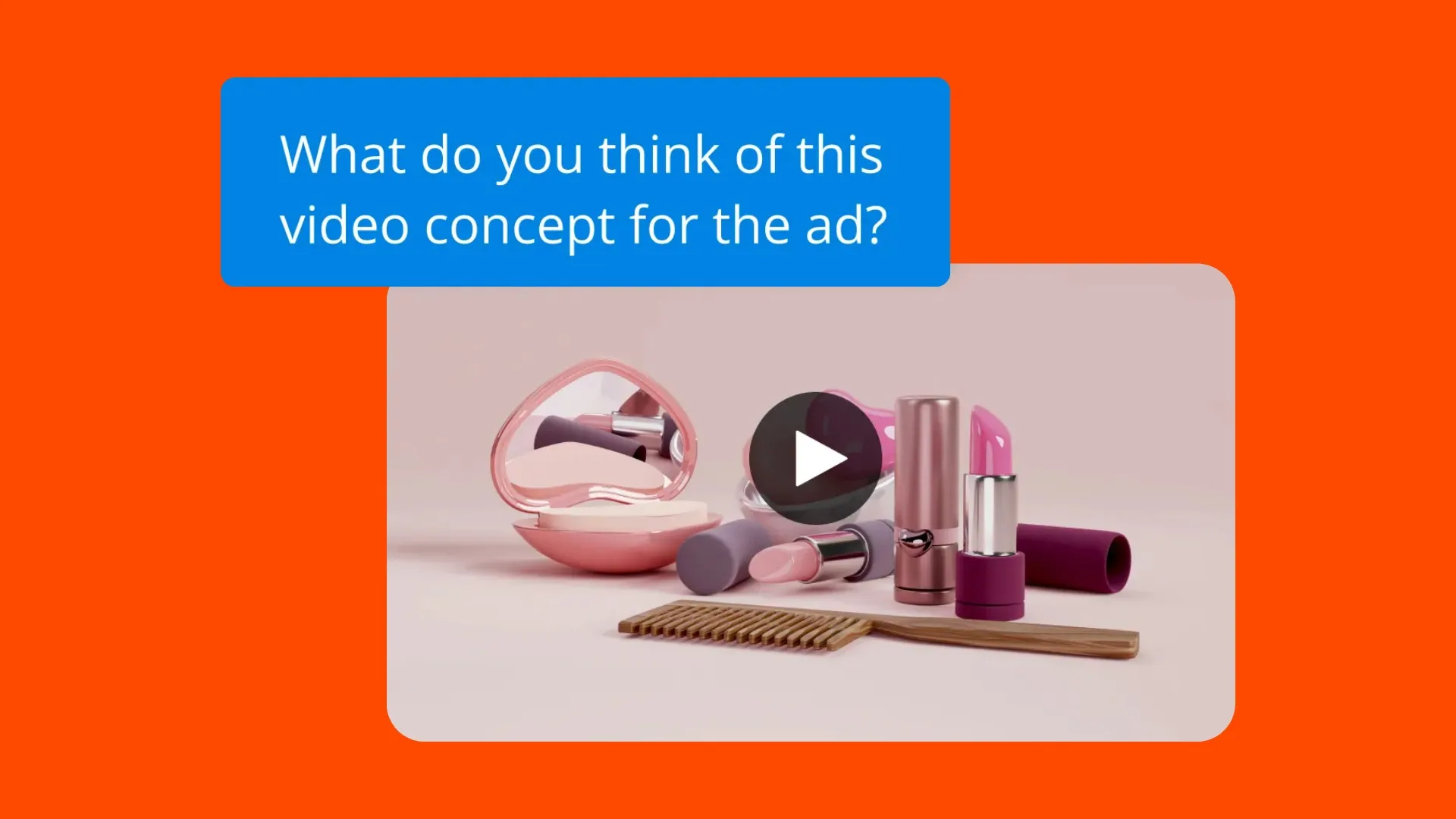
Trasforma le foto dei prodotti in annunci video 9:16 con movimento, loghi, testo dei prezzi e musica. Pronti per TikTok Shop, Meta Ads e Amazon — dall'upload all'esportazione in meno di 5 minuti.
.webp)
Marketing e Agenzie
Genera video in batch da un catalogo di prodotti. Condividi progetti con link di commenti live. I clienti rivedono e approvano direttamente in Kapwing senza andirivieni.
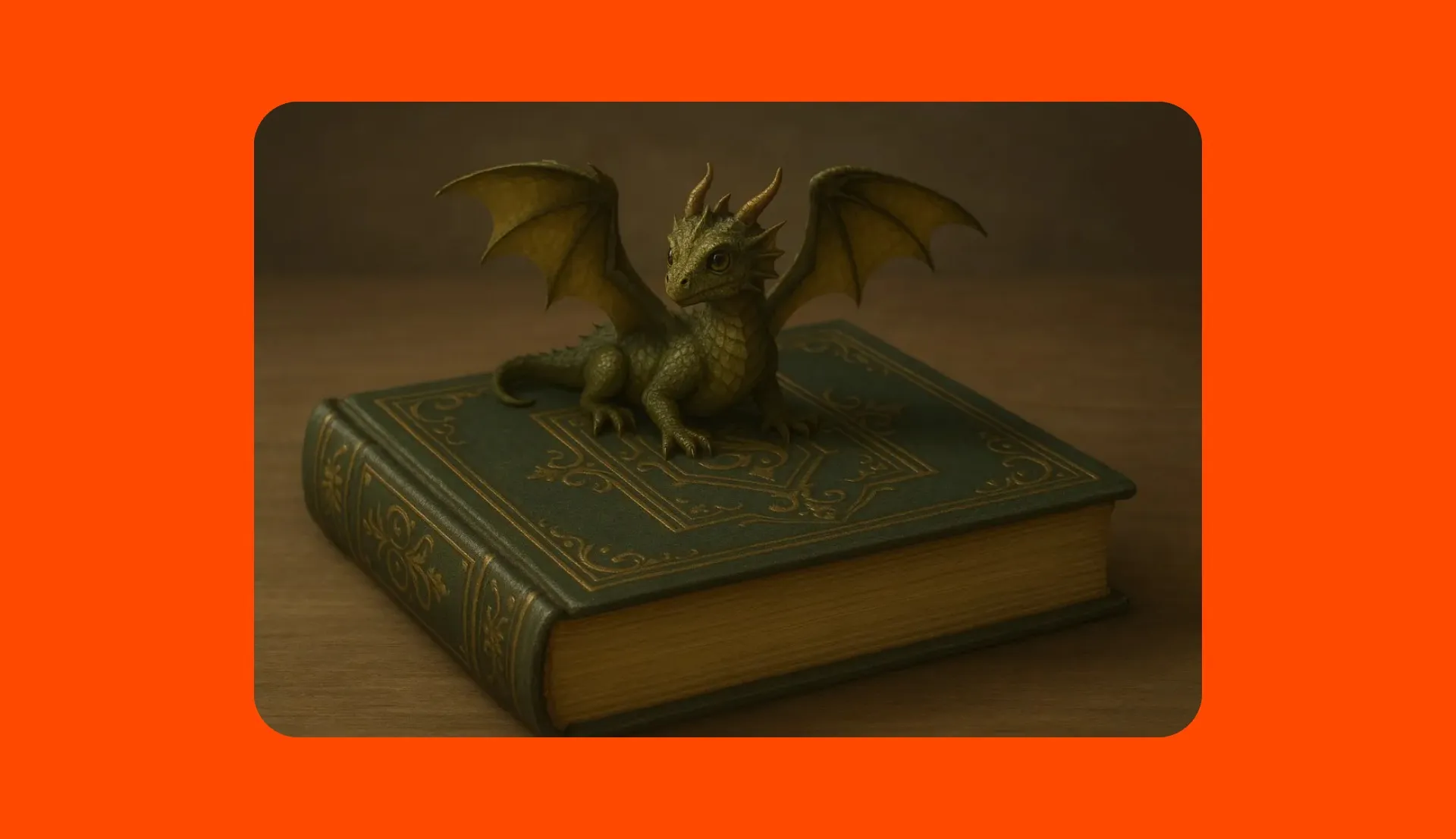
Autori
Trasforma copertine di libri, opere d'arte e fotografie in trailer video cinematografici. Aggiungi effetti di movimento, voiceover e musica per campagne di lancio e promozione sui social.
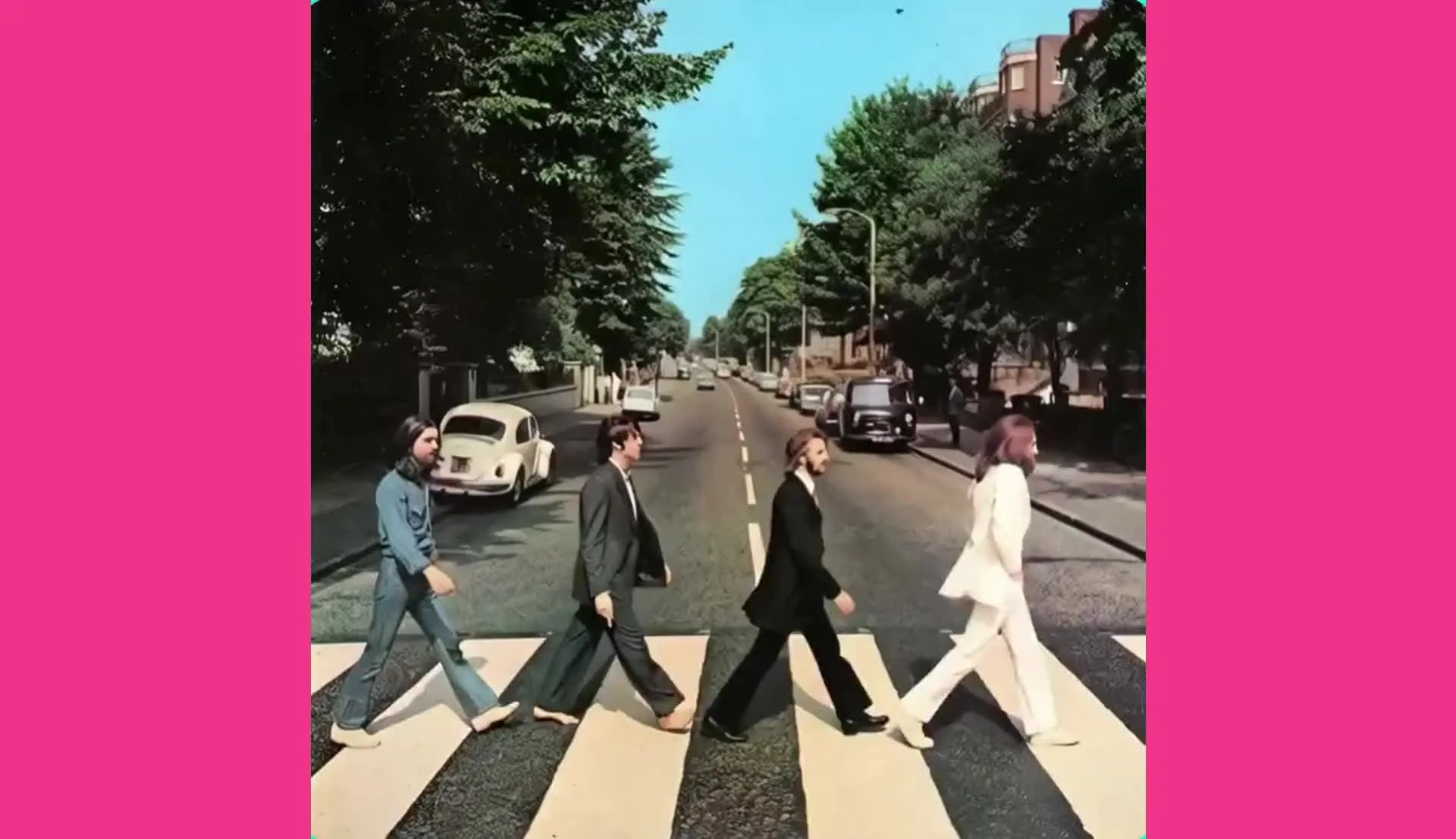
Artisti Musicali
Artisti e brand di intrattenimento creano fantastici video musicali, teaser social e promo di spettacoli in pochi minuti, trasformando copertine di album, foto dietro le quinte o contenuti da servizi fotografici
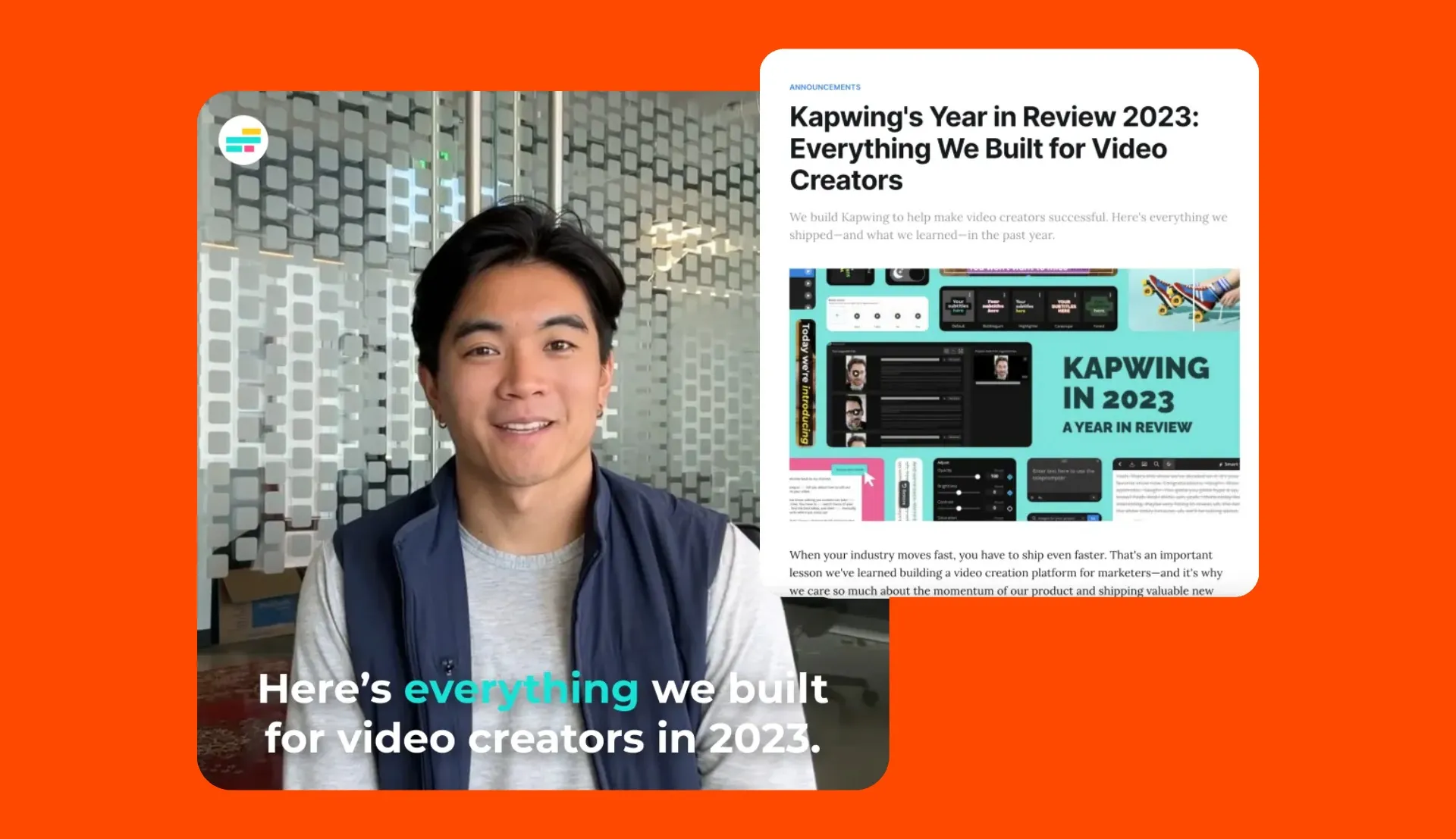
Insegnanti
Converti le diapositive delle lezioni, i diagrammi, gli schizzi veloci, e le infografiche in brevi video esplicativi. Non è richiesta alcuna esperienza di editing video — carica, scrivi il prompt, genera, esporta.
Trasforma immagini generate dall'IA in video
Cartoni, illustrazioni e arte AI
Stai già creando immagini con Midjourney, DALL-E o Stable Diffusion? L'AI image-to-video di Kapwing prende la tua opera d'arte AI come fotogramma iniziale e genera movimento da essa.
Carica l'immagine che hai generato, descrivi come vuoi che si muova, ed esporta una versione video della tua arte AI.
Carica semplicemente il tuo JPG o PNG e via.
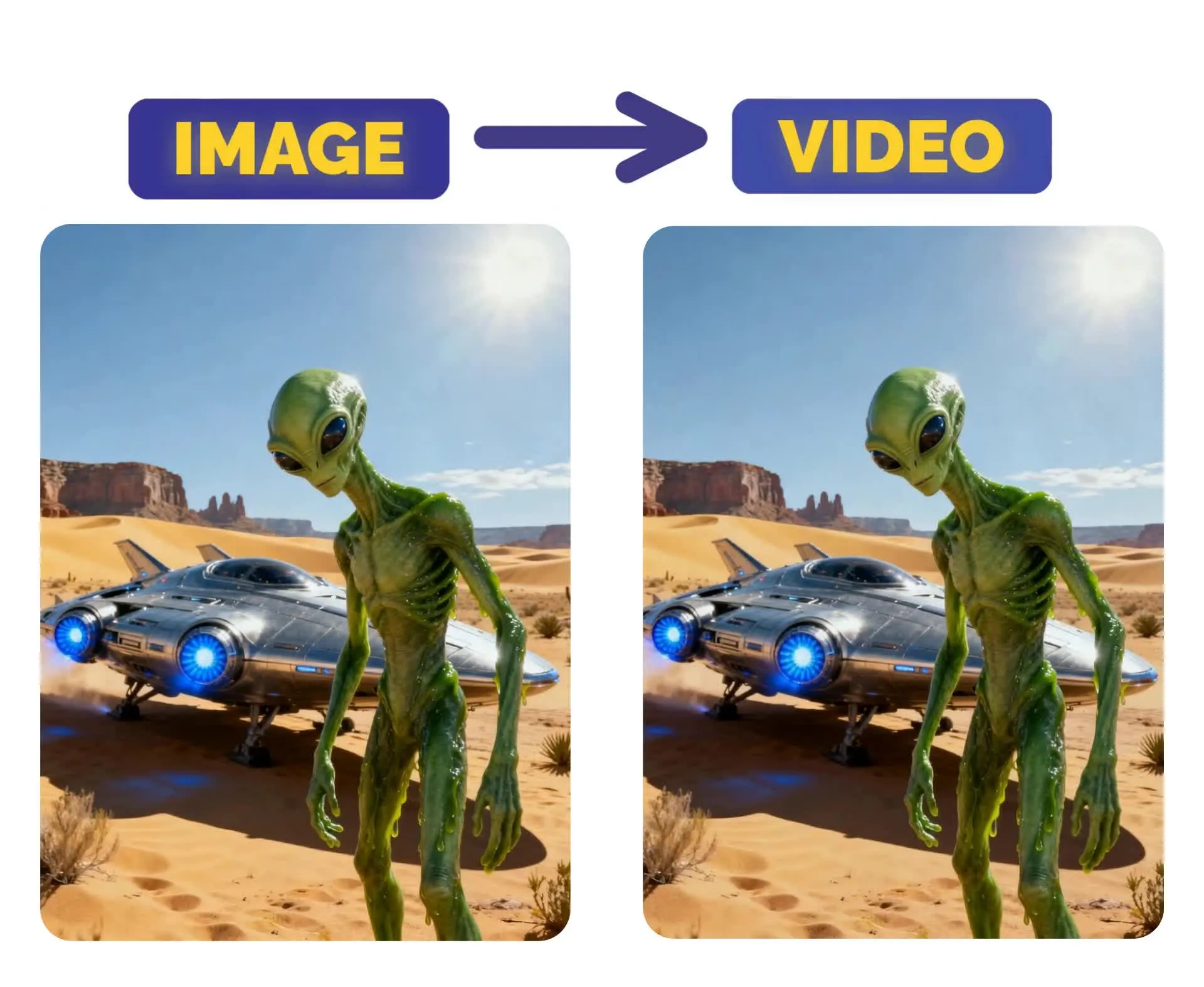
Come trasformare un'immagine in video con l'AI
- Step 1Apri il generatore AI Image to Video di Kapwing
Vai sa kapwing.com/kai.
- Step 2Carica la tua foto e descrivi il movimento
Carica un file JPG, PNG o WEBP. Digita un prompt descrivendo come vuoi che l'immagine si muova: direzione della telecamera, movimento del soggetto, velocità o stile visivo.
- Step 3Genera, modifica ed esporta
Clicca su "Genera Video." La maggior parte dei clip è pronta in meno di 30 secondi. Aggiungi testo, musica, sottotitoli o overlay con marchio sulla canvas di Kapwing. Esporta come MP4 in 9:16, 16:9, 1:1 o in qualsiasi rapporto supportato.
Che cosa rende Kapwing diverso?



Domande Frequenti
Abbiamo le risposte alle domande più comuni che i nostri utenti ci fanno.
Lo strumento AI Image to Video è gratuito?
Sì, chiunque può provare gratuitamente Kapwing's AI Image to Video. Tutti i nostri strumenti AI funzionano con un sistema di crediti, con ogni funzione che costa un numero fisso di crediti. Per la massima creatività e il miglior valore, passa a un account Pro per sbloccare tutto il potere della creazione di contenuti basata su AI.
Qual è la differenza tra AI image-to-video e AI text-to-video?
AI Image-to-video inizia da un'immagine statica e l'anima. AI Text-to-video inizia da un prompt scritto e genera una nuova scena da zero. Kapwing supporta entrambi i flussi di lavoro.
Come faccio a trasformare una foto in un video con l'AI?
Carica una foto, inserisci un prompt che descriva il movimento o il cambio di scena che desideri, e genera il video. Puoi quindi modificare il risultato aggiungendo testo, sottotitoli, loghi, voice-over o musica.
Posso usare AI image-to-video per le foto dei prodotti?
Sì. AI image-to-video è un modo semplice per trasformare le immagini dei prodotti in brevi video promozionali con movimento della fotocamera, sovrapposizioni di testo, musica e modifiche personalizzate.
Puoi modificare e personalizzare i video generati dall'IA?
Sì, tutti i video generati dall'IA di Kapwing sono completamente personalizzabili. Una volta generati, puoi aggiungere una varietà di modifiche in base al tuo piano di abbonamento, inclusi sfondi personalizzati, colori, immagini e loghi.
Quali modelli funzionano meglio per la conversione di immagini in video con IA?
Ti consigliamo di usare Seedance o Kling motion control per i migliori risultati da immagine a video. Per controllare il fotogramma iniziale e finale, usa Veo.
Cos'è l'AI image-to-video?
L'IA image-to-video è uno strumento che trasforma un'immagine statica in una clip video in movimento. Utilizza l'immagine caricata come fotogramma iniziale, quindi genera movimento e movimento della telecamera in base al tuo prompt.
Quali proporzioni di aspetto, dimensioni di file e risoluzioni di visualizzazione sono supportate?
Lo studio AI di Kapwing funziona con tutti i tipi di file più diffusi per video e immagini, inclusi MP4, AVI, MOV, WebM, WebP, JPG, PNG e altri ancora.
- Proporzioni in: 1:1, 9:16, 16:9, 4:5, 5:4, 3:4, 4:3, 2:3 e 21:9.
- Supporto della risoluzione: 480p, 512p, 768p, 720p e 1080p.
Come posso ottenere suggerimenti per scrivere prompt migliori da immagine a video?
Dai un'occhiata al nostro blog su i prompt AI avanzati per video per scoprire come scriverli e usarli in modo efficace.
Cosa sono i Custom Kais?
Custom Kais sono effetti di immagini e video AI pre-costruiti in Kapwing. Il nostro team ne ha creati centinaia così puoi produrre istantaneamente contenuti accattivanti — nessuna necessità di scrivere prompt. Basta applicare un Custom Kai e lo stile è gestito per te.
Puoi anche creare il tuo Custom Kai per catturare l'aspetto unico del tuo brand e riutilizzarlo quando vuoi per generazioni di immagini e video coerenti e fedeli al brand con un solo click.
Quanto tempo ci vuole per generare un video da un'immagine?
La maggior parte delle generazioni si completa in meno di 30 secondi. Gli output più lunghi o ad alta risoluzione potrebbero richiedere fino a pochi minuti a seconda della selezione del modello e del carico del server.
Come si confronta Kapwing con Runway, Pika o Kling per la conversione da immagine a video?
Kapwing integra Kling motion control direttamente — lo stesso modello di IA che alimenta lo strumento standalone di Kling. La differenza chiave è che Kapwing combina la generazione AI con un editor video completo sulla stessa tela: aggiungi testo, sottotitoli, musica e asset del brand dopo la generazione senza cambiare piattaforma. Runway e Pika richiedono strumenti di editing esterni per il lavoro di post-generazione.
Scopri le Risorse
Consigli, modelli e approfondimenti per aiutarti a creare più velocemente e condividere con sicurezza.
Visualizza tutto
Inizia con il tuo primo video in pochi click. Unisciti a oltre 35 milioni di creator che si fidano di Kapwing per creare più contenuti in meno tempo.