How to Add a Fade In Effect to Photos Online Since videos move (and photos don't) animations and transitions help photos become a part of video content. I'll show you how to add a fade effect to photos on any device.
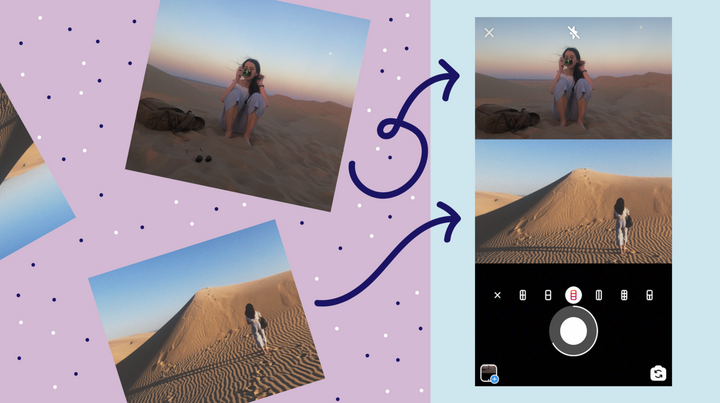
3 Ways to Make an Instagram Story Collage on Your Phone Looking to post multiple photos on your IG story at once but don't want to spam your followers? I'll show you how to create a 9:16 collage.
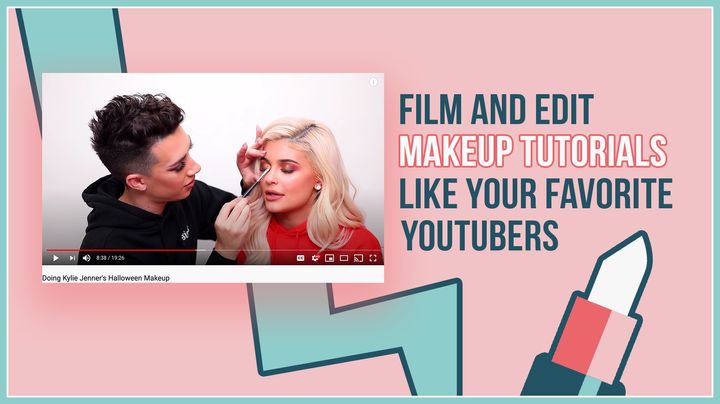
How to Film and Edit Makeup Tutorials Like Your Fave Beauty YouTubers As we all continue to stay home and social distance, many are taking this period of time to hone their hobbies and start their YouTube careers, especially in the beauty community. Creating the perfect makeup tutorial just takes passion, a camera and the right editing tools!
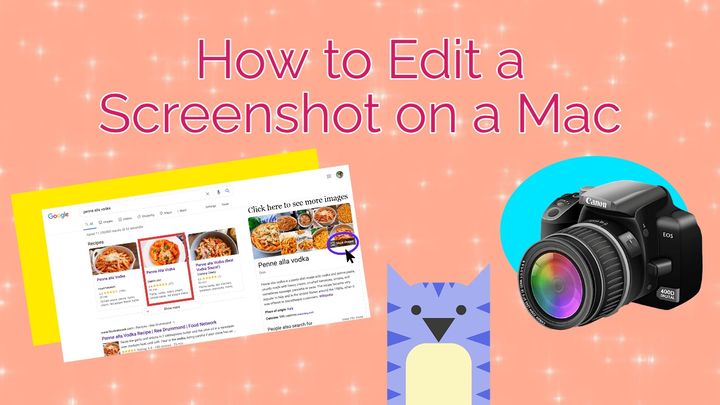
How to Edit a Screenshot on a Mac Without the ability to get an idea across in person, sometimes screenshots are the clearest way to convey a message. Luckily, Kapwing Studio, a free online tool for creators, will help you easily edit your screenshot just how you want it for no cost!
The Right Thumbnail Sizes for Every Social Media Platform You did it! You finished editing your video or crafting the perfect post. Now comes the cherry on top: a perfect thumbnail. Let this article be your ultimate guide to thumbnail dimensions!
How to Reduce GIF Sizes Online You can use Kapwing to quickly reduce the size of your GIFs, making them easier to share on all your favorite platforms, whether it’s for an Instagram story or a tweet, or to be sent in your next group chat message.
How to Combine Videos on iPhone Looking to piece together some congratulatory videos or clips from a previous vacation? You've come to the right spot. Expensive video editing applications aren't necessary — simply take advantage of Kapwing's free, online tools! I'll show you how: