Estensore di Immagini AI
Carica la tua immagine — l'IA completa quello che manca con dettagli realistici
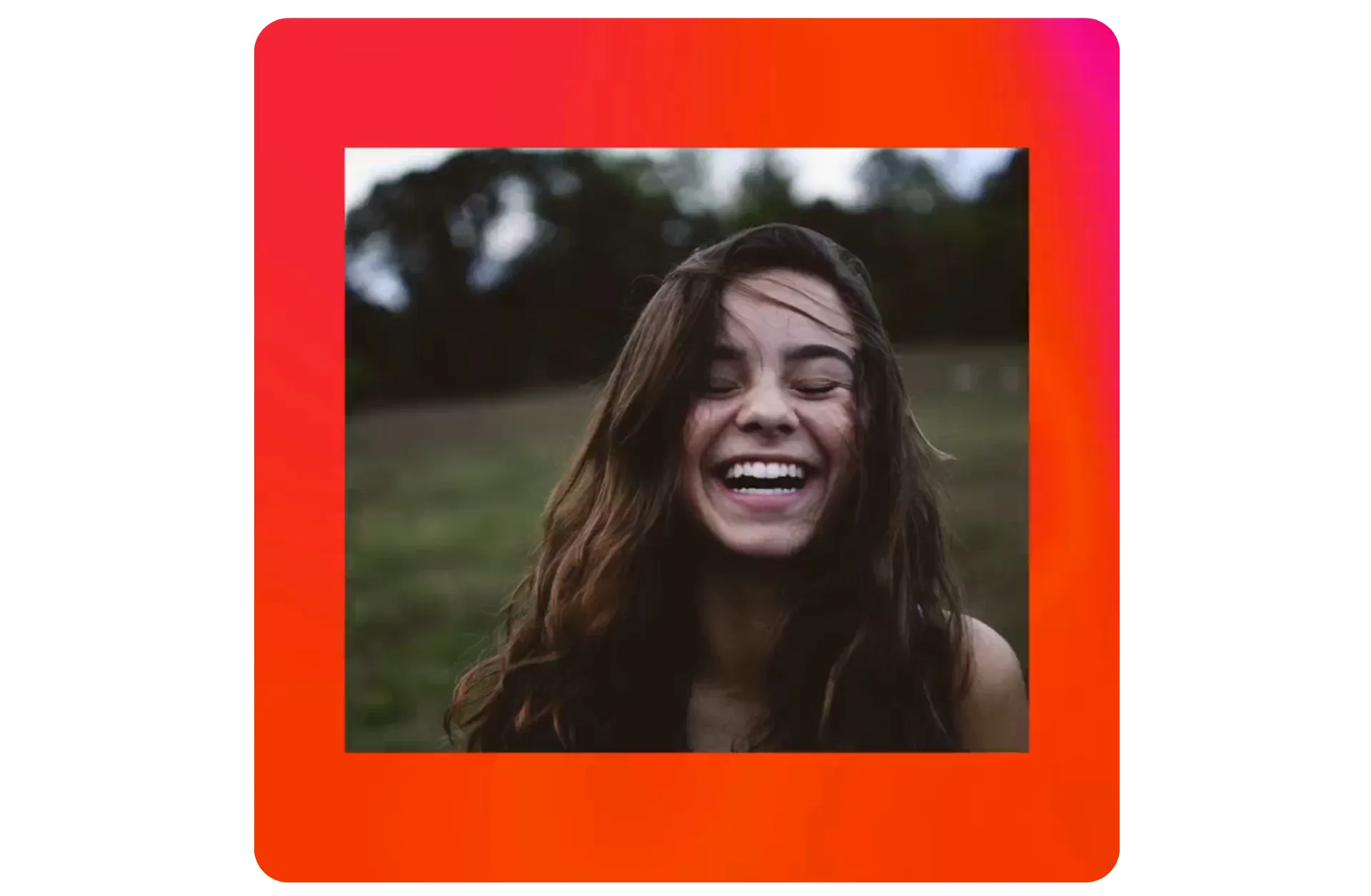
Espansione dell'immagine che sembra identica all'originale
Trasforma qualsiasi foto in pochi secondi — con un solo clic
Risultati veloci e realistici per ogni caricamento
Kapwing's AI Image Extender adapts your images to any aspect ratio, from portrait to landscape and beyond, without any stretching or distortion.
The finest details are preserved, with your image naturally extended beyond its original borders — nobody will ever know it's been edited.
Every image in your library can be optimized for social media, customized for website layouts, adapted for print, and perfectly framed for any use.
Just open the AI Assistant to get started for free.
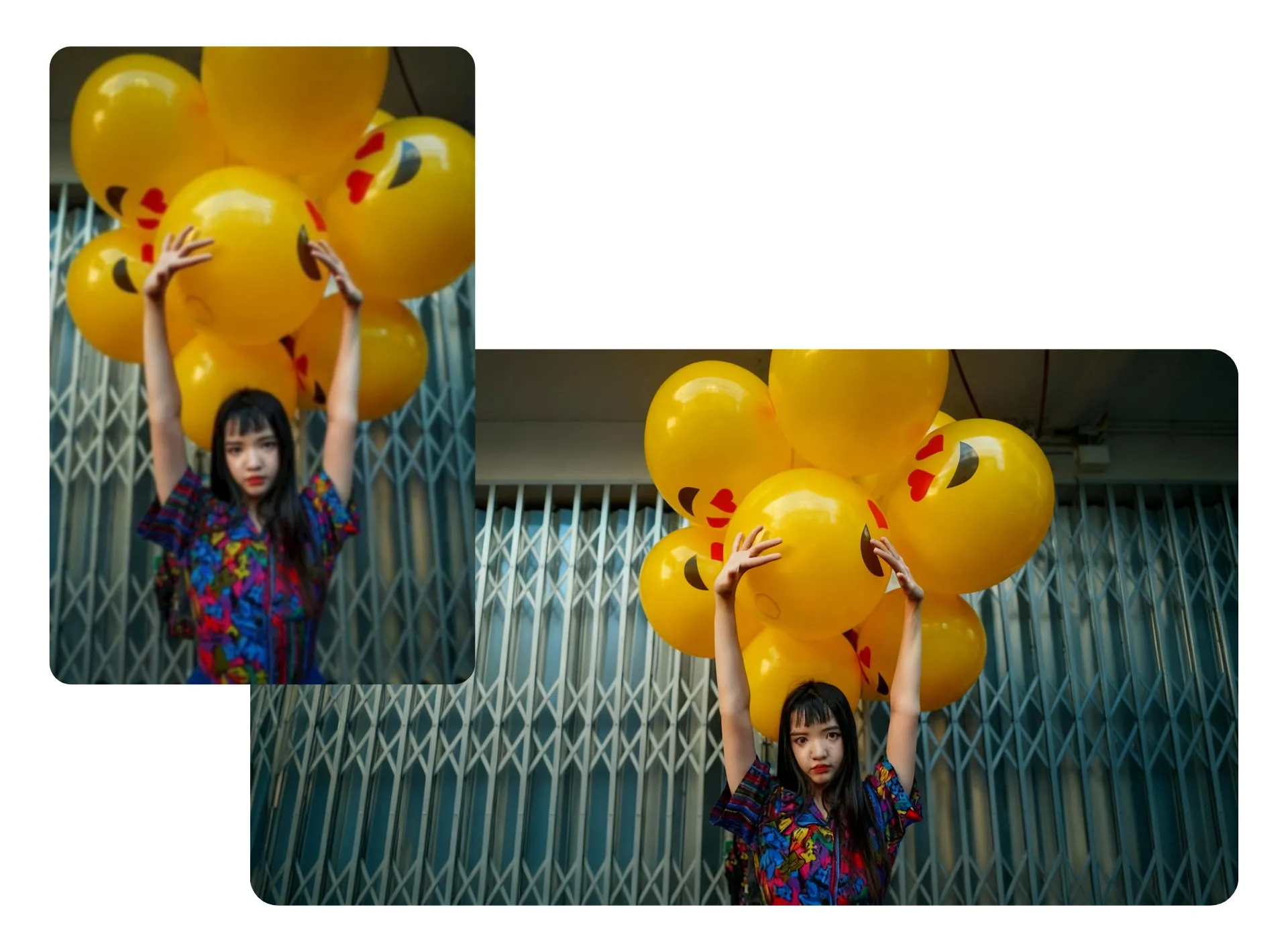
Estendi le foto senza sforzo — non servono competenze di design
Use aspect ratio inputs like "9:16" or "1:1", or keep it simple with terms like "taller" and "wider". You don't need to be a prompt expert to get high-quality results.
You can regenerate images anytime, and your version history gets saved automatically — making it easy to explore different visual expansions and pick the best one when you're ready.
Designers, marketers, photographers, and editors of all skill levels rely on this beginner-friendly workflow to quickly repurpose content, save time, and skip the hassle of manual editing.
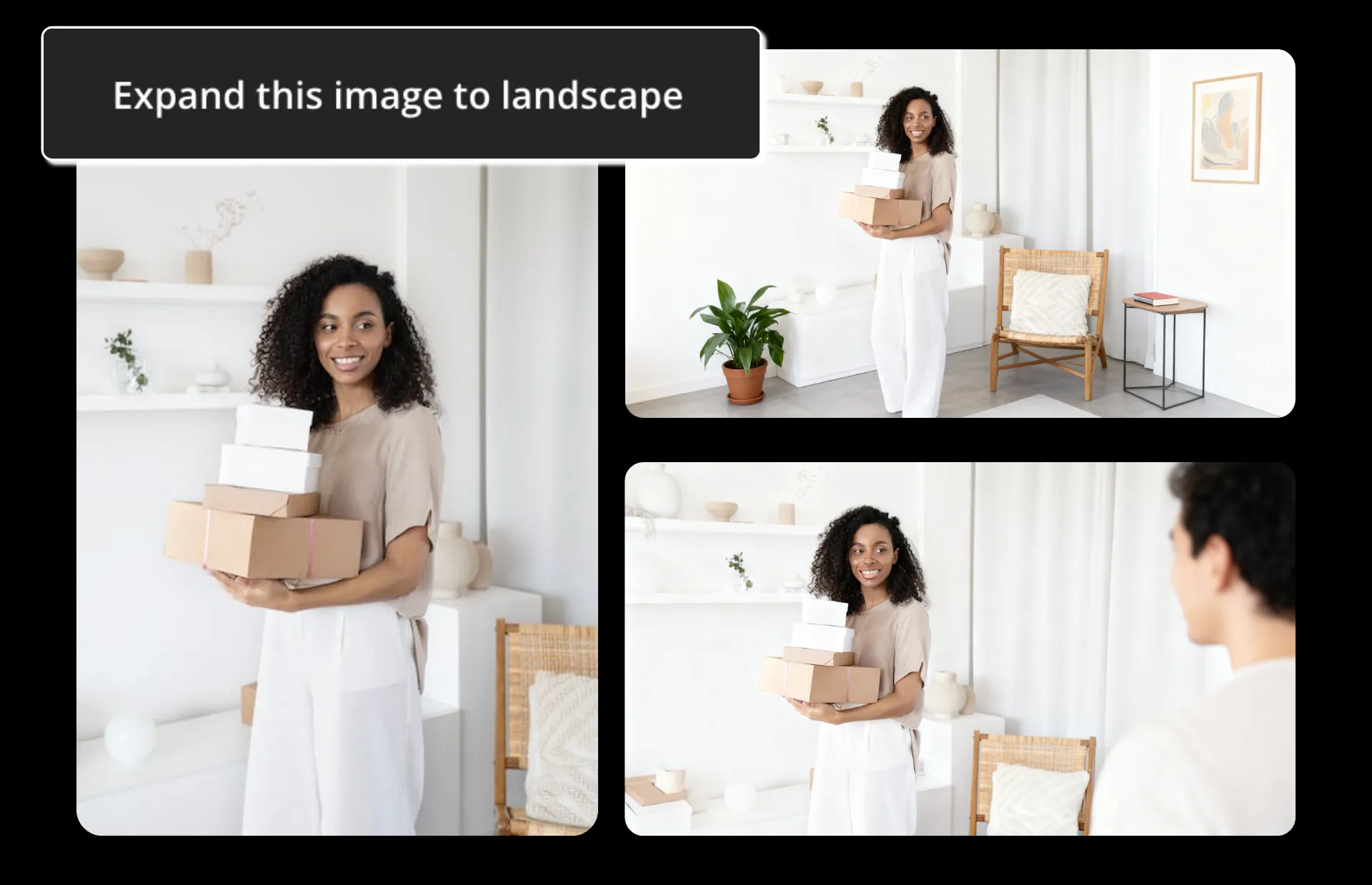
Modifica la tua immagine — come preferisci
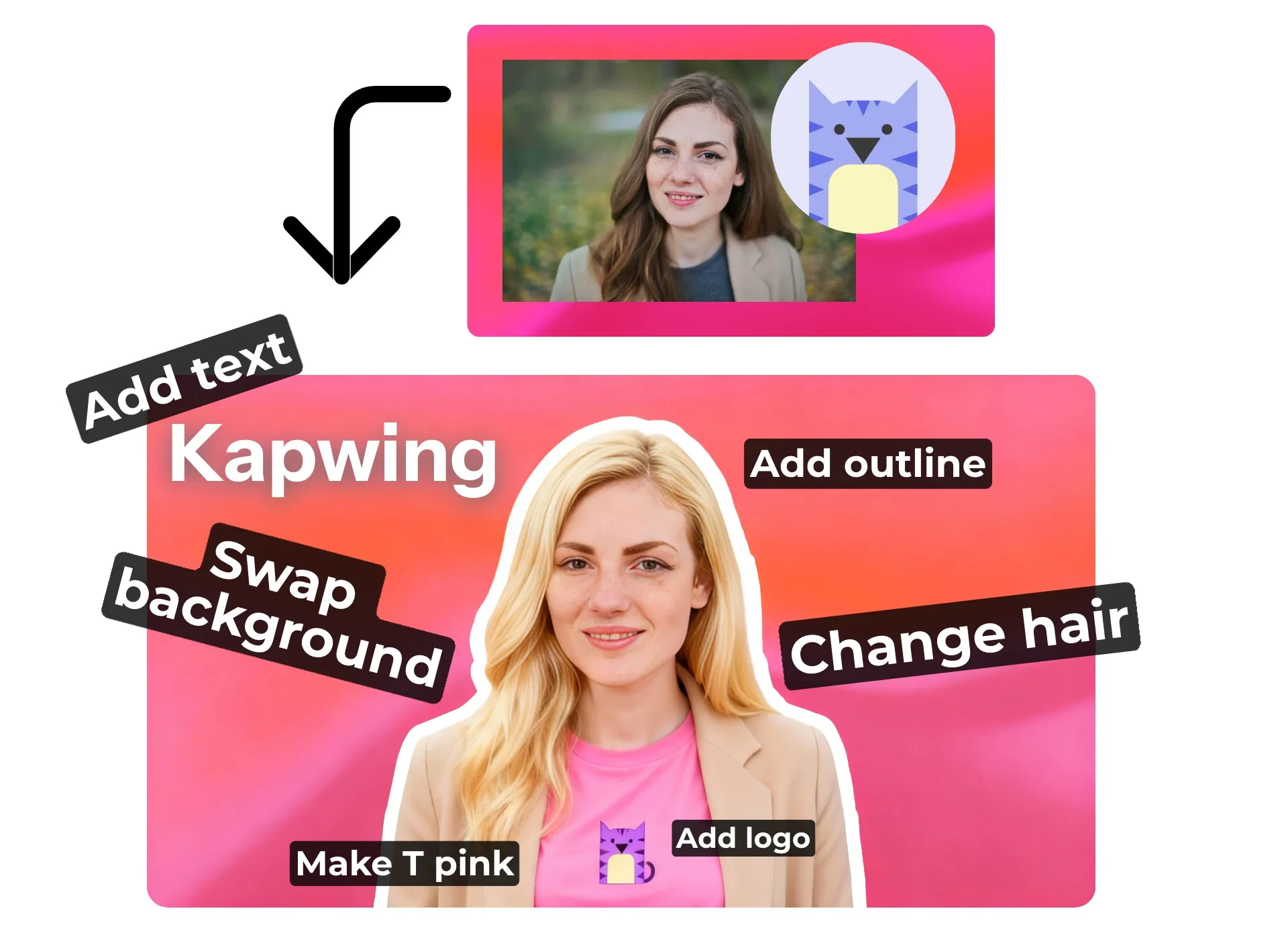
Image editing doesn't stop at expanding photos or filling empty space — Kapwing's AI Assistant is ready for your next command. Remove objects, change backgrounds, add transparency, switch up styles, or completely reimagine your image from scratch.
Inside Image Editing Studio, you'll find hundreds of AI-powered and manual tools to polish, refine, fix, transform, and reimagine your visual content for any project.
Come Estendere un'Immagine Con AI
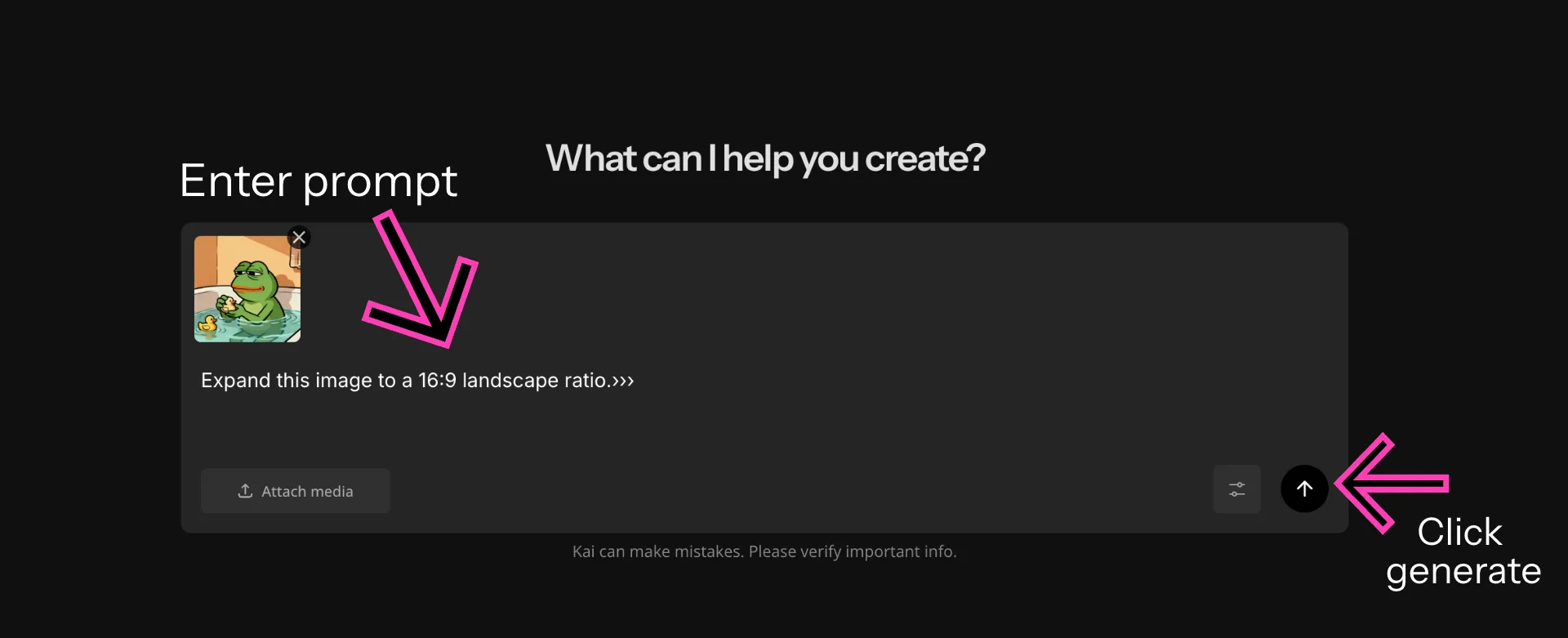
- Step 1Carica immagine
Apri l'Assistente AI di Kapwing e carica l'immagine che vuoi estendere.
- Step 2Inserisci prompt
Inserisci un prompt chiedendo all'IA di estendere la tua immagine — usa parole come ritratto, paesaggio, espandi o estendi. Scegli il rapporto d'aspetto desiderato dal menu a discesa.
- Step 3Modifica ed esporta
Fai ulteriori modifiche chattando con l'IA o regolando manualmente nell'editor. Quando sei pronto, aggiungi l'immagine al tuo canvas e esporta la tua immagine.
Già rivoluzionando la creazione di video in diversi settori
Ascolta direttamente dai team che pubblicano più velocemente, collaborano meglio e rimangono sempre avanti.


Unisciti a milioni di creator che estendono le immagini con Kapwing
Potente, preciso editing di immagini a portata di mano
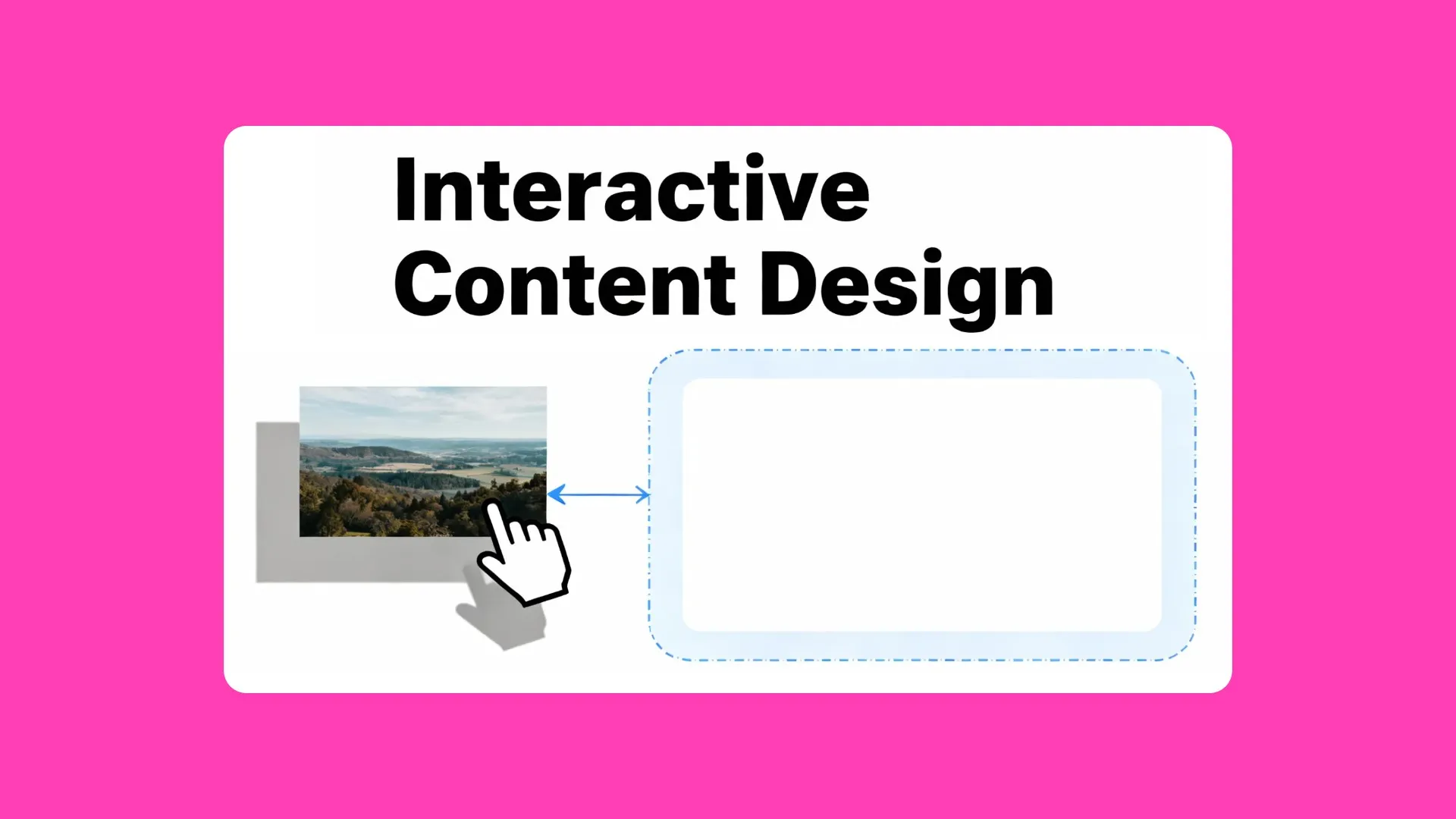
Web Design
AI Image Extender ti aiuta a ridimensionare banner, immagini hero e visual di prodotti per i layout del sito web — perfetto per i proprietari di piccole aziende, i designer e i team di vendita
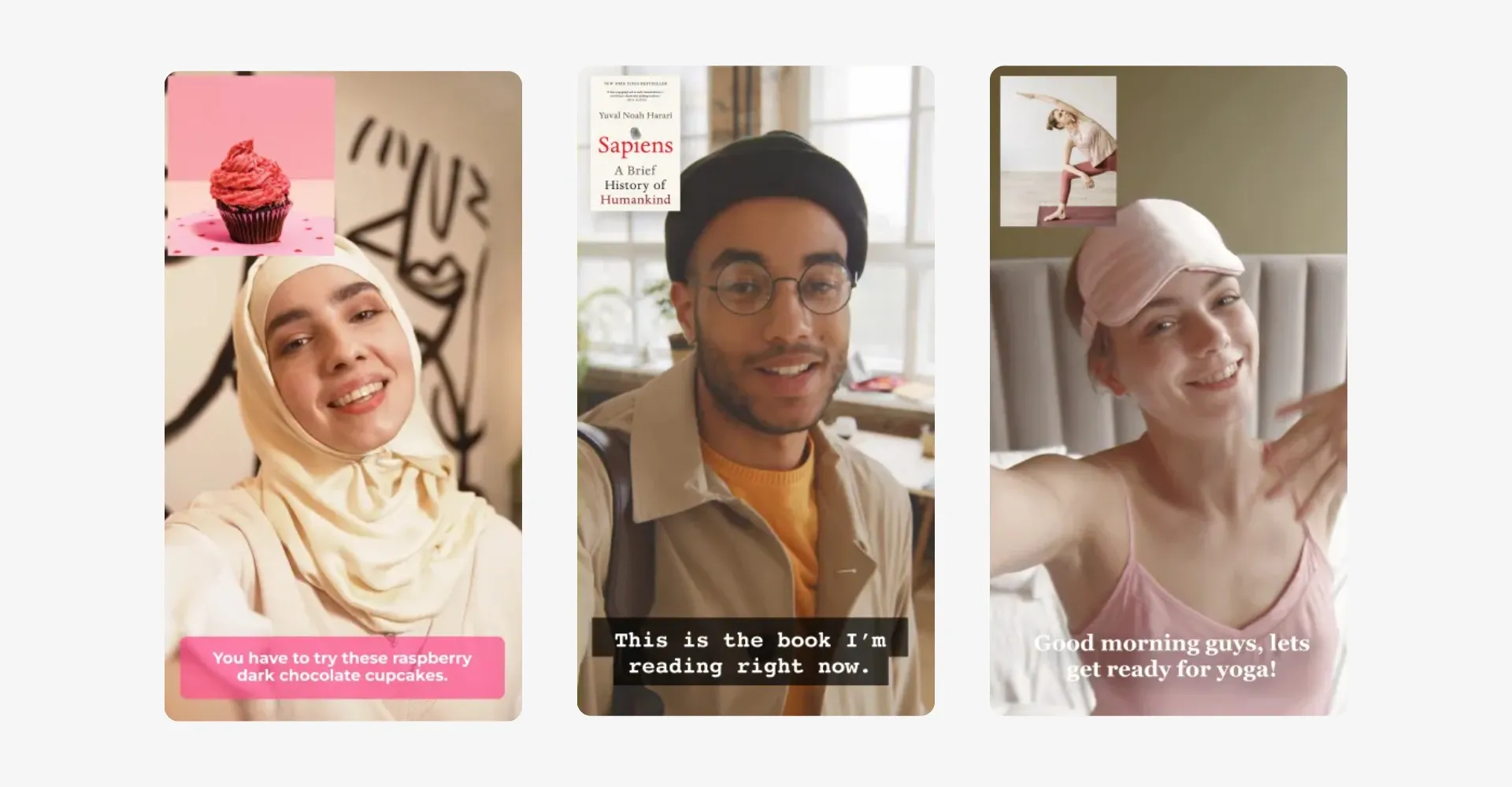
Social Media
I gestori dei social media, gli influencer e gli imprenditori utilizzano il creatore di immagini AI per ridimensionare o inquadrare i contenuti visivi per Instagram, YouTube e altro ancora
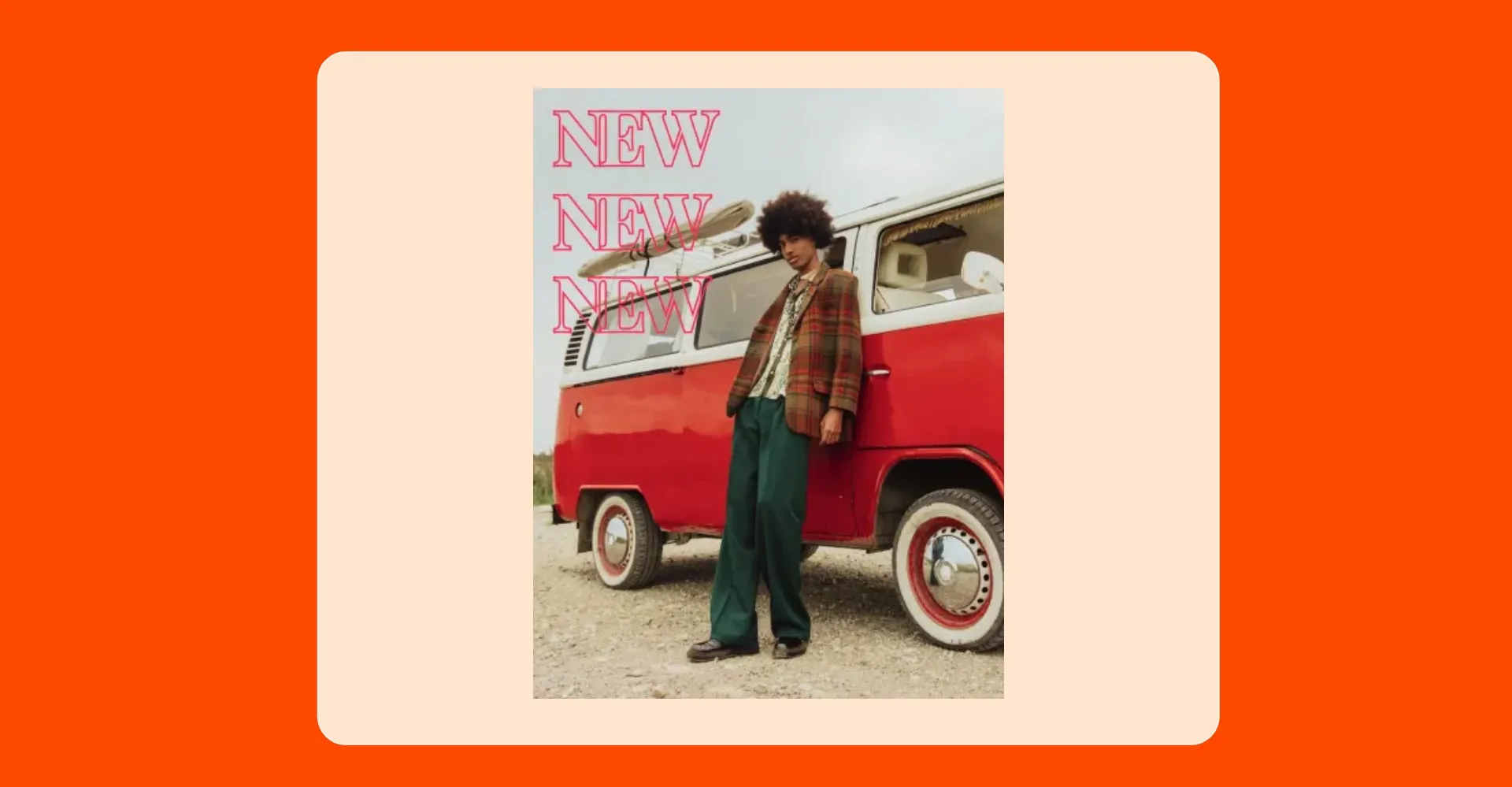
Annunci e Promozioni
Noi marketer, i team di PR e gli specialisti pubblicitari estendiamo le foto di prodotti e lifestyle per adattarle ai formati pubblicitari su social, ricerca e display — da 9:16 a 3:4 e oltre
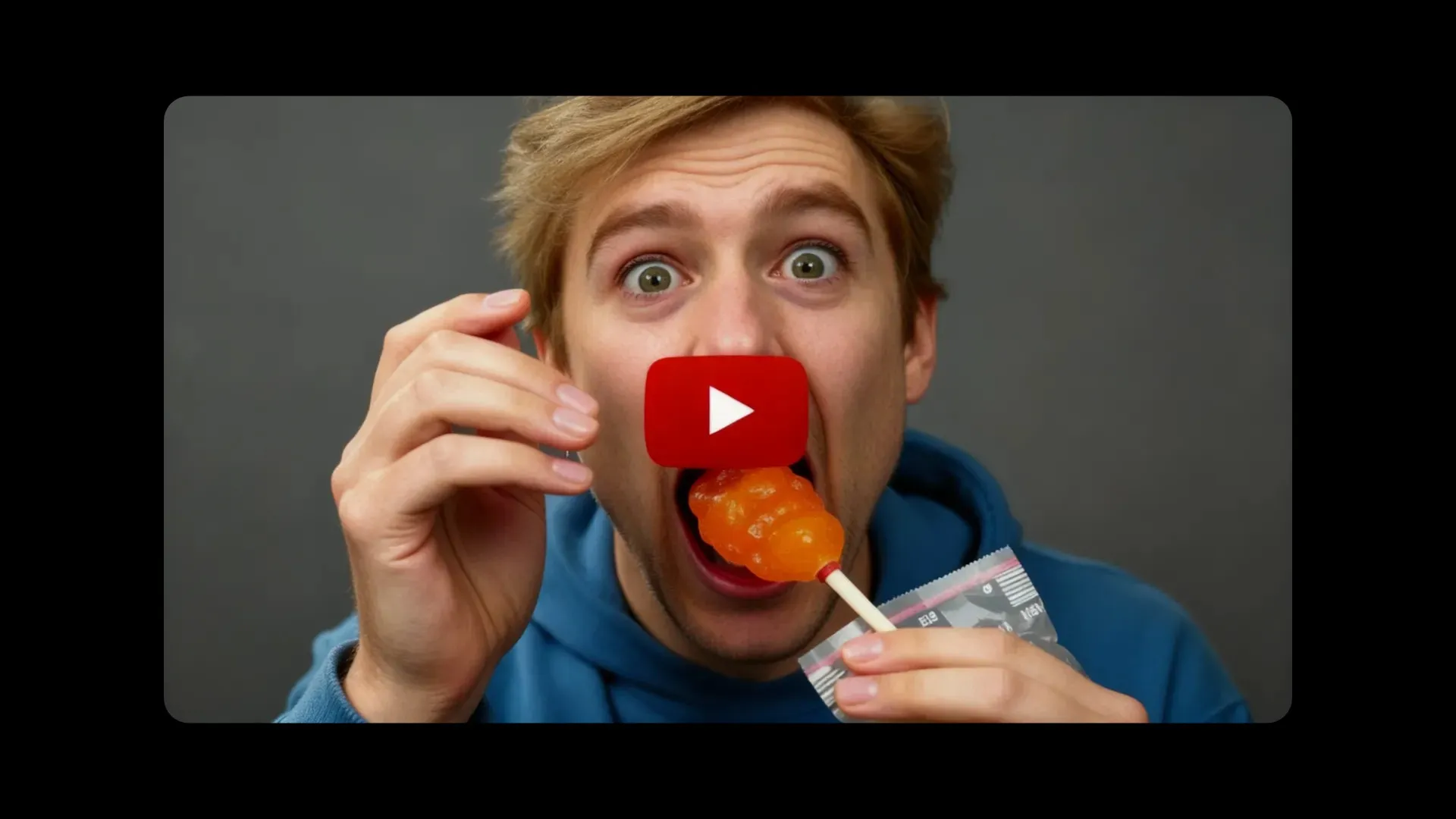
Miniatura
Also known as AI outpainting, the online Image Expander helps podcasters, vloggers, and thought leaders generate clean, custom backgrounds for thumbnails
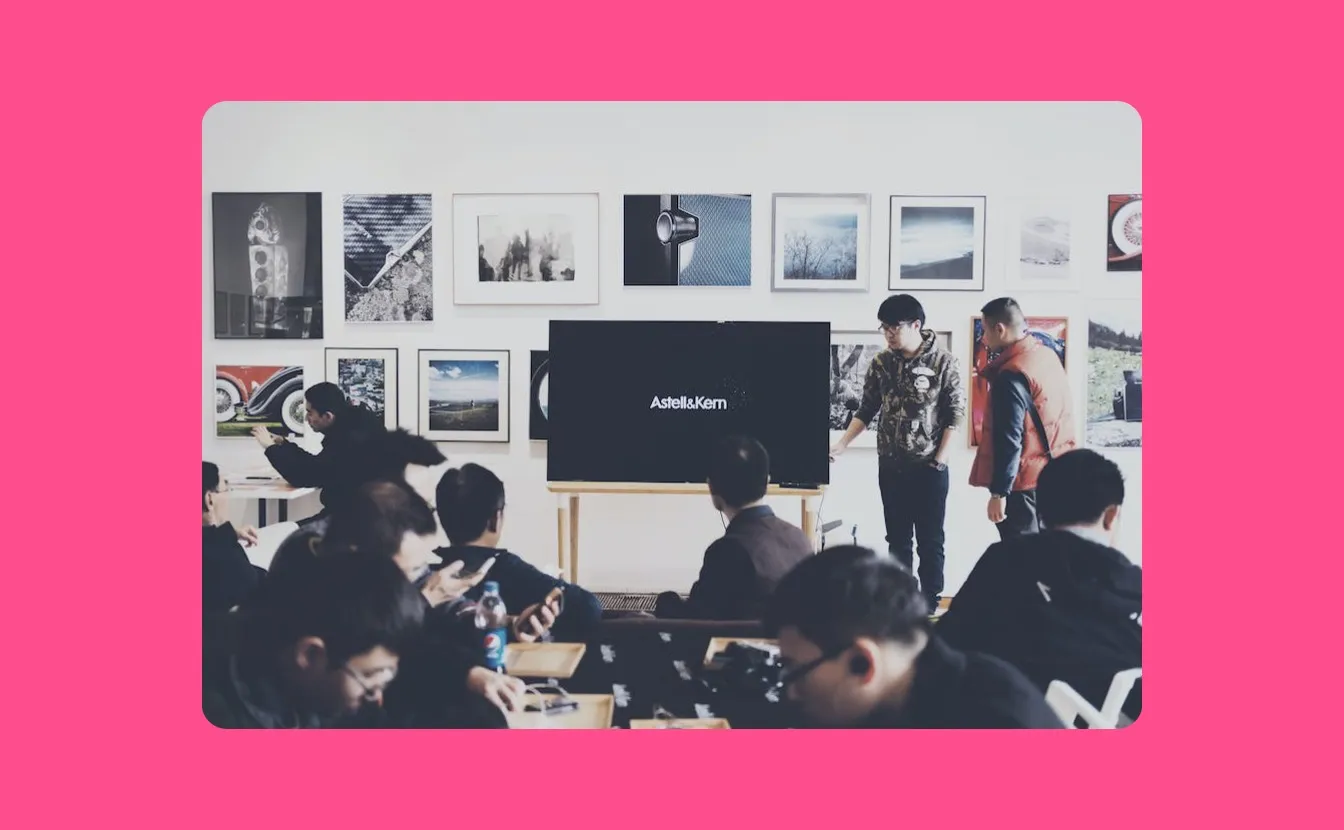
Presentazioni
Educators and opinion leaders stretch visual content to fit presentation layouts or workbook formats, keeping designs consistent and professional across every page or screen

Editoriale
Bloggers, journalists, and content marketers expand and reformat images to fit article headlines, inline image blocks, or mobile-optimized newsletter layouts
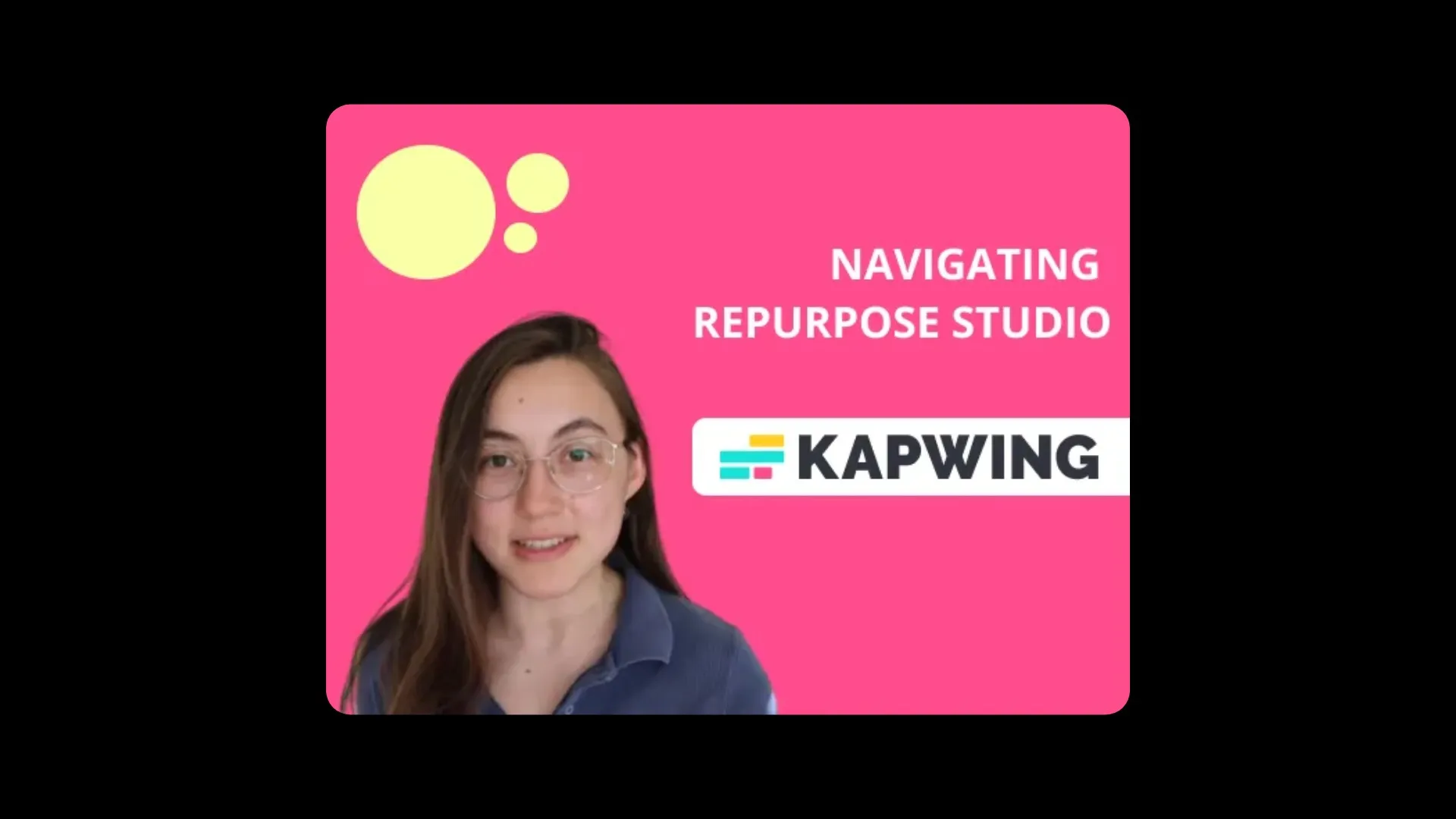
Training Content
Ridimensiona foto professionali dei dipendenti, foto di gruppo, o immagini della cultura aziendale per adattarle a directory interne, presentazioni di onboarding o post LinkedIn gratuitamente — senza bisogno di un grafico
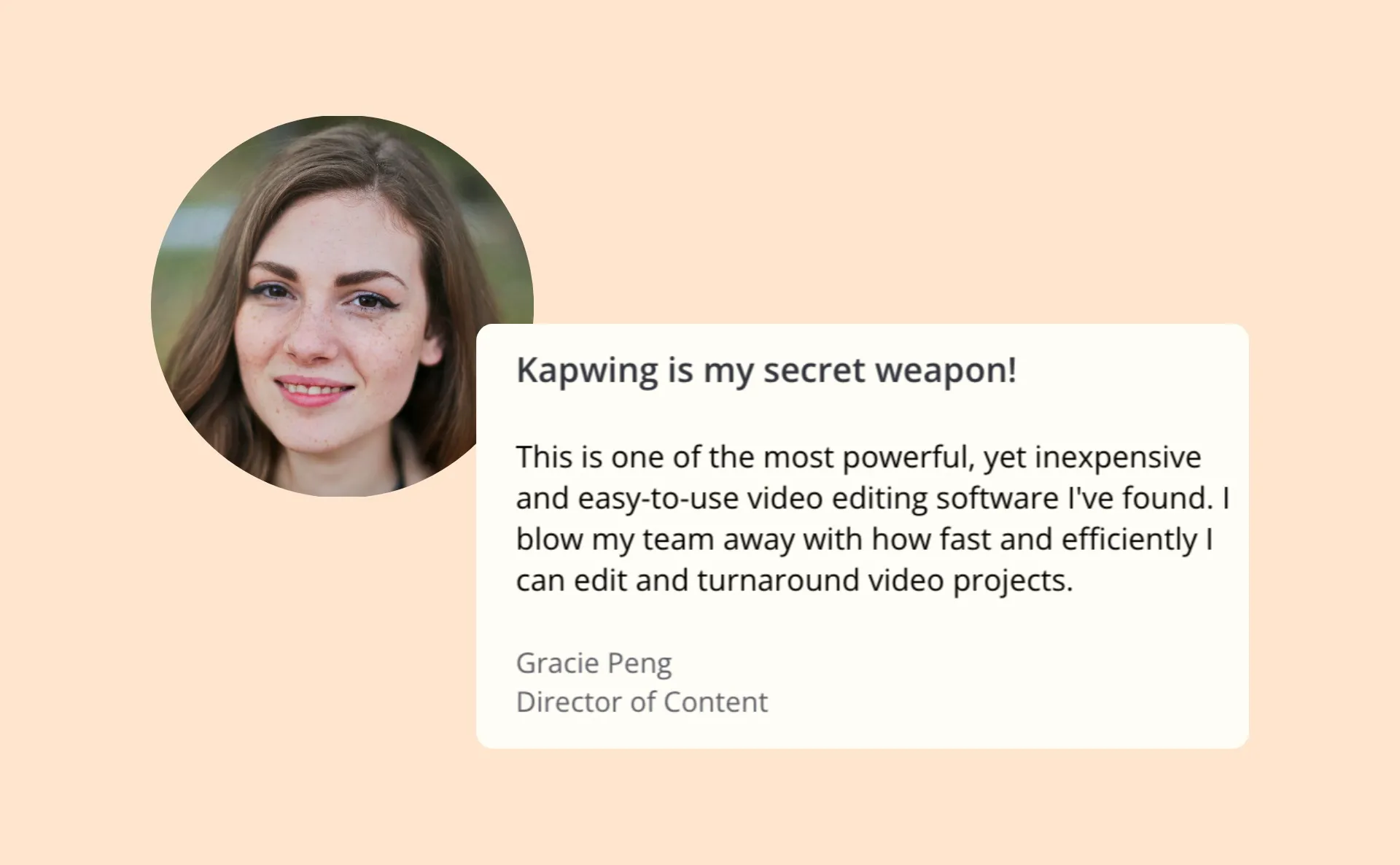
Testimonials
I team di customer success e i marketer SaaS estendono le foto inviate dai clienti o gli elementi visivi dei case study per allinearli ai layout delle testimonianze su tutti i dispositivi
Modifica insieme, completamente online
Combina immagini con audio, video ed elementi di design
Lo studio online di Kapwing è progettato per un editing veloce e intuitivo — potenziato dall'IA per semplificare ogni passaggio.
Poiché tutto si trova nel cloud, i team e i collaboratori del brand possono lavorare insieme in tempo reale da qualsiasi luogo. Commenti, revisioni e approvazioni avvengono direttamente nell'editor, quindi non c'è bisogno di scambiarsi file su Teams, Drive o email.
Una volta che il tuo progetto è pronto, puoi esportare istantaneamente o pubblicare direttamente sulle piattaforme social.

Che cosa rende Kapwing diverso?



Domande Frequenti
Abbiamo le risposte alle domande più comuni che i nostri utenti ci fanno.
Is AI Image Extender free?
Yep, anyone can try Kapwing's AI Image Extender for free. All of our AI tools run on a credits system, with each feature costing a fixed number of credits. For maximum creativity and the best value, upgrade to a Pro account to unlock the full potential of AI-powered content creation.
Is there a watermark on exports?
If you're using Kapwing with a free account, all your downloaded final files — including AI-generated content — will have a watermark. Once you upgrade to a Pro account, the watermark will be completely removed from your creations.
What prompt should I write?
You can write your prompt using natural, everyday language — it doesn't need to be complex or technical. Start by asking the AI to extend or expand your image, then include your desired proportions (like "9:16" or "1:1") or orientation (like "portrait" or "landscape").
Examples:
- Expand this image in landscape
- Extend this image to 1:1
- Expand this photo in a 9:16 portrait format
You can also add creative context if you want the AI to include specific elements:
- Expand this image to include a window on the right
- Extend this scene in landscape and add a plant in the corner
If you're not sure what to write, the built-in AI Assistant can help you refine your prompt and suggest better wording based on what you're trying to do.
Does the tool work on mobile and desktop?
Yep, AI Image Extender works on all desktop and mobile devices, including iPhone and Android.
Quali dispositivi e browser funzionano con Kapwing?
Kapwing works on any device and browser, though we recommend Chromium-based browsers like Google Chrome and Microsoft Edge. Kapwing also works on iOS and Android mobile devices. Since Kapwing is web-based online software, it works on Windows, Mac, and other desktop devices too.
Can I edit AI-generated images?
Sì, ogni immagine generata dall'IA creata con Kapwing può essere modificata direttamente nel nostro editor online — non importa come è stata creata.
What types of image files does Kapwing support?
Kapwing supporta tutti i principali formati di file immagine, inclusi WebP, PNG, JPG e altri.
Can I upload a reference image?
Yep — nella scheda "Images", puoi combinare più immagini usando il modello Seedream 4. Questo ti permette di usare un'immagine come riferimento per guidare l'espansione di un'altra.
Ad esempio, puoi chiedere all'AI di espandere la tua immagine originale incorporando oggetti, colori o elementi di sfondo da una seconda immagine. Questo è particolarmente utile per mantenere la coerenza visiva o ricreare un'ambientazione specifica.
What type of images work with the tool?
AI Image Expander supports a huge range of images — from selfies and portraits to landscapes, paintings, digital art, and way more. Whether you're working with real photos or creative illustrations, the tool can expand your image to fit any aspect ratio or format you need.
Scopri le Risorse
Consigli, modelli e approfondimenti per aiutarti a creare più velocemente e condividere con sicurezza.
Visualizza tutto

Inizia con il tuo primo video in pochi click. Unisciti a oltre 35 milioni di creator che si fidano di Kapwing per creare più contenuti in meno tempo.