
How to Speed Up (or Slow Down) any GIF Have you ever seen a GIF on Instagram of Giphy that you really wanted to speed up, slow down, or just otherwise edit? In this easy guide I'll show you how to speed up or slow down any GIF online for free.
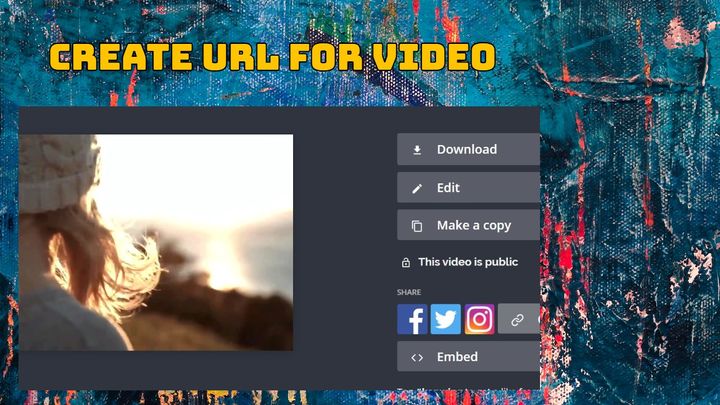
How to Combine Videos on iPhone Looking to piece together some congratulatory videos or clips from a previous vacation? You've come to the right spot. Expensive video editing applications aren't necessary — simply take advantage of Kapwing's free, online tools! I'll show you how:
How to Edit TikToks on Your Phone Editing can be the difference between a mediocre TikTok and a great one. I’m going to show you how you can easily edit your videos on your phone.
How to Make a GIF on your iPhone (in just a few clicks) While your iPhone makes creating video easy, creating GIFs is tough. So, what’s the simplest way to make a GIF without leaving your iPhone? The answer: Kapwing’s free, web-based app that requires no download or payment. Make a GIF in just a few clicks with these steps:
How to Edit a Vlog Video Since so many top vloggers are so successful due in part to their distinctive editing style, it's really important for you to learn the editing basics early on. Here's what you should know before getting started.
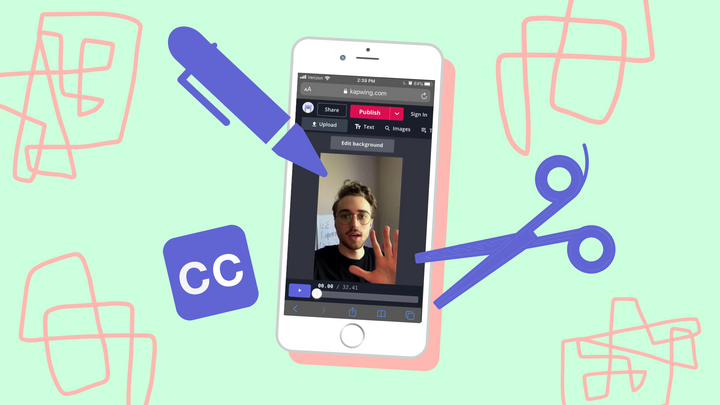
How to Edit Video on an iPhone 6s Owning an iPhone 6s means having a full-service multimedia studio at your fingertips. Yet, technology advances so fast that your iPhone 6s might not have the editing features you need. That’s why Kapwing built a full suite of cutting edge tools you can access on the web, free! Here’s how it works:
How to Make Videos Like @GaryVee Garyvee's social media platforms capture millions of impressions and get tons of engagement. Most of his videos follow a pretty simple formula. In this tutorial I'll show you how to quickly create a video in a similar fashion following the same method.