
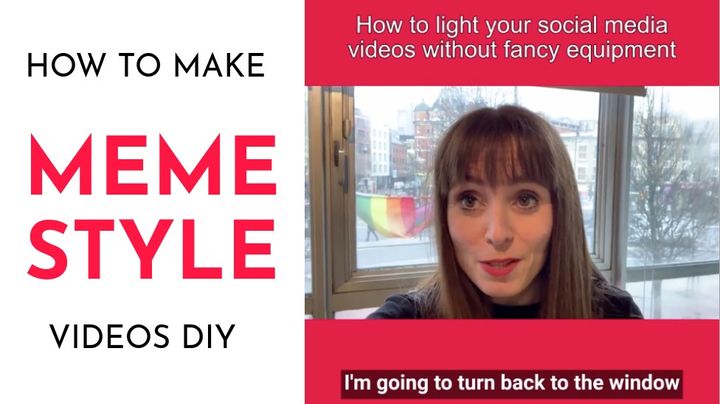
Build Your Audience Live: Make a "Meme Style" Video Making "Meme Style" videos with Kapwing for Build Your Audience Live 2019.
How to Make Text Fade In Want to add a fade in effect to your text box? Thankfully, you no longer need to use iMovie, Photoshop, or Adobe Premiere to make text fade in smoothly on a photo or video. Use animations on a free, online website to make text fade in on top of a picture, video clip, or GIF.
How to Crop the Red Bar out of a Screencast Video When you record a screen on an iPhone, there is a red bar at the top of the screen that shows up while you’re recording. How do you crop that red bar out of your screencast video? If you’re promoting an app, website, YouTube video, or blog article,
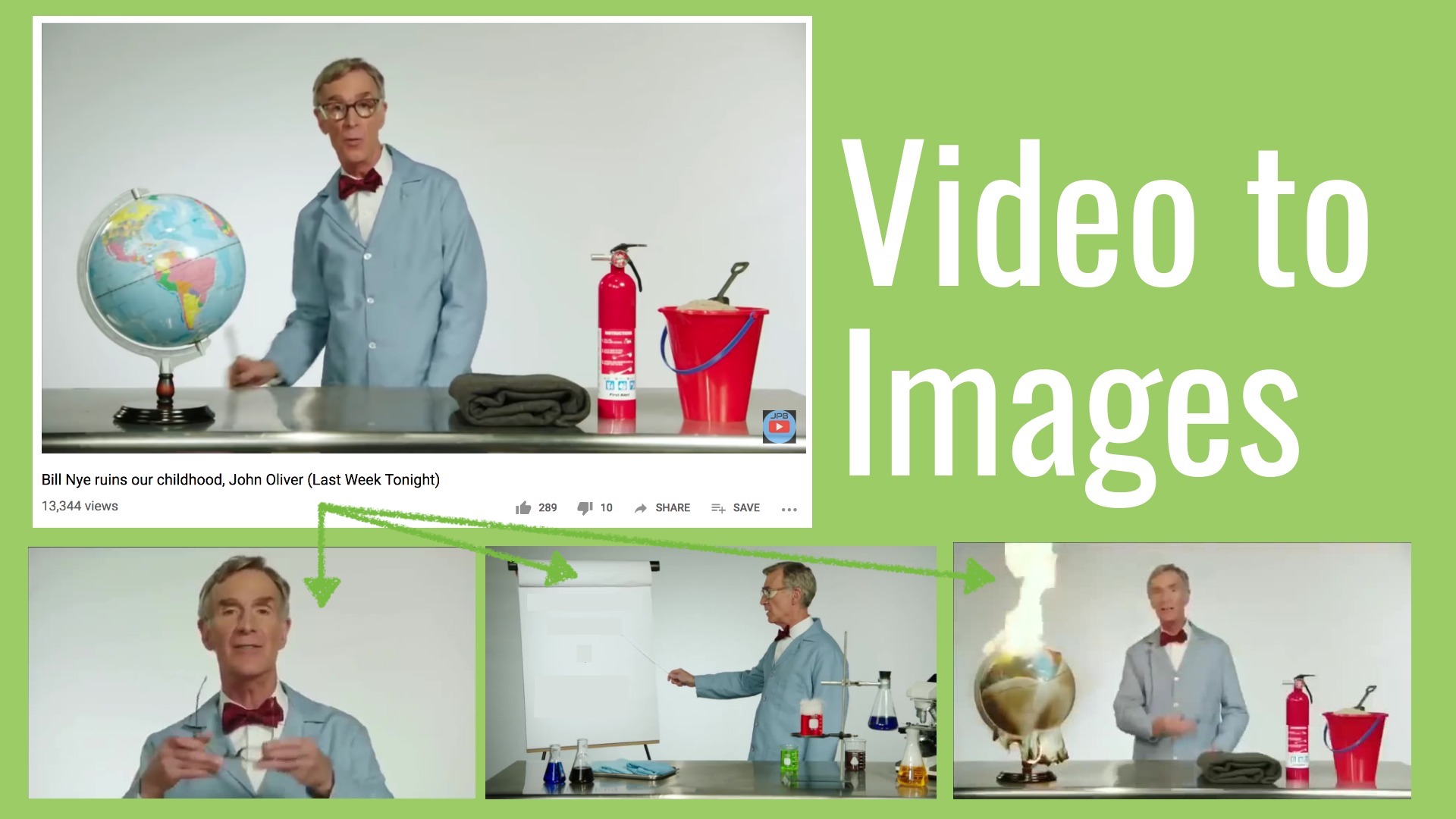
How to Convert a Video to Images How to convert a video to image frames (JPGS) using a free online tool. Capture the frame-by-frame action!
How to Make Flipagram Online Flipagram is an awesome iOS app that lets you make slideshows with music. Fortunately, you can now make a Flipagram online using a website called Kapwing.
How to Resize a Video for Snapchat SnapChat allows you to send disappearing video or image messages to your friends. On your Snapchat Story, you can post a video or image as a temporary message that your friends and followers can watch. Snapchat allows you to upload videos from your camera roll. If you try to create
How to Make a Square Video Into a Vertical Video Want to post a square video on your Instagram Story, Snapchat, TikTok, Reels, or IGTV? You’ll need to convert it to a vertical [https://www.socialmediaexaminer.com/how-to-easily-change-16x9-video-to-square-video-on-phone/] 9:16 format. As more and more social media platforms (Pinterest [https://www.kapwing.com/resources/how-to-resize-images-for-pinterest/], Imgur, etc) launch support