How to do the 'Starter Pack' Meme (Action Figurine Prompt)
Move over Studio Ghibli, there's a new image trend in town
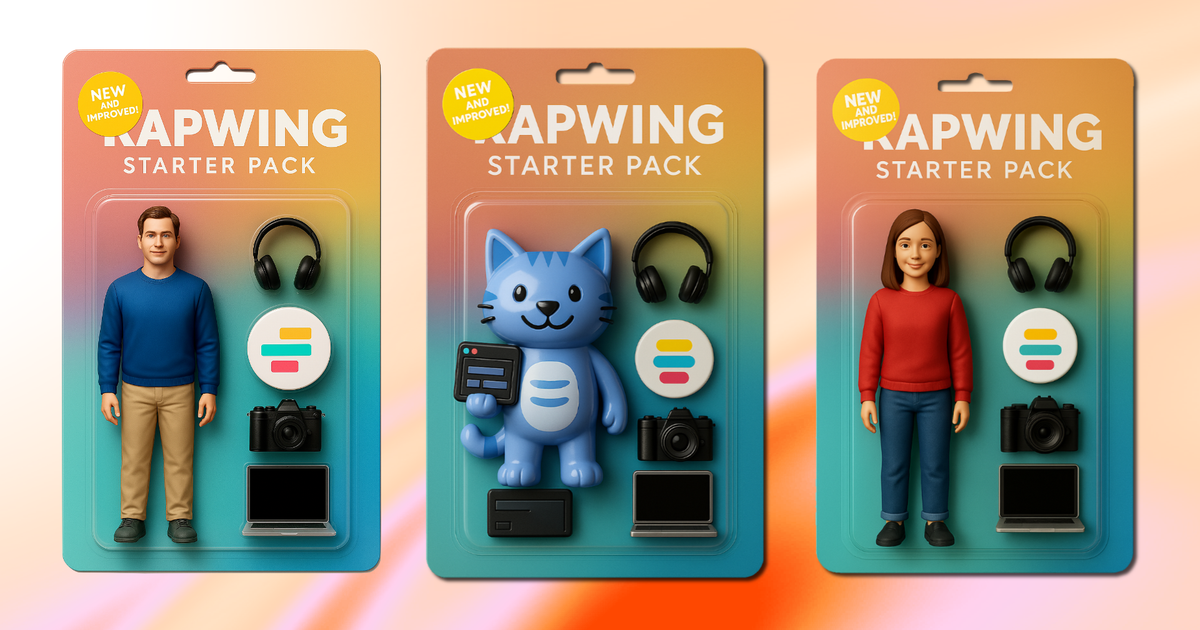
Starter pack memes are one of the few enduring formats that have stood the test of time. Whether they highlight a trending moment or playfully stereotype a specific persona, they work by grouping together familiar traits or items tied to a subject. The result? Funny, instantly recognizable, and highly shareable content.
With the recent advancements in AI image generation, it’s no surprise that users have found creative ways to bring starter pack memes to life — now reimagined as realistic, collectible-style action figurines. These AI-generated images let you showcase yourself, your brand, or even a fictional persona in a format that feels both nostalgic and modern.
In this article, we’ll walk through how to generate starter pack images with Kai, including tips for writing strong prompts and customizing your final result.
Table of Contents
- How to Create a Starter Pack Action Figurine
- Generating Custom Starter Pack Images
- Editing Your Action Figure for Social Media
How to Create a Starter Pack Action Figurine
Generating a starter pack-style image is easy. Perfecting it just takes a little refinement. To get the best results, make sure your image prompt includes these three key elements:
- Who or what the starter pack is for
(e.g., freelance writer starter pack, 1990s hacker starter pack, movie villain starter pack). - Specific items, accessories, or features
Think about what would appear in the packaging: tools, outfits, props, or notable personality traits turned into items (e.g., cold brew, keyboard, LinkedIn open tab). - Clear request for an image
Be explicit — saying “generate a veterinarian starter pack” won’t guarantee a visual result. Instead, use language like:
“Generate an action figure-style starter pack image featuring a veterinarian toy with a stethoscope, dog treats, and a portable kennel.”
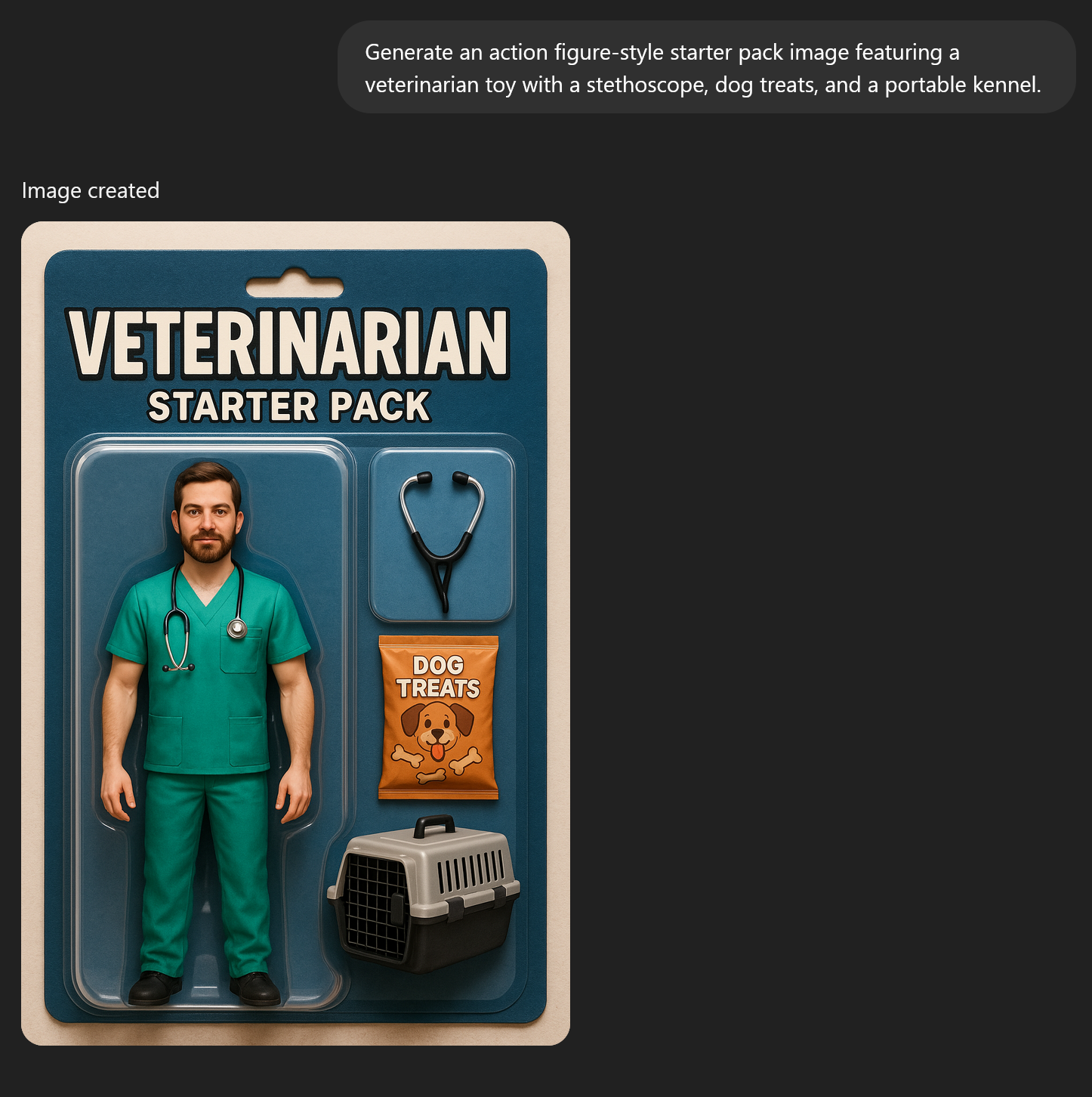
Once the image is generated, you can also apply revisions straight in the chat with Kai. For example, you could change the text, swap out accessories, or even shift the theme entirely.
This feature is especially useful, since you don’t need to reference the image again in your prompt. Just describe your desired changes directly in the text box and submit.
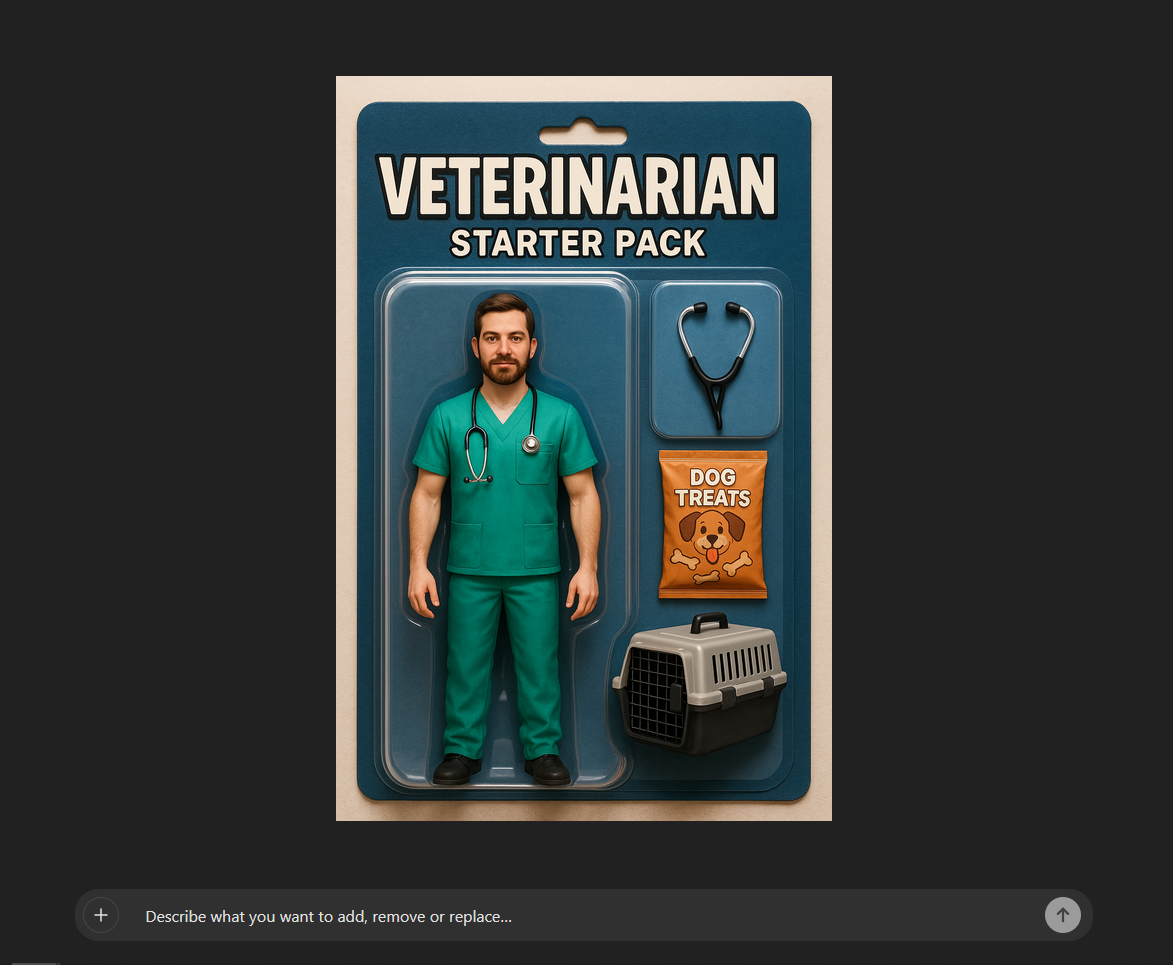
Be as specific as possible when editing. For instance, if you want to update the text label, say something like, “Change the word ‘veterinarian’ to ‘animal doctor.’”
If you want to modify the design, you might say, “Can you change the packaging from solid blue to vibrant pastel colors?”
I did both of those things — and here’s how they turned out below.
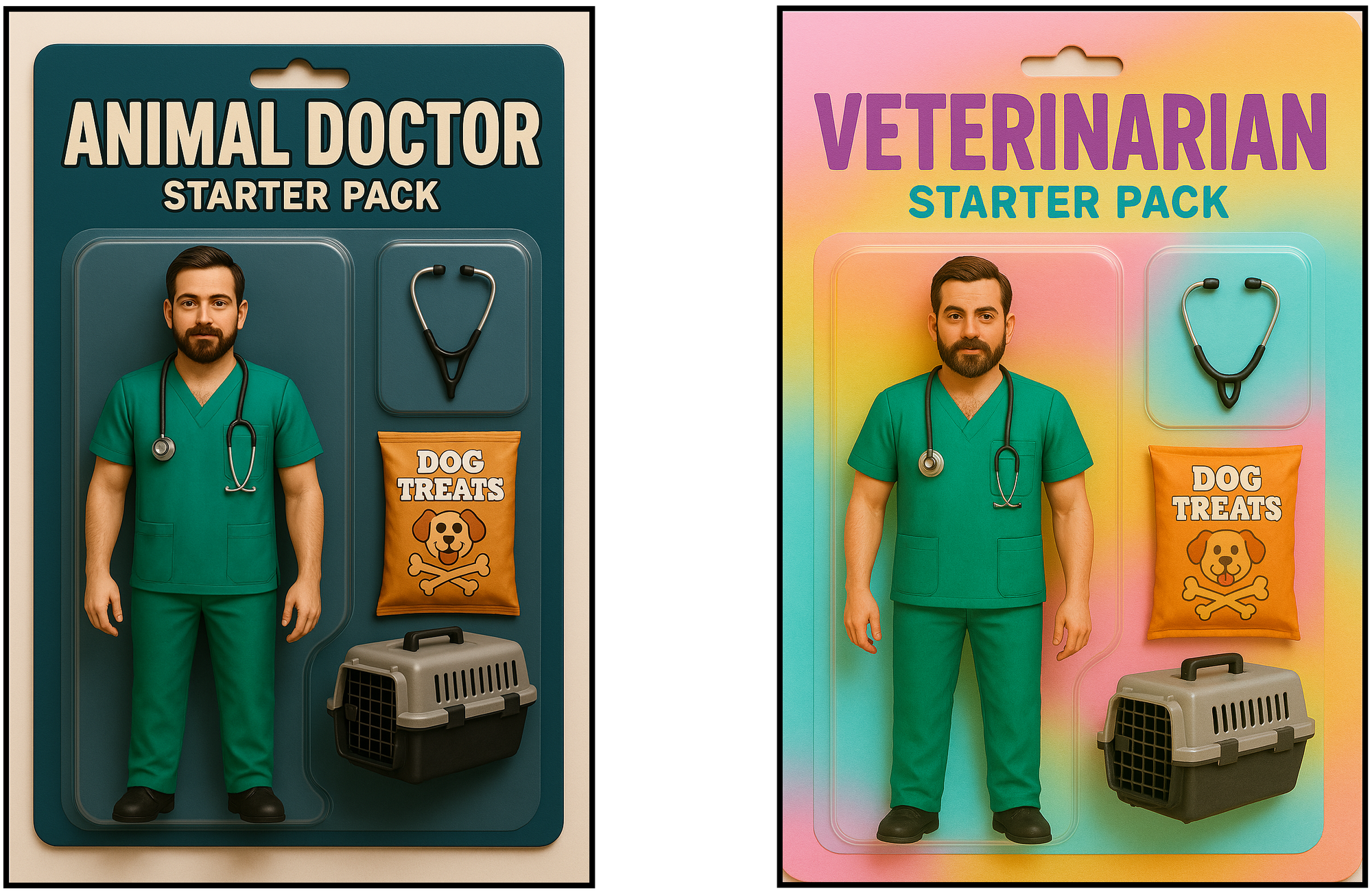
As you can see, Kai was able to edit the starter pack action figures without changing the objects within the image.
Since no reference images were supplied for this generation, the possibilities become even greater when Kai is given a subject or specific accessories to generate from.
Generating Custom Starter Pack Images
While creating fictional starter packs is a fun way to explore Kai's image generation features, it can also be a creative and shareable method to personify your brand.
Using your brand’s logo, mascot, or even a product in an action figure-style starter pack is a great way to create visual content for social media.
By including branded accessories like tools, product features, or recognizable slogans, you can naturally highlight key selling points while keeping things visually engaging.
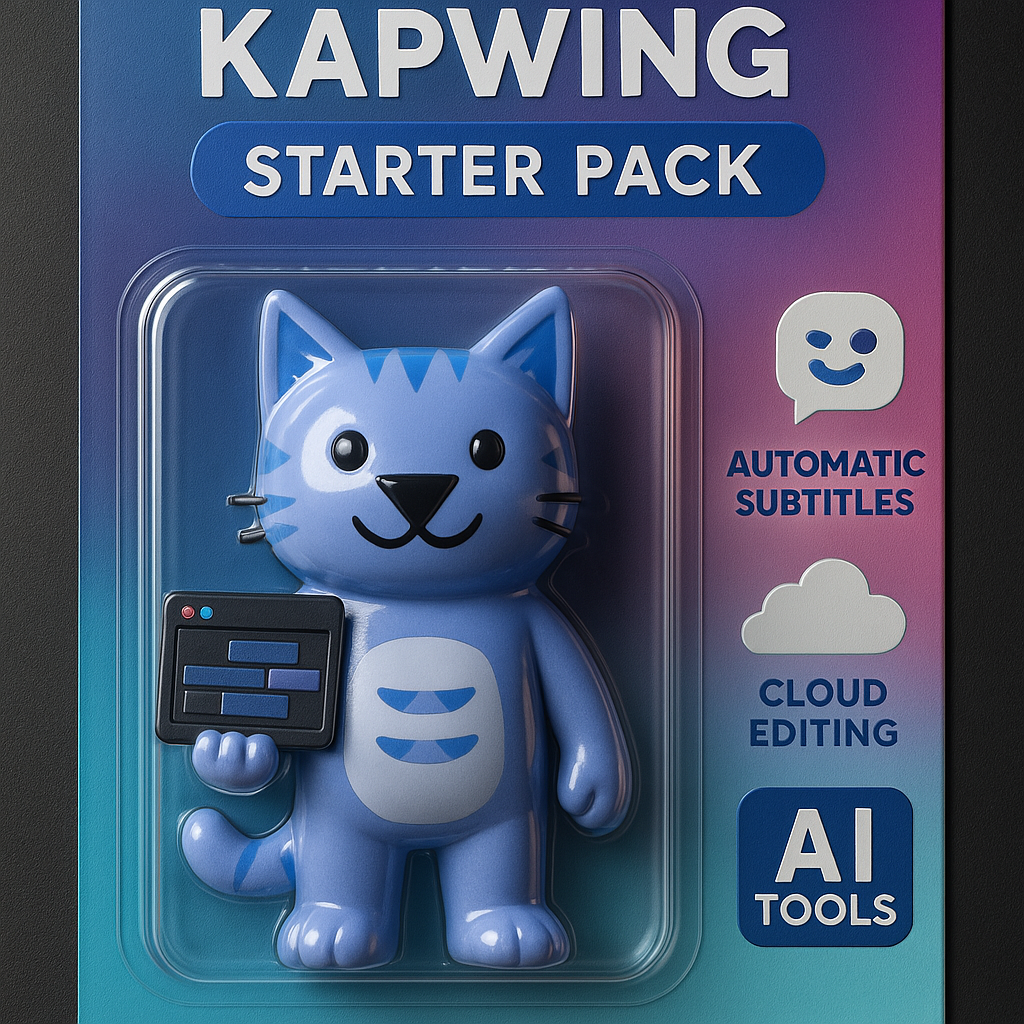
If you're referencing a well-known brand or character, a thoughtfully written prompt is often enough to generate a strong result. But when working with smaller brands or more specific visual details, it helps to upload a reference image.
You can do this by clicking the Attach Media button in the Kai prompt bar to attach a file, then referencing the image directly in your prompt.
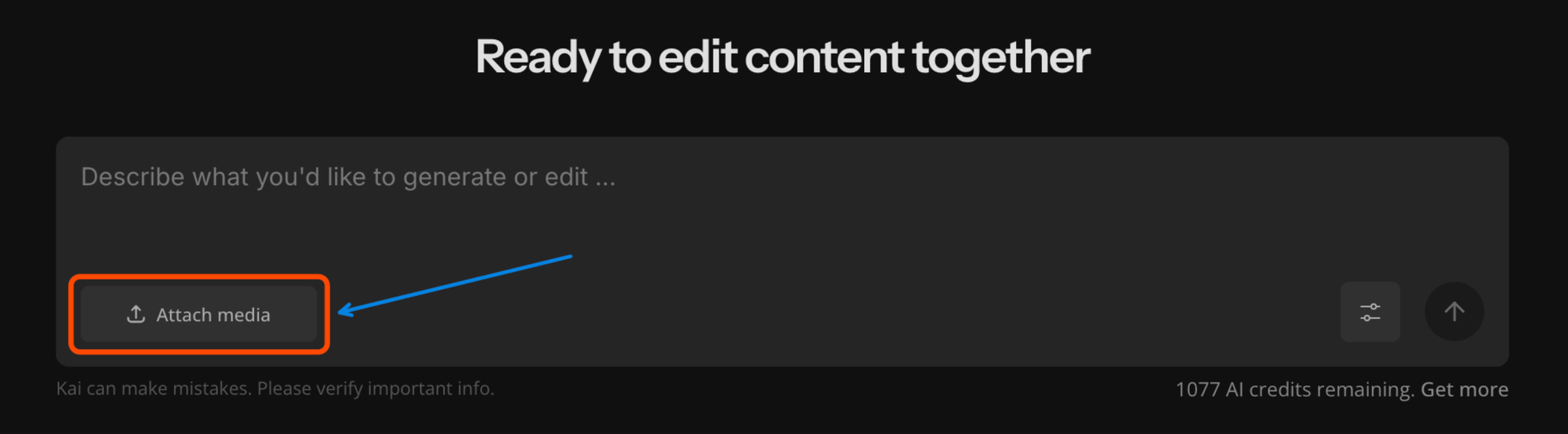
Once uploaded, Kai will incorporate the reference image into your final design.
Generating an image this way functions much like starting from scratch. The key difference is that you’re providing a visual anchor for the model to work from.
This is especially useful when you want to feature a real-life subject or include specific items or accessories.
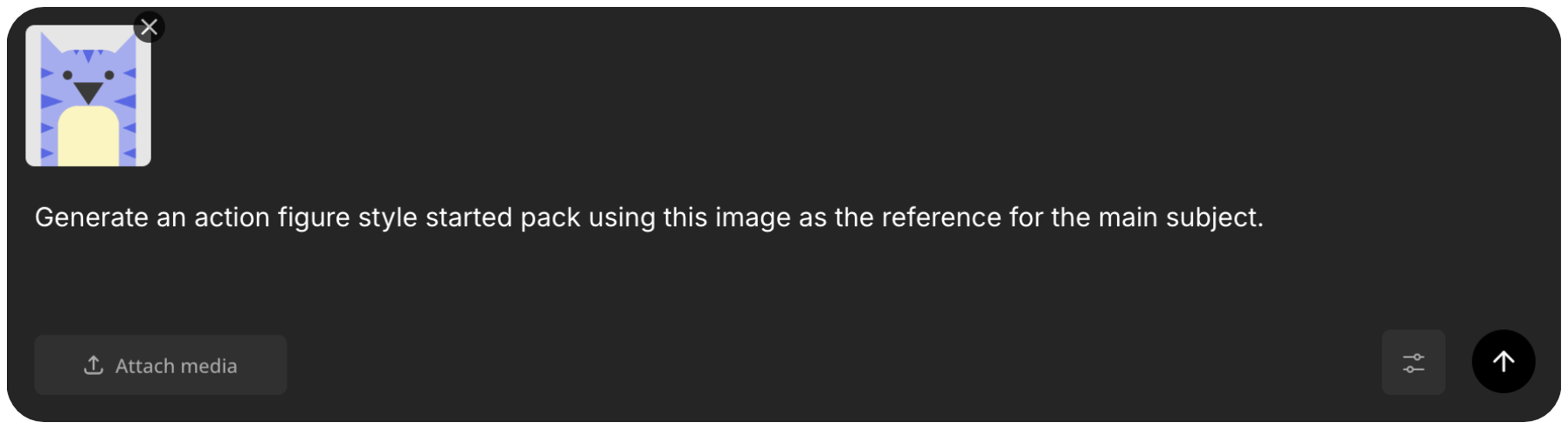
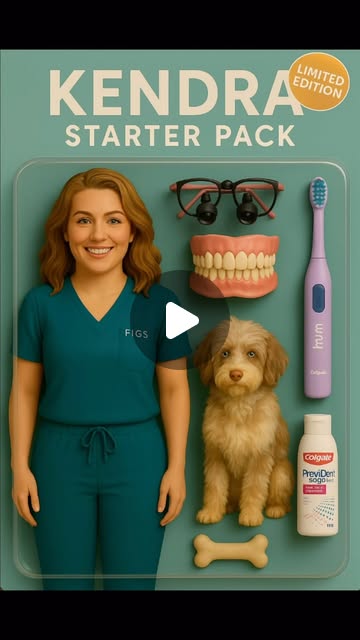
The more detail you include, the better the results. While Kai will try to generate a relevant starter pack using your prompt and any context from earlier in the conversation, clear and specific instructions give you far more control over the final output.
A great example of this level of detail can be found in @opera.dental’s Instagram post, where she used ChatGPT to generate a highly personalized action figure-style image to promote her personal brand.

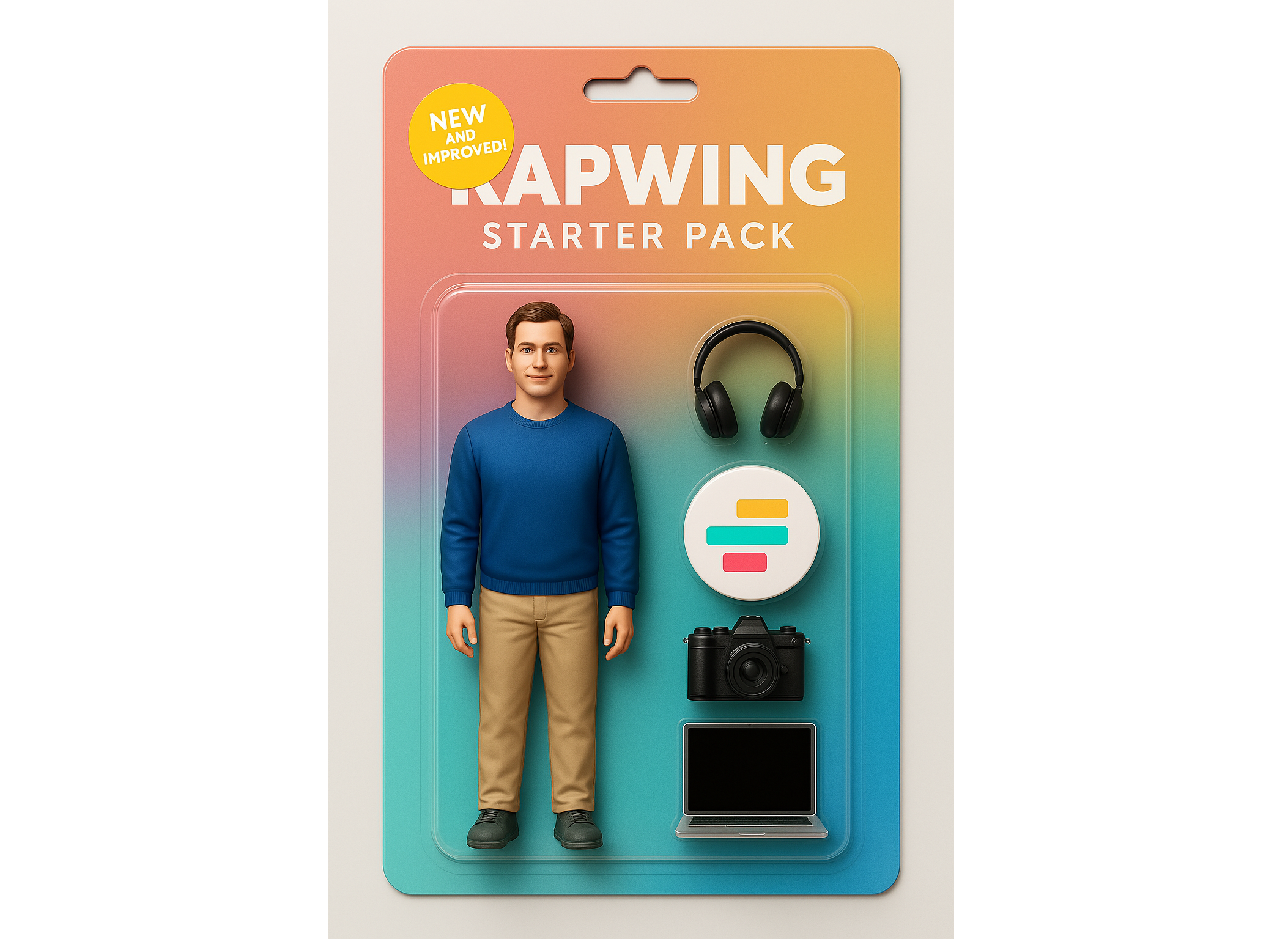
You can also use reference images to incorporate business assets like product packaging, logos, or marketing visuals into your starter pack.
For example, if I upload the Kapwing logo and include it in my prompt, Kai will integrate it into the packaging design. This adds a branded element that is ideal for use across company channels.
Editing Your Action Figure for Social Media
On their own, generated starter pack action figures are just cool visuals. But to make them stand out and connect with your audience, it's important to optimize them for your platform and add a bit of creative polish.
You can make AI-powered edits straight in the Kai chat. For example, you could animate your generated image to be a video where the figurine is coming to life. Additionally, you can change the background, colors, or individual design elements of the figurine.
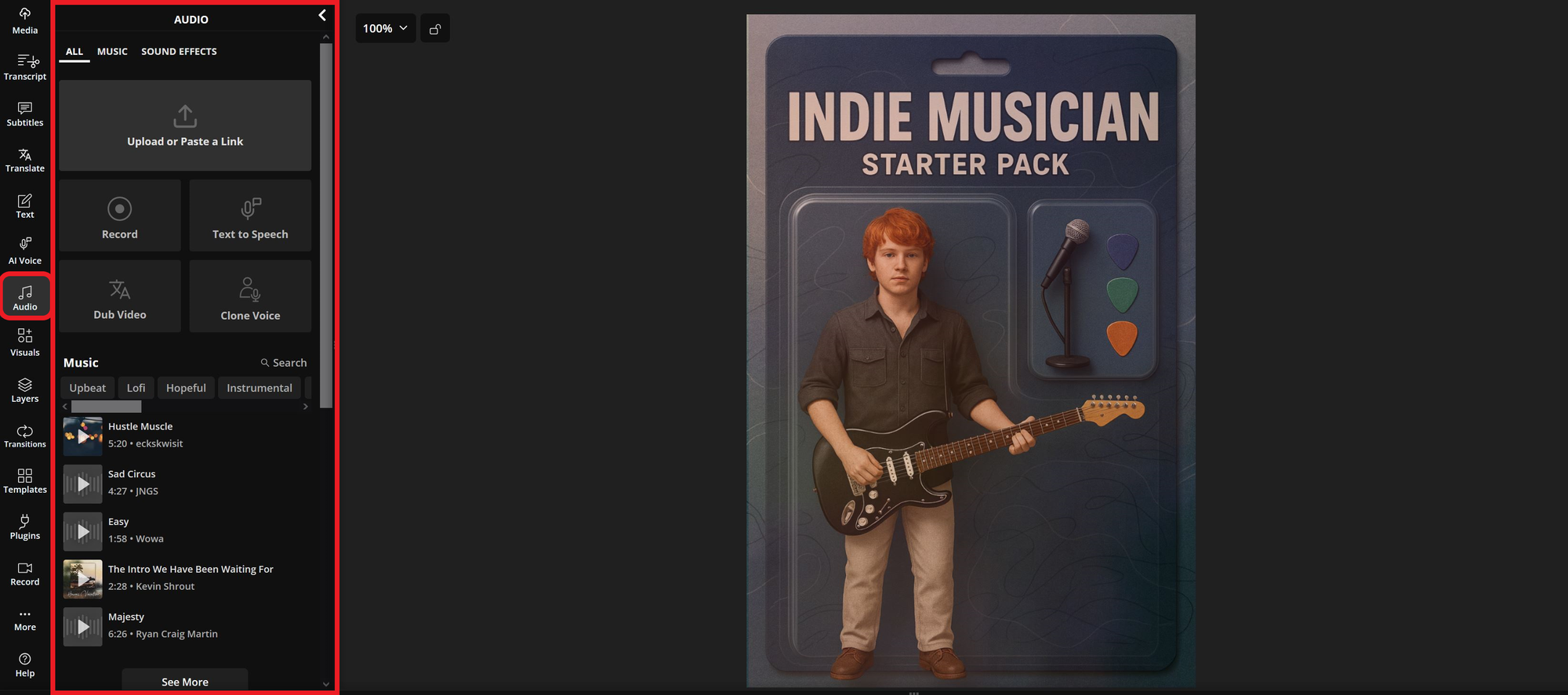
You could also use the Kapwing editor to add dynamic elements. For example, you can add visual elements like effects, stickers, or animated overlays by selecting the Visuals tab from the left-hand sidebar.
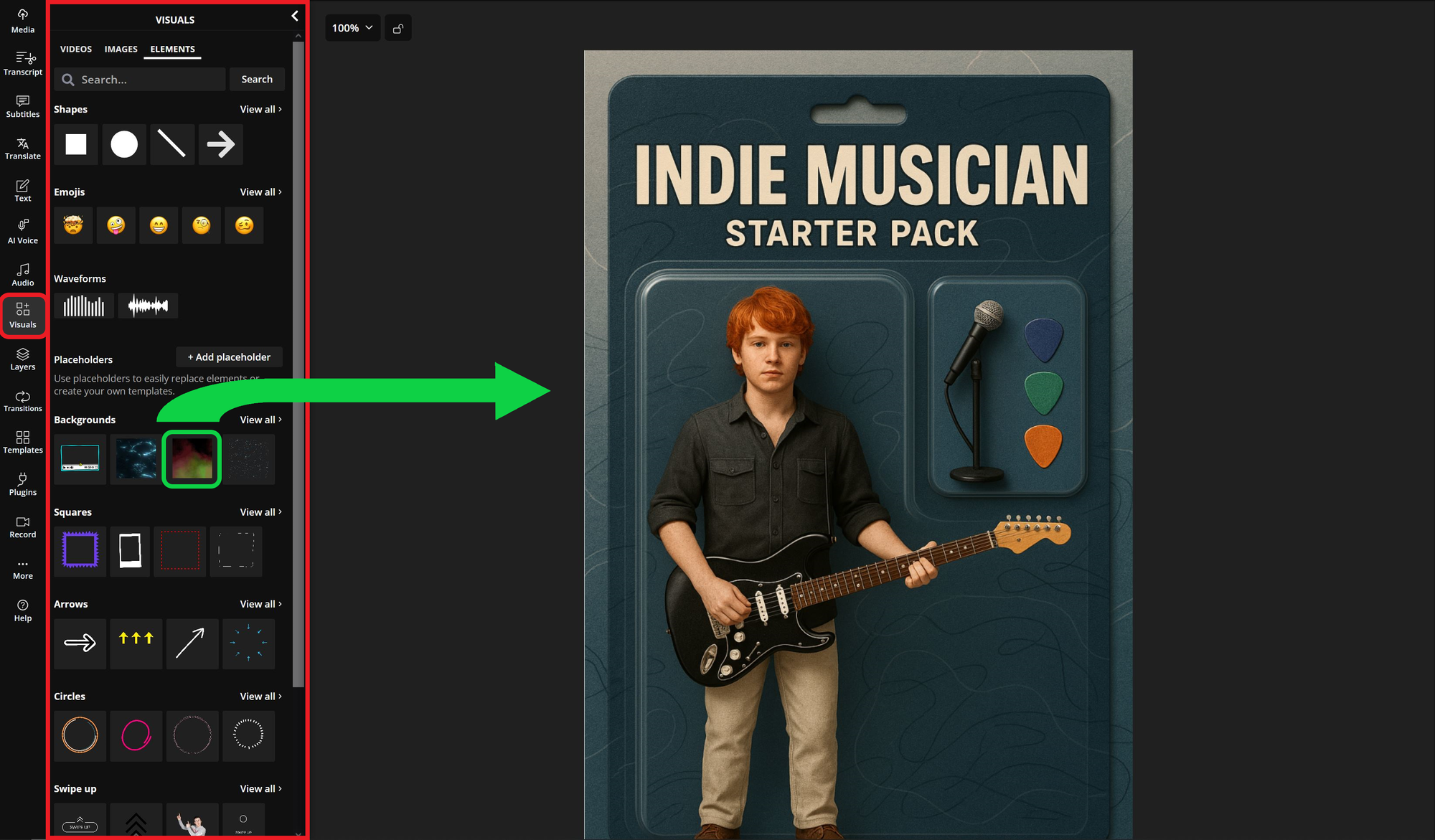
You can also include audio by navigating to the Audio menu.
Add background music, a voiceover, or even use text-to-speech to bring your action figure concept to life.
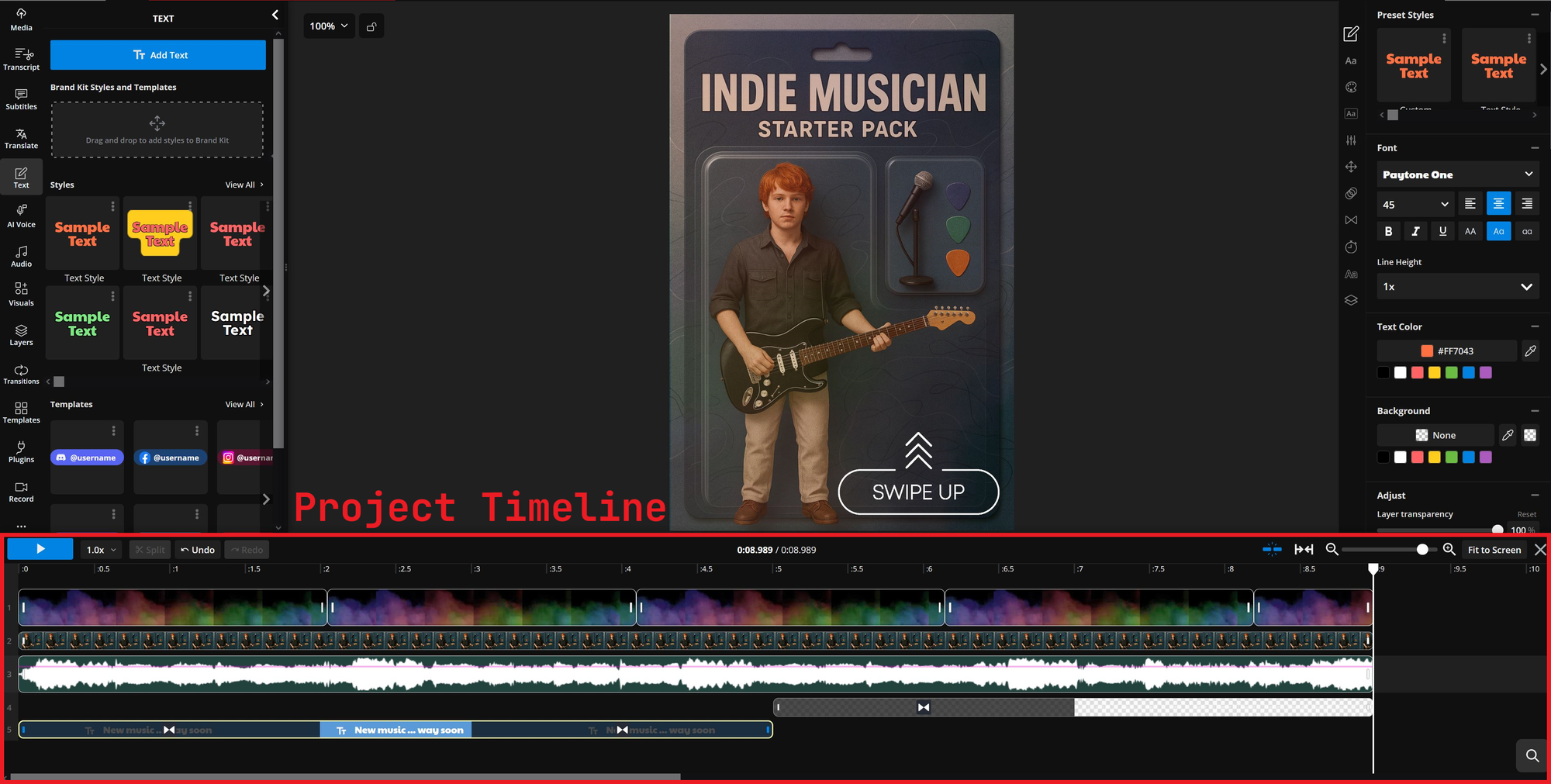
To control how everything appears and for how long, use the automatically generated timeline at the bottom of the editor.
This allows you to fine-tune timing so that each element appears for the right duration and the final video fits social media length limits.
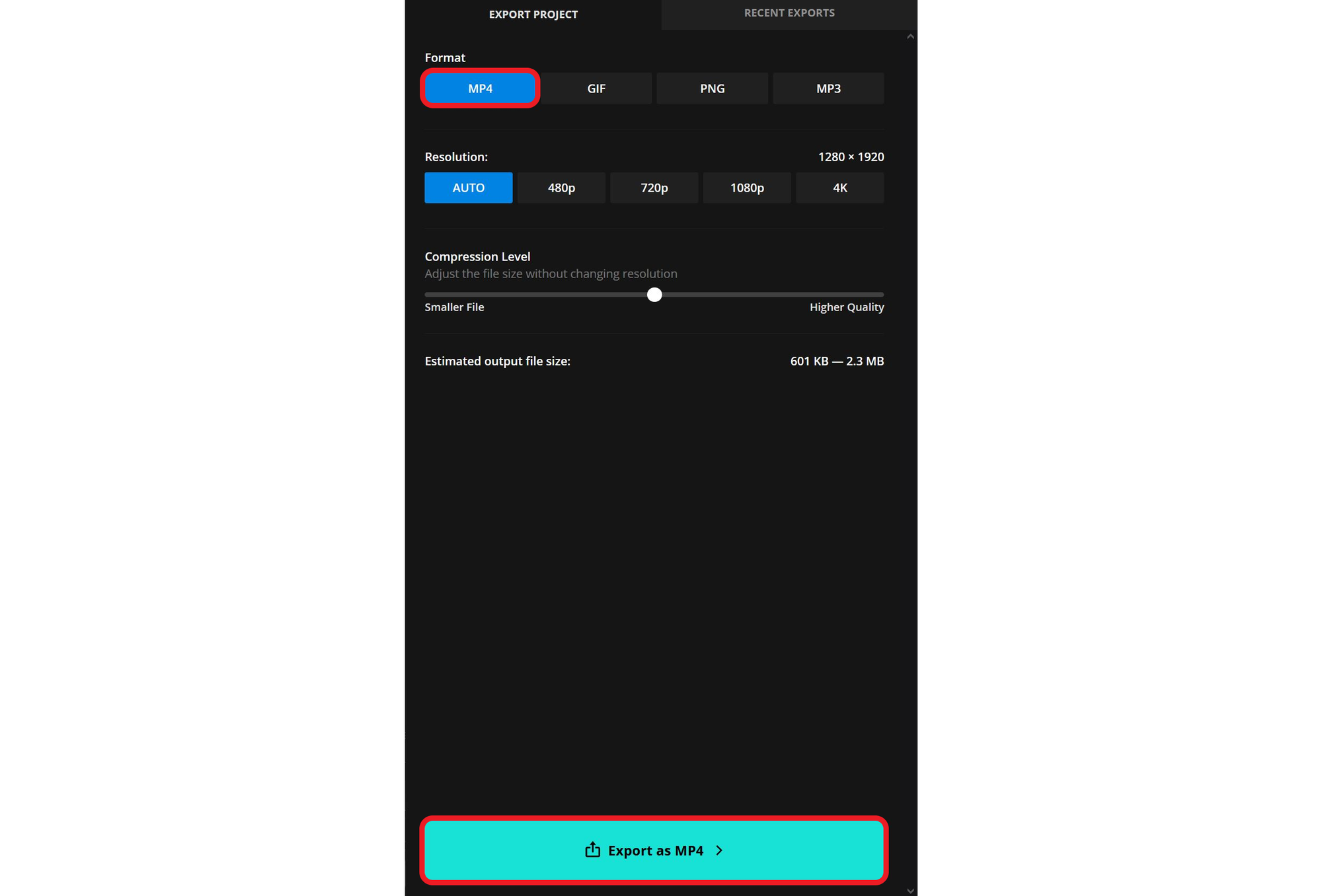
Once you’re ready, click Export Project in the top right corner. Make sure to export your video as an MP4 file to preserve formatting.
Now you’ve created a custom video featuring your Kai-generated action figure starter pack. Share it as a post or story to create content that feels unique, creative, and more interactive than a static image.
Is this the same as the Starter Pack meme format?
Another popular meme format in the past has been a collage of various objects, pictures, and icons that represent a life moment, identity, or sub culture. To make a start pack collage, use Kapwing's free starter pack template.
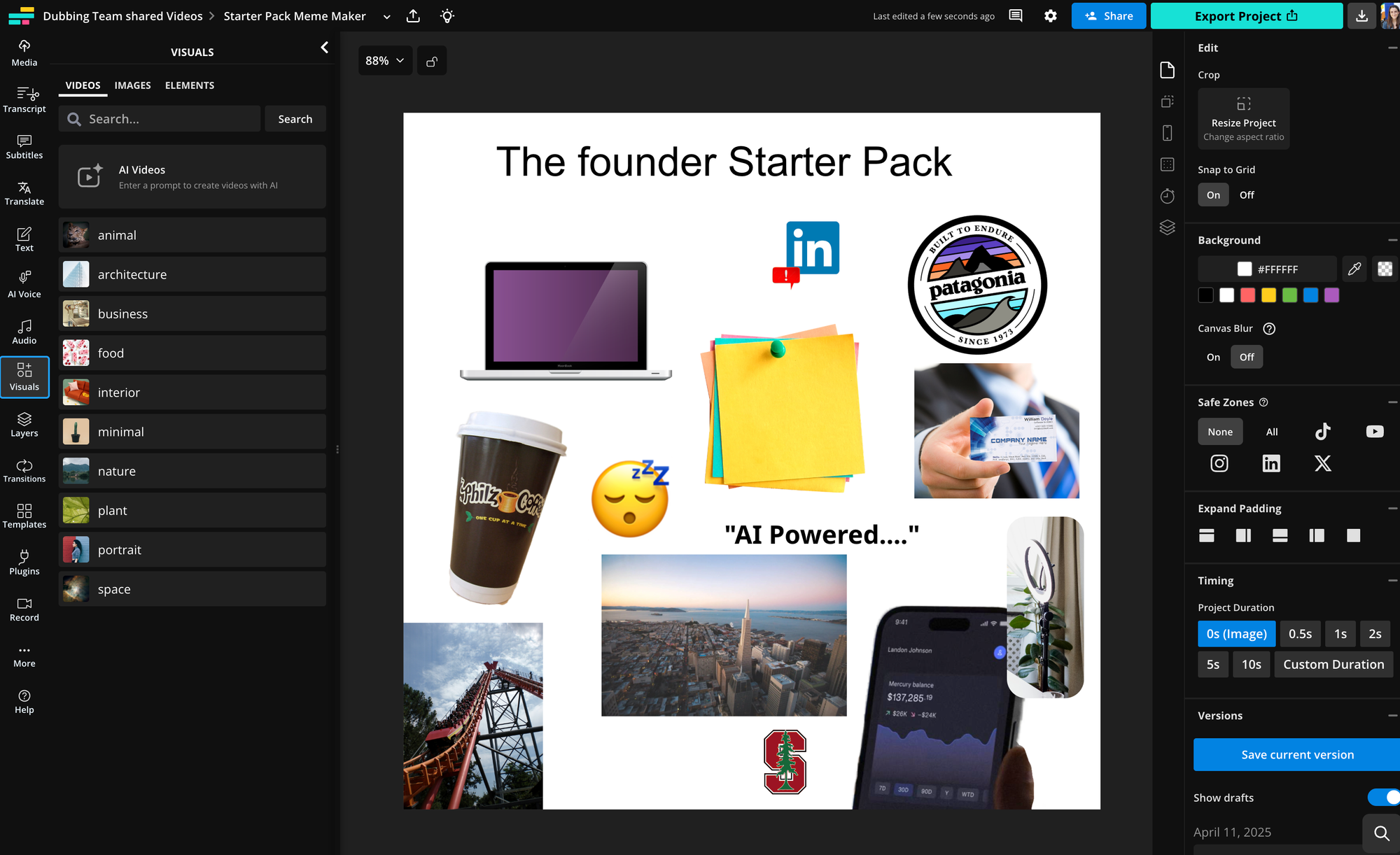
You can add text layers, shapes, emojis, icons, and cutouts to the starter pack meme to design it from scratch.