
Release Notes - July 2026
Convert to Text
Creators can now convert one or more subtitles into regular text layers. Select the subtitles in the timeline, right-click, and choose Convert to Text.
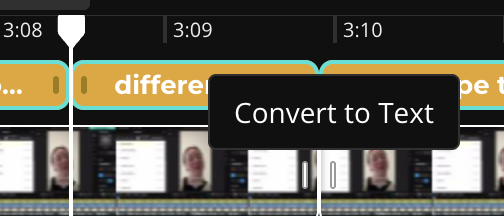
A long-standing feature request, this "Convert to Text" feature enables users to have more control over the styling of individual subtitles. Try it if you want certain captions to have unique transitions, sizes, positions, colors, or effects instead of applying one subtitle style to the entire project.
This change also makes it possible to keep multiple caption sets in one project. For example, users can now add multilingual subtitles by generating subtitles in one language, convert that set to text layers, then generate captions in a different language. Make styles for certain speakers by styling for one speaker, converting that speakers spoken captions to text, then styling the remaining group for the other speakers.
Support for PDF Uploads
You can now upload PDF files directly to Kapwing from editor, the Workspace Media Library, or a Kai chat. Drag in a PDF file to the uploader.
- In the Studio editor: Kapwing converts each PDF page into an image and adds the pages to the timeline in order, making it easy to turn a presentation, report, handout, or document into a video. Each page starts as a three-second scene that you can resize, reorder, animate, narrate, or combine with other media.
- In the Workspace Media Library: PDFs appear with their first page as a thumbnail so documents are easier to recognize.
- In Kai: The chat gets the full text from the PDF as context. Transform your PDF into a video with help from the Kai editing agent.
Our goal with PDF support is to make it easier for users to generate a video from a PDF. Make a montage slideshow for a training presentation, agenda video, or policy explanation. For longer PDFs, Kapwing processes the first 20 pages to keep uploads fast and reliable.
New AI image and video models
We added three new model families to the Kai model selector in July. Try them out by choosing the model selector and opting for one other than Auto.
The new models we added this month:
- Grok Imagine: Made by xAI, Grok Imagine is a affordable and faster AI video generation model for similar quality as the leading models.
- Seedance 2.0: The new realistic, best-in-class model for AI video generation. Prompt for clips between 4-15 seconds long and generate synchronized audio.
- Happy Horse 1.0: Text-to-video generation with native audio by Alibaba
Landing Page Brand Refresh
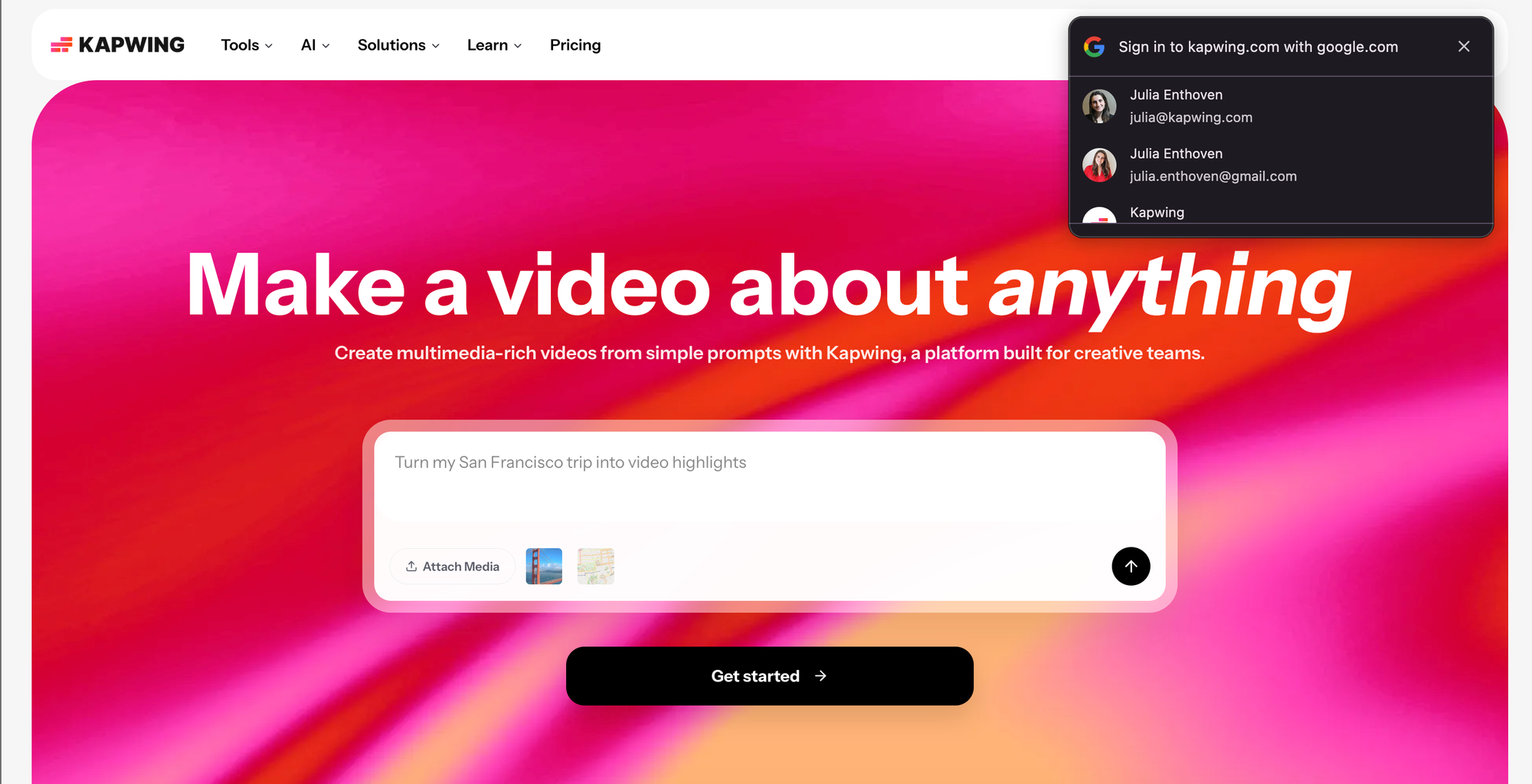
In July, we changed the Kapwing homepage to have a clear "Get Started" button. For improved experinece, Kapwing now requires users to sign in before they hit the Kai prompt box or our tools pages.
From both the Kai and the Kapwing homepage, users can sign in to a Google Account with one tap, if they're already authenticated within the browser.
We refreshed major informational and policy pages to match Kapwing’s current brand, including About, Contact Us, Tools, and policy pages. The updated pages have more consistent layouts, visuals, navigation, and mobile formatting.
Kapwing AI reliability improvements
Kapwing AI became substantially more reliable in July, reaching its lowest recorded error rate. We added automatic retries, fixed vendor input compatibility issues, and distinguished moderation failures from technical errors.
Other features and bug fixes
- Kai now handles pasted links, making imports from sources like YouTube and Instagram more consistent.
- Warning for long AI conversations: To avoid hallucinations and context errors, Kai now warns you when a chat is becoming long and gives you the option to start a fresh conversation while carrying over useful context.
- Custom Kai pages now include a more relevant "You might also like..." carousel with relevant matching trends
- Uploads that require conversion, including some HEIC, MOV, WebM, FLV, and audio files, no longer remain stuck on Processing when uploaded through a folder.
- Added a new Subtitle Templates page featuring 20+ signature subtitle templates, like Glowing Captions, Crunchyroll style, and comic book style.
Together, these releases make Kapwing more useful for document-based workflows, multilingual captions, AI generation, and teams managing large media libraries.



