
Kapwing December 2025 Release Notes
Follow along in our release notes to learn about the newest launches, changes, and bug fixes in Kapwing in December 2025.
New Home Page Design and Logo
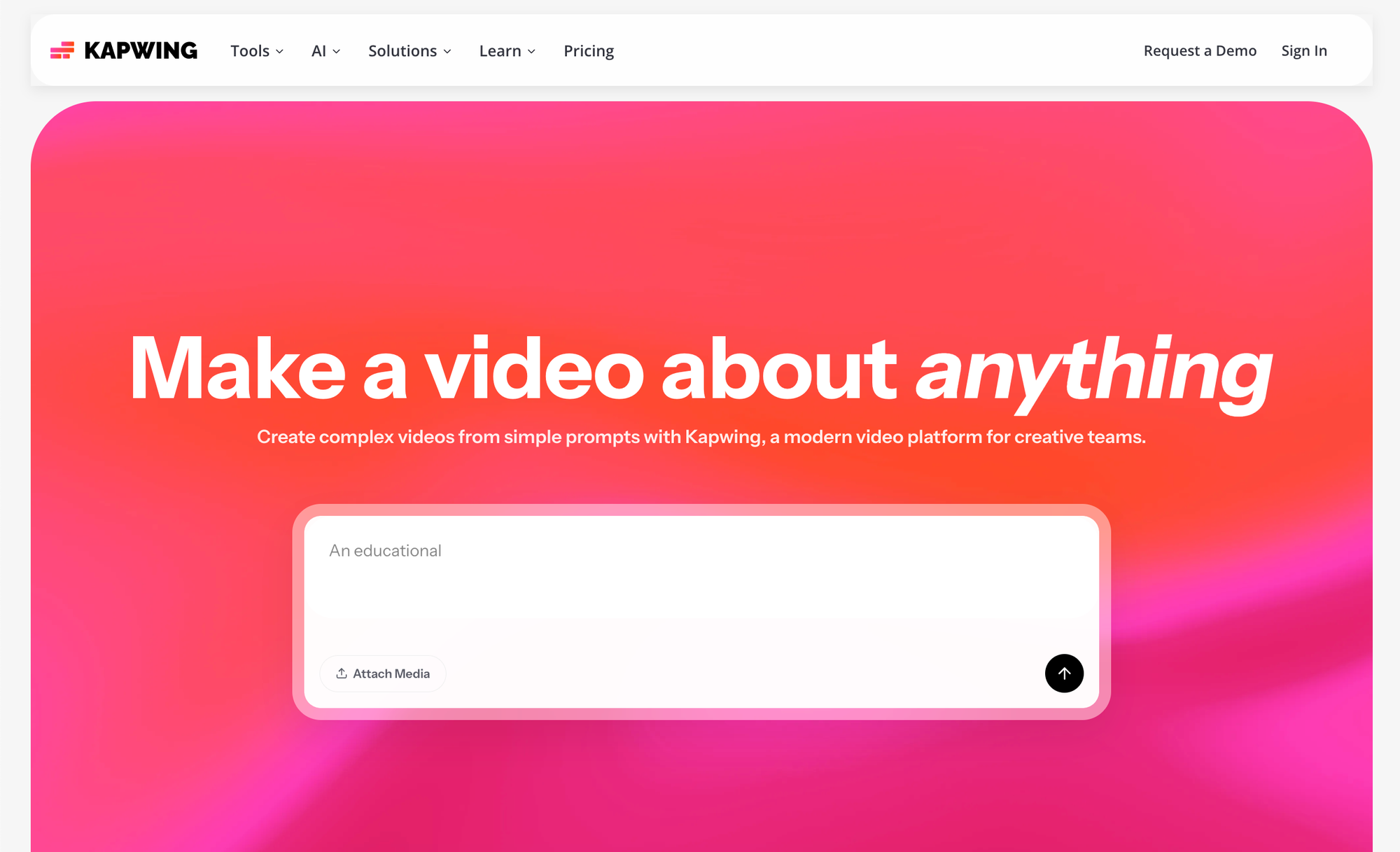
To close the year out, we launched the new homepage visual branding and design. The Kapwing AI prompt box is now advertised at the top of the homepage. We also added the new Kapwing logos and colors across our brand surfaces.
Smart Music Selection
In the Audio tab, Kapwing will recommend background music tracks for you depending on the transcript of your video. Find the Smart Audio tool under the "Audio" tab on the left-hand side. When you click it, Kapwing will transcribe the video and use the sentiment to inform background music options. Filter down with the "Royalty-free ony" tab and browse before adding one to your project.
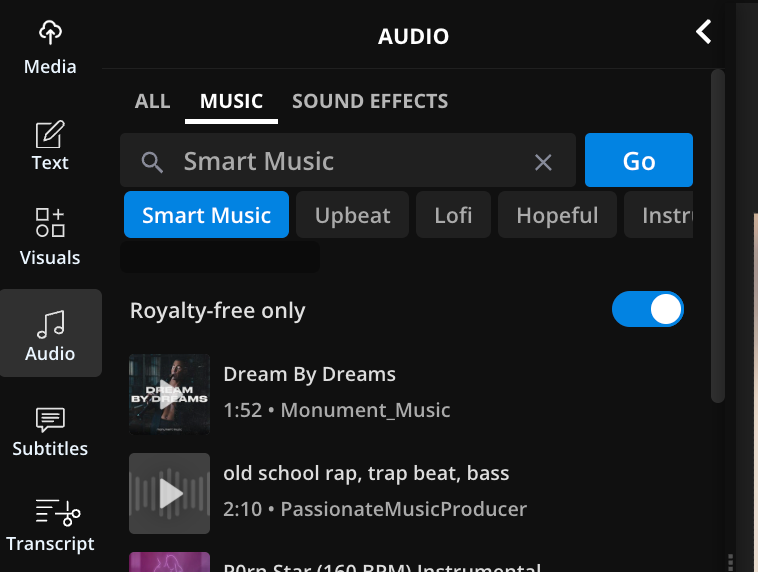
The goal of Smart Music is to make it easier for creators to find royalty-free music for their videos, with the help of AI.
Script to Video Advanced Mode with Character Consistency
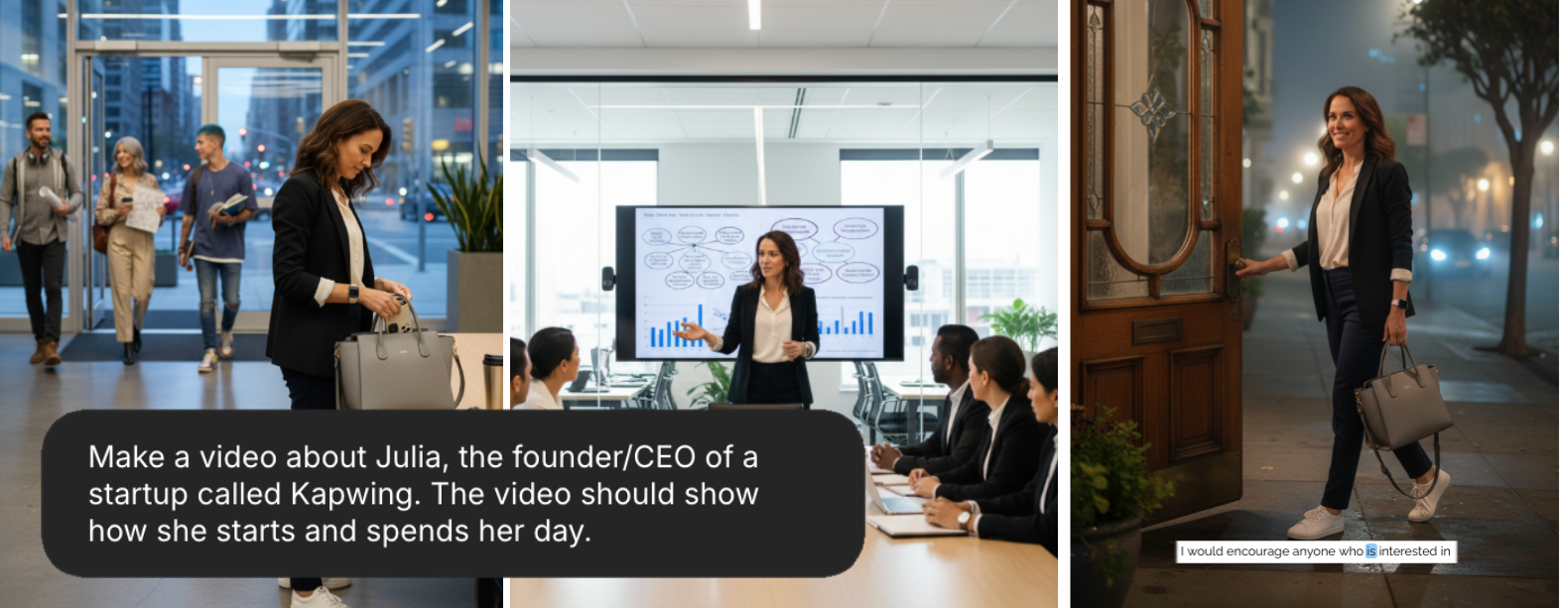
If you use Kapwing's AI Video Generator, you can describe a video that you want and bring it to life. Kapwing will generate multiple scenes to match your request as closely as possible.
Now, with the new "Advanced Mode," multi-scene videos will contain consistent character images across scenes. That means that the face, identity, and outfit of the characters will look the same in each scene, making a narrative more realistic and cohesive. To try it, select "Advanced" mode in the Kapwing AI Model Preferences. Select "Advanced" under the "Script to Video" label.
Streamlined Credit System
On December 1, Kapwing rolled out a new AI Credits system to simplify Kapwing's paid subscription offering. Now, our AI products like Transcription, AI Dubbing, Lip Sync, Eye Correction, and others pull from a single AI Credits pool rather than their own dedicated monthly limits. Pro, Business, and Enterprise subscribers have a set number of credits to use each month. Review the remaining credit balance in Workspace Settings > Billing.
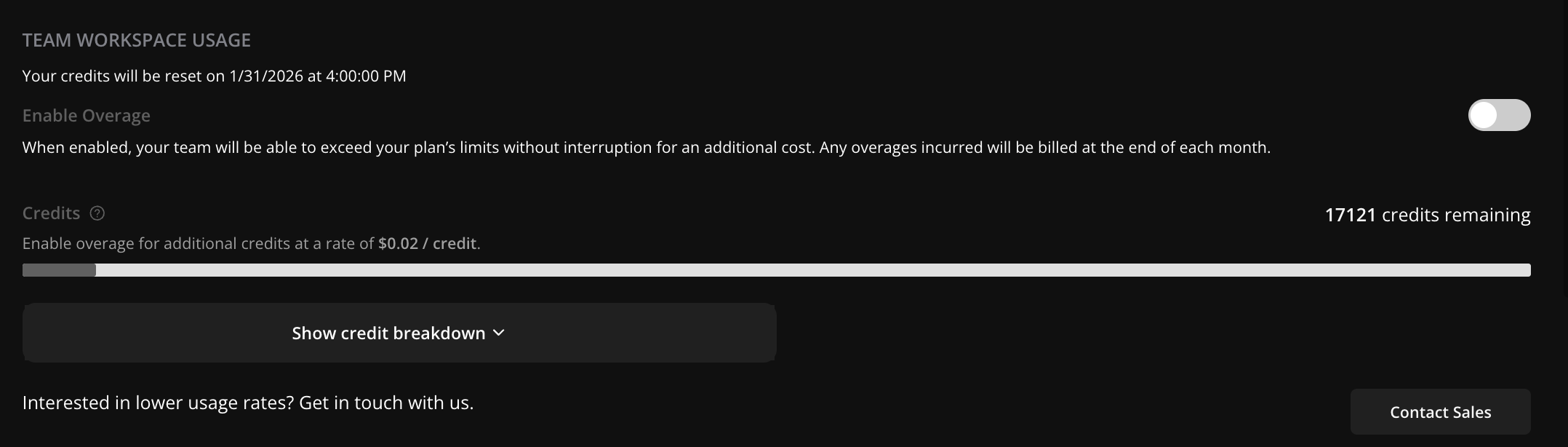
To make the limits more clear to customers, we also introduced a new Credits Calculator in Workspace Settings. Under "Show credit breakdown" in Workspace Settings > Billing, users can see how many minutes they can use within each feature given the remaining credit balance in that workspace.
Learn more on our updated pricing page.
Bug Fixes and Small Changes
- Deprecated the historical basic and team plan. These customers have been moved to Pro going forward.
- Rolled out a bug on December 14 related to the duration of converted assets, including .MOV and .MP3 files. This was fixed in early January, but caused some disruption for customers adding subtitles and transcribing audio-only projects.
- Kapwing AI can now translate subtitles. Ask for translated captions using a natural language prompt, like "add Turkish captions"



