
Introducing Design Templates on Kapwing
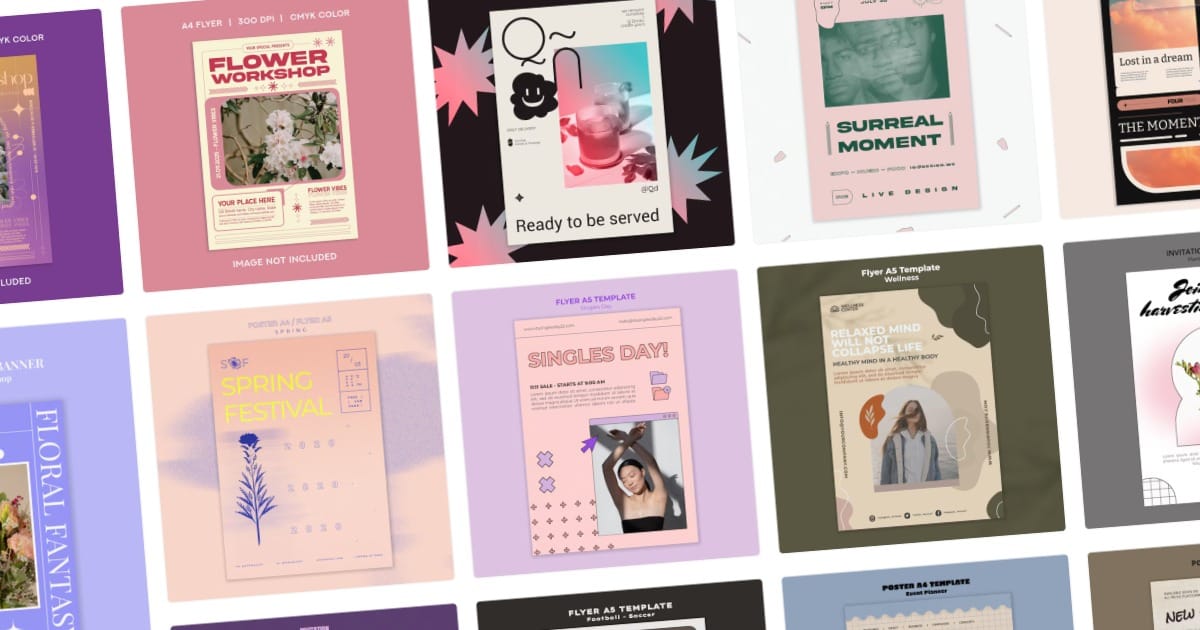
I'm excited to announce a brand new release on Kapwing. Say hello to design templates!
Kapwing now offers millions of professionally designed templates in almost any category that you can imagine: everything from aesthetic posters to birthday Instagram posts to cafe menus to Valentine's day cards - if you need a design, it's likely that we have a beautiful, handcrafted template to help you get started.
Every template is fully editable in the Kapwing — no design software required. Customize colors, fonts, images, and layouts to fit your vision perfectly. So whether you're making an elegant wedding invitation, crafting a pitch deck, or designing an event flyer, you'll be able to find the right starting point for your creative efforts.
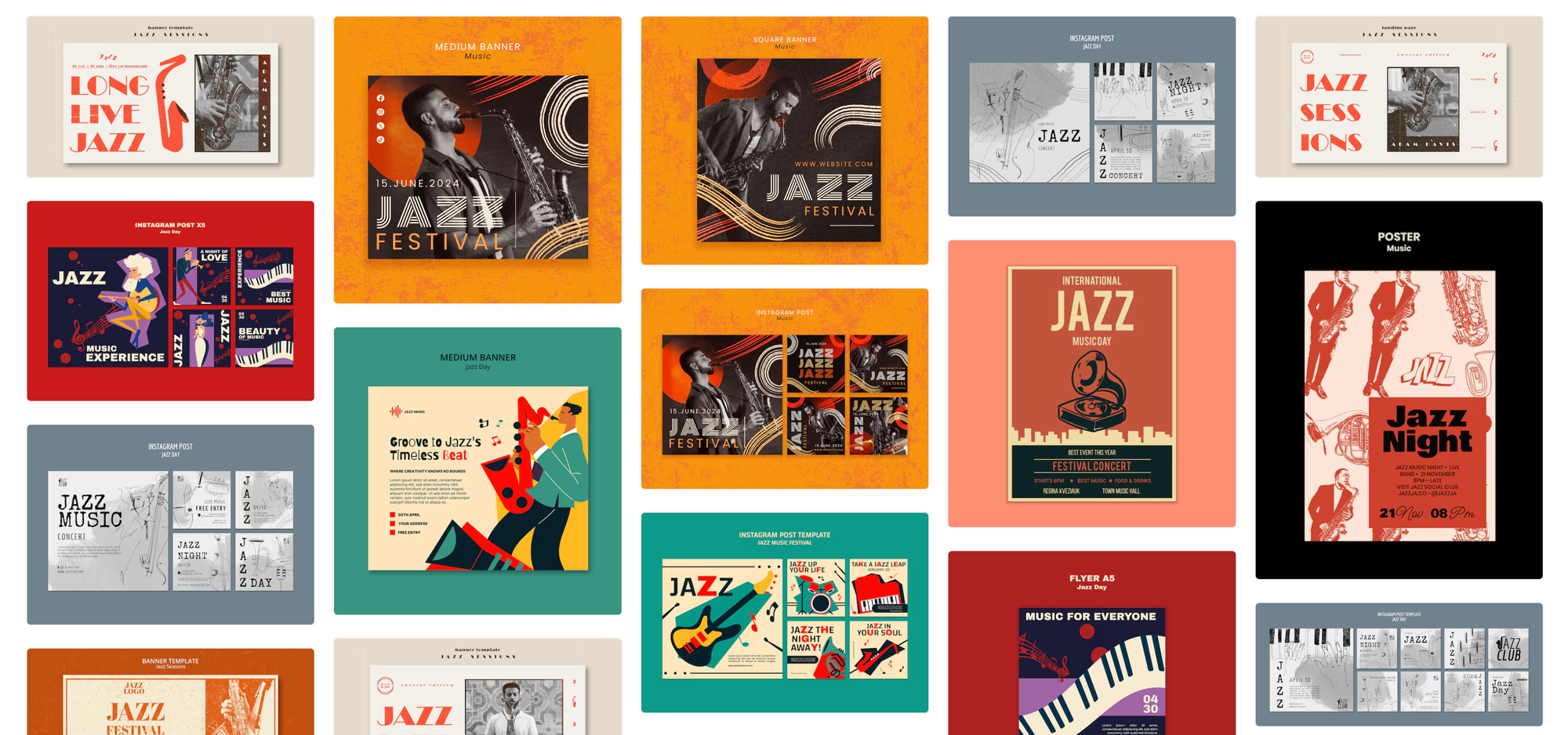
Talented designers and illustrators have been working tirelessly to make these templates available, and we know you'll love this collection of templates that can be found both in our collection and directly within Kapwing Studio.
To top it all off, every single template is completely free. There's no fee to import the templates for editing, and designed templates do not contain paid elements and are free to edit and export directly within Kapwing. Our hope that all Kapwing users, whether paid or not, have access to quality templates and are able to have their creation match up with what they can imagine.
How do I get started with design templates on Kapwing?
To get started, simple head over to our templates page, and get started browsing the different template categories and millions of templates that are available.
When you find a template that you like, just click on the preview and you'll have the option of importing it into Kapwing for further editing and customization:
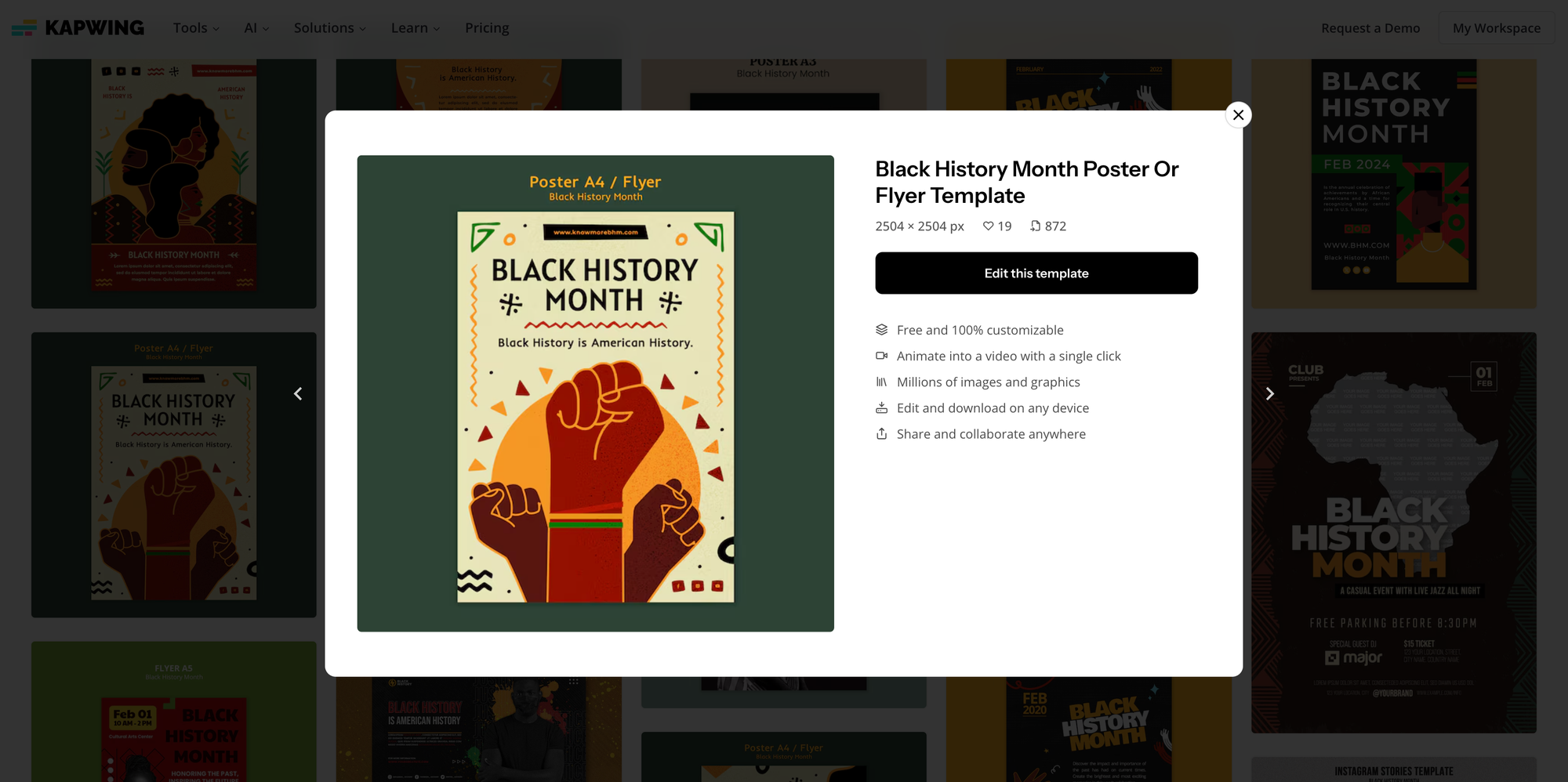
Importing the template into Kapwing may take a few seconds, but once the template has completely imported, it will be available for editing.
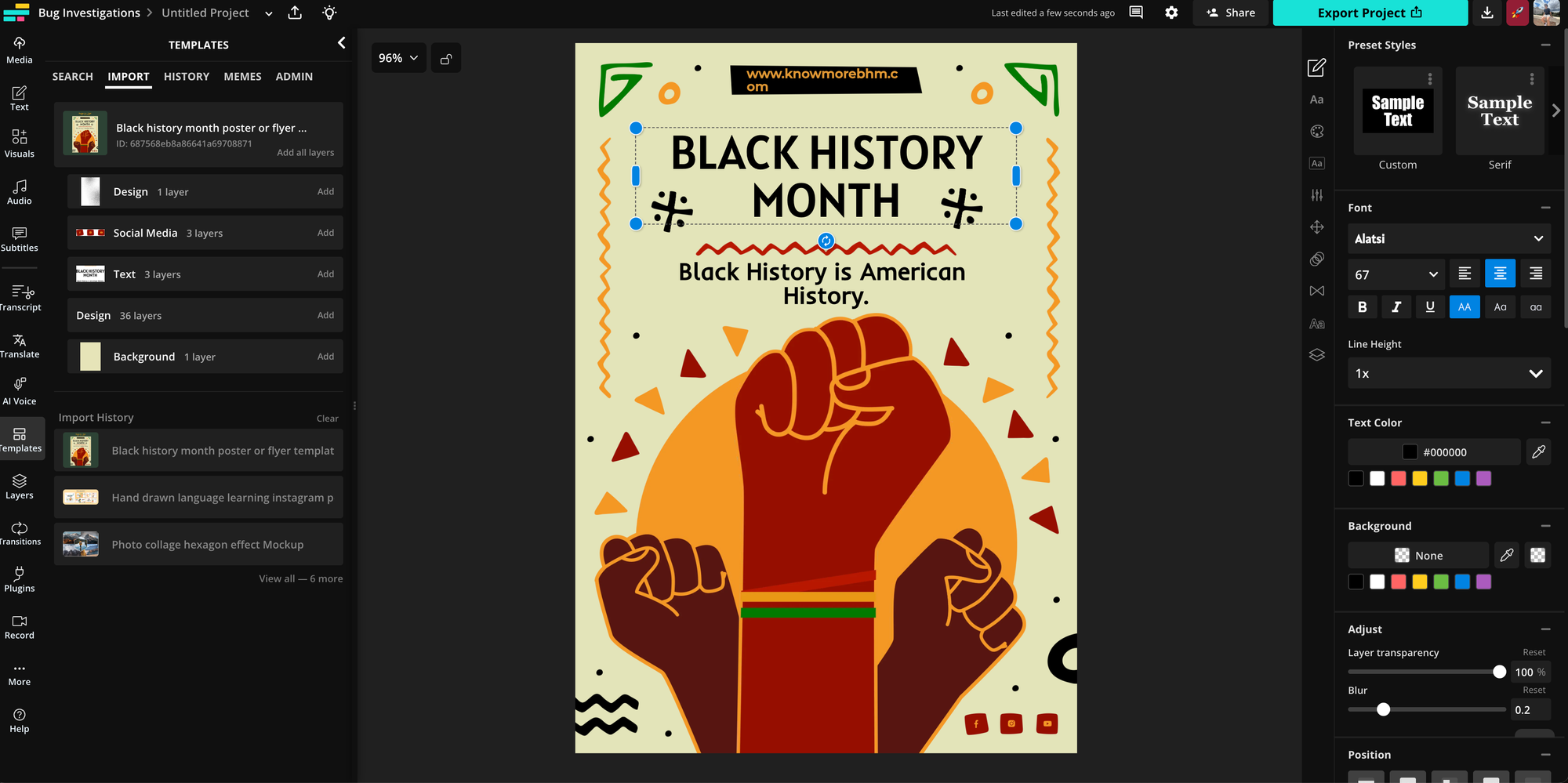
The left hand sidebar shows the layers associated with the selected template, and also allows you to search for new templates, as well as see a history of the templates that have been previously imported.
Using the right hand sidebar, you can control aspects of the template, including the font size, color, design characteristics, and other elements that you'd like to edit.
Turn an image template into a video in a single click with Magic Animate
As part of this launch, we are also rolling out Magic Animate, which allows you to turn an image design into a beautiful video in a single click.
Magic Animate animates the individual layers of your template, turning it into a video that can be easily exported or further customized within Kapwing.
Magic Animate for a template on Kapwing
With Magic Animate, you no longer need to add animations manually to layers, or use complicated animation software to get the effect that you want for more engagement on social media. Just click and your template will turn into a animated video right away.
What's next?
This launch is just the beginning for creativity and design on Kapwing. We’re committed to expanding the template library regularly with fresh styles and categories so you always have inspiring content at your fingertips. We're excited to see what kind of designs and videos you'll create with templates!



